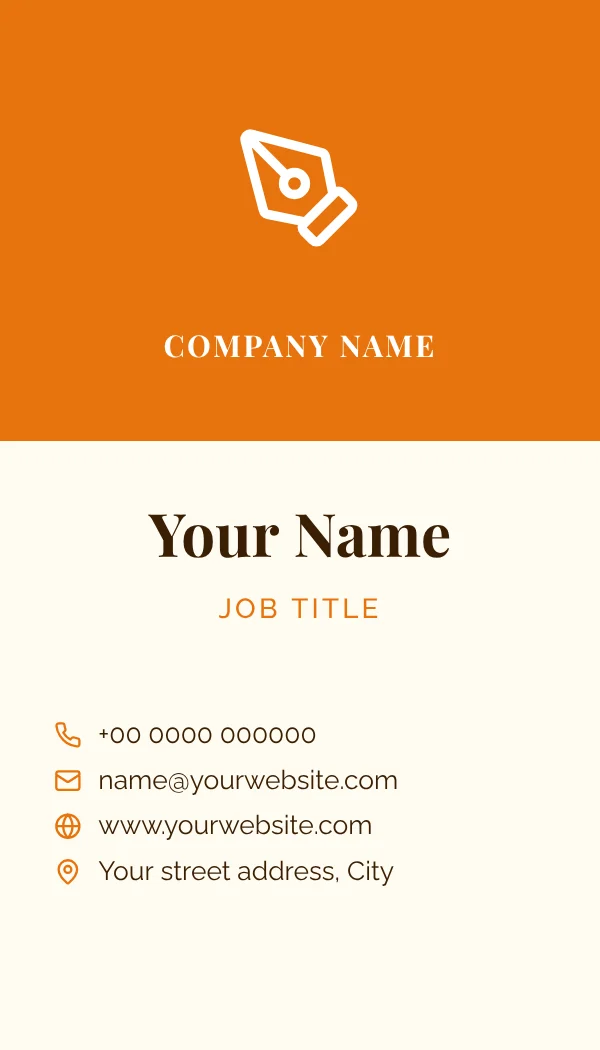
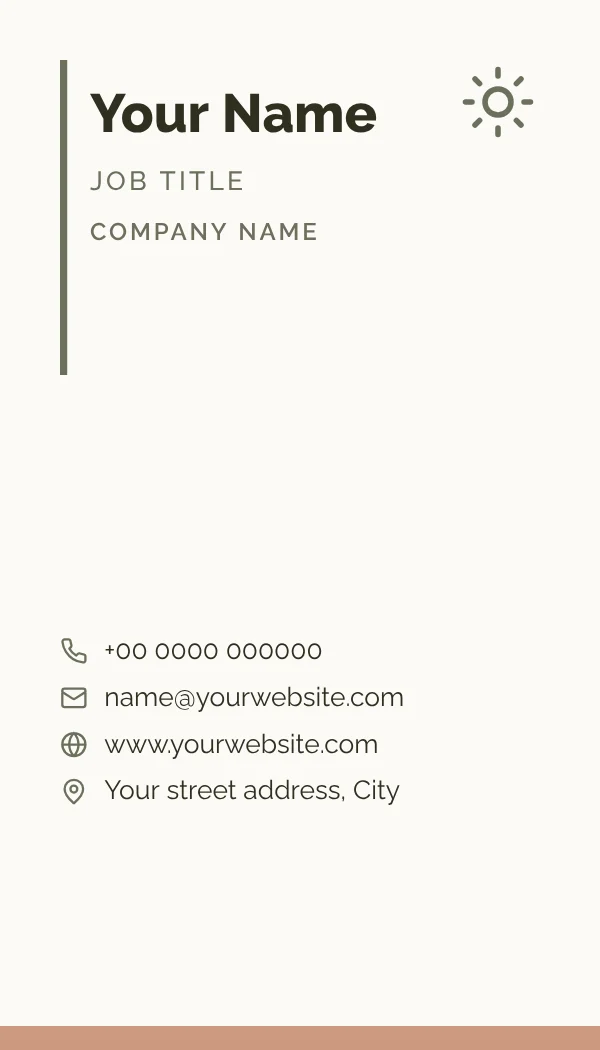
Vertical Business Card Templates
A vertical business card is the standard card turned on its side: 2 x 3.5 in instead of 3.5 x 2 in. It stands out in a stack of horizontal cards. Edit any of these 12 templates free.
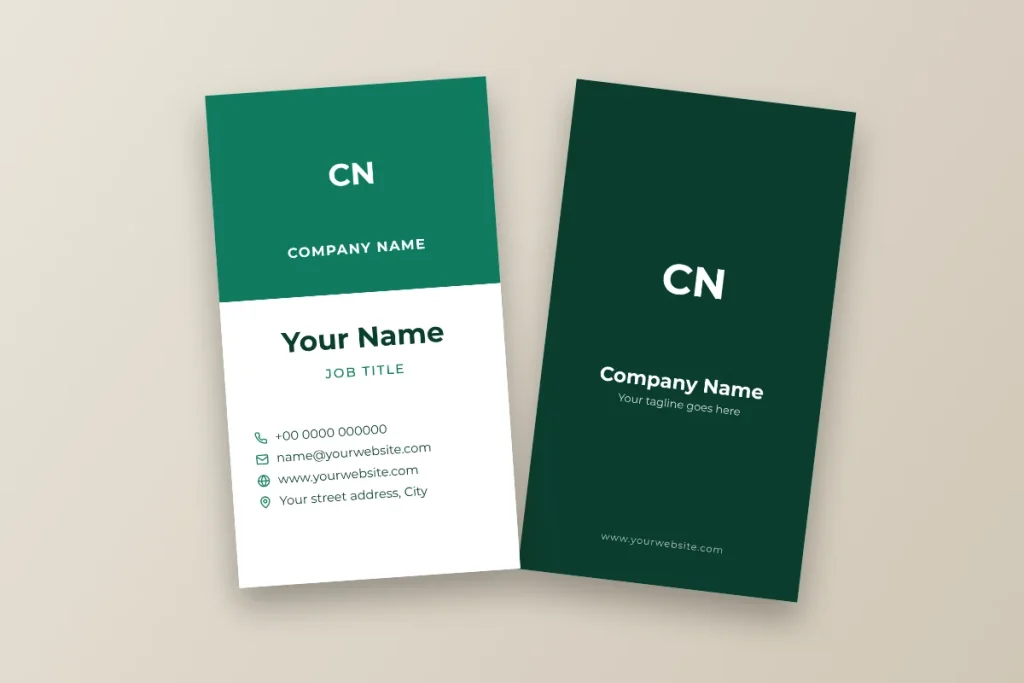
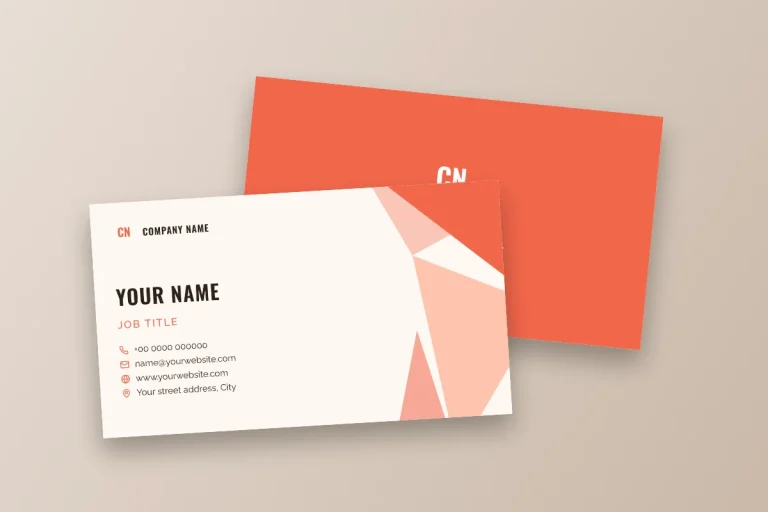
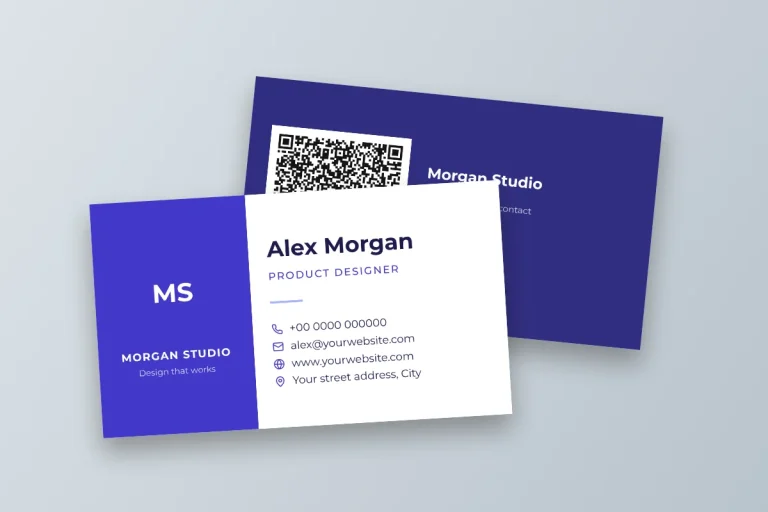
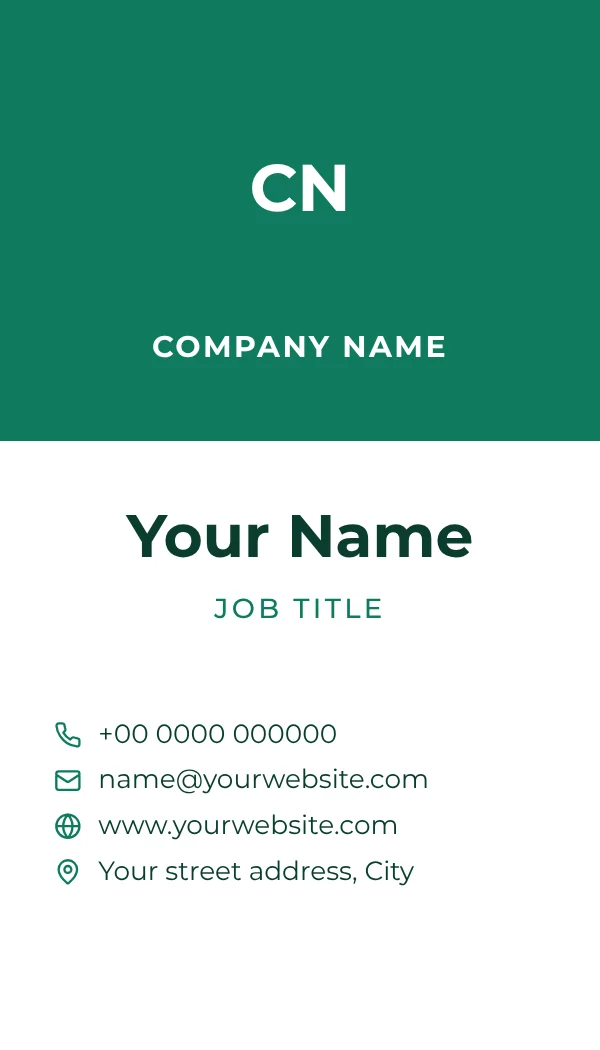
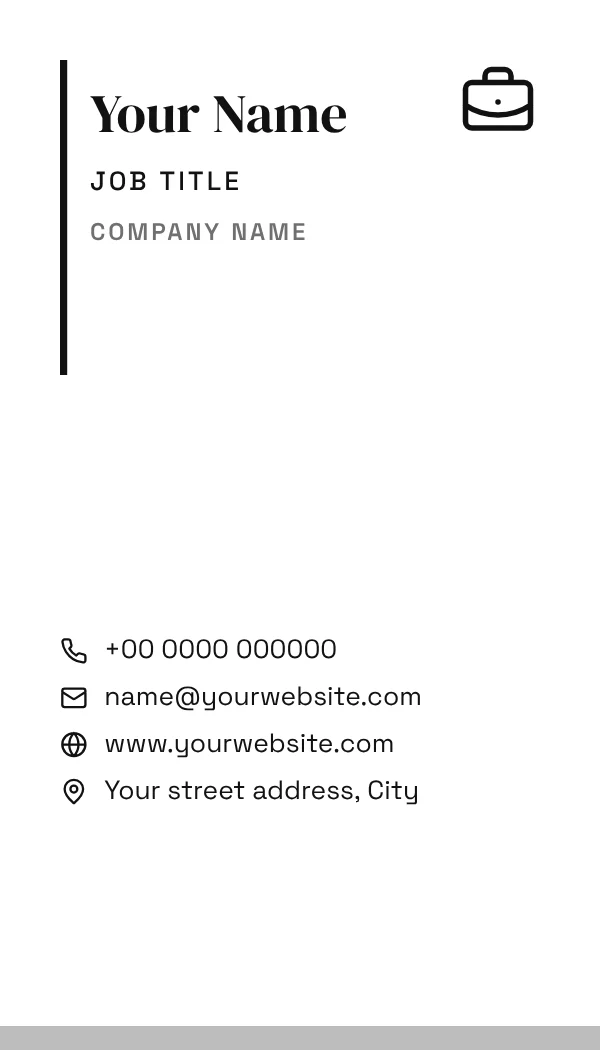
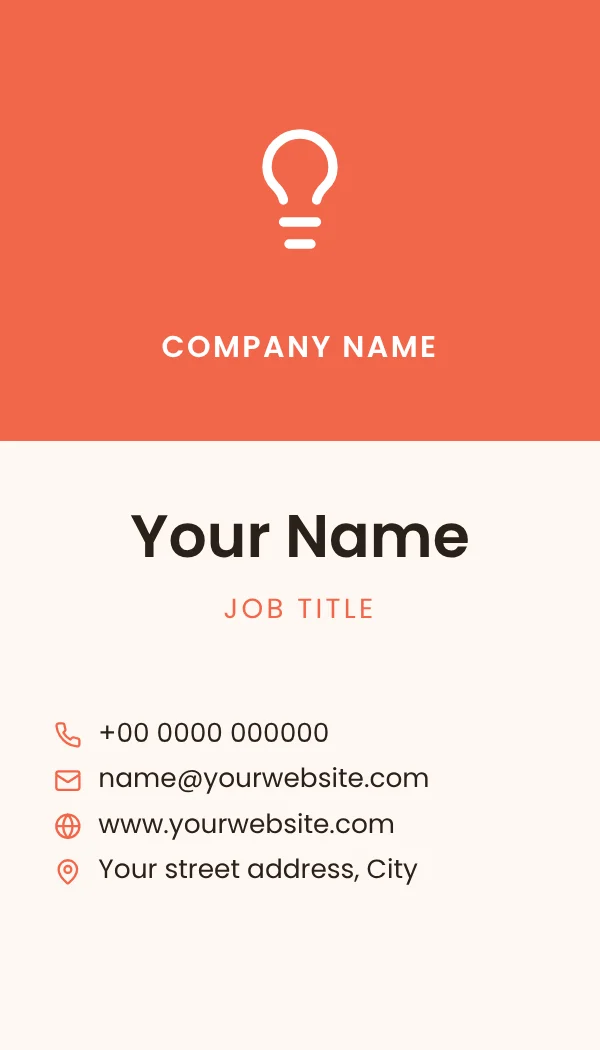
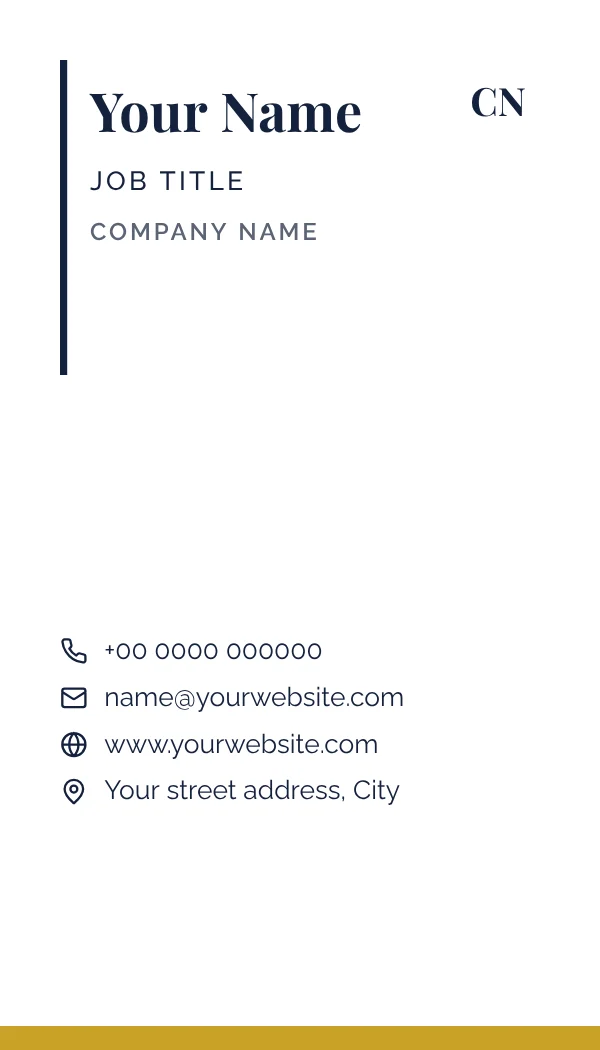
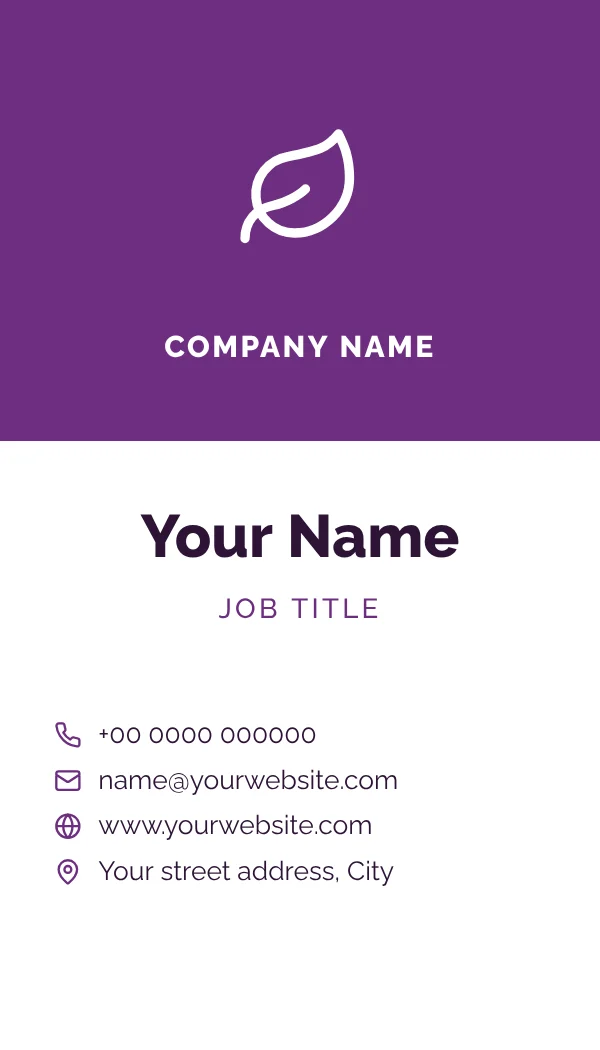
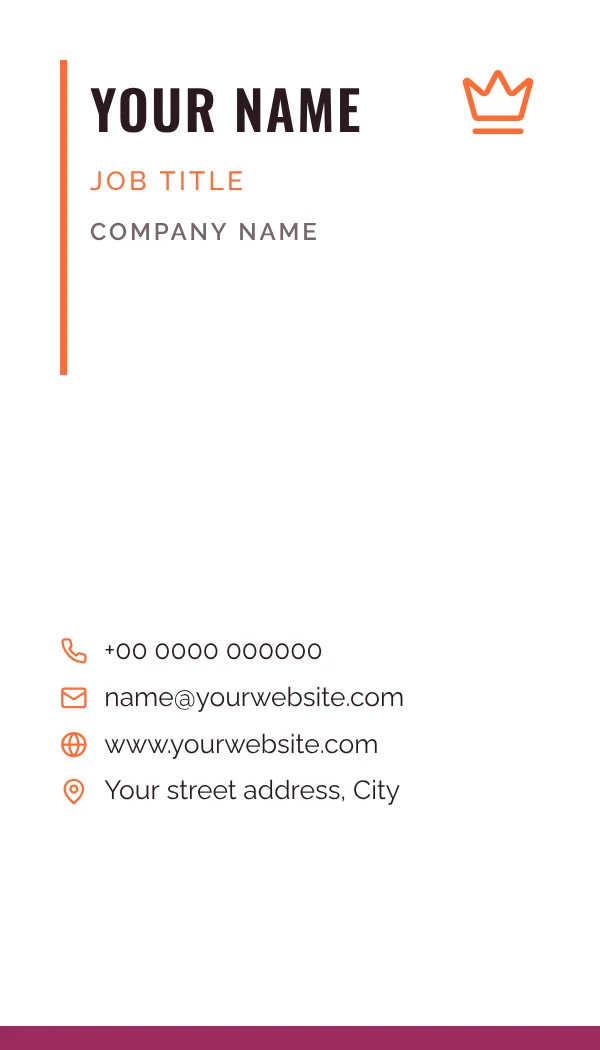
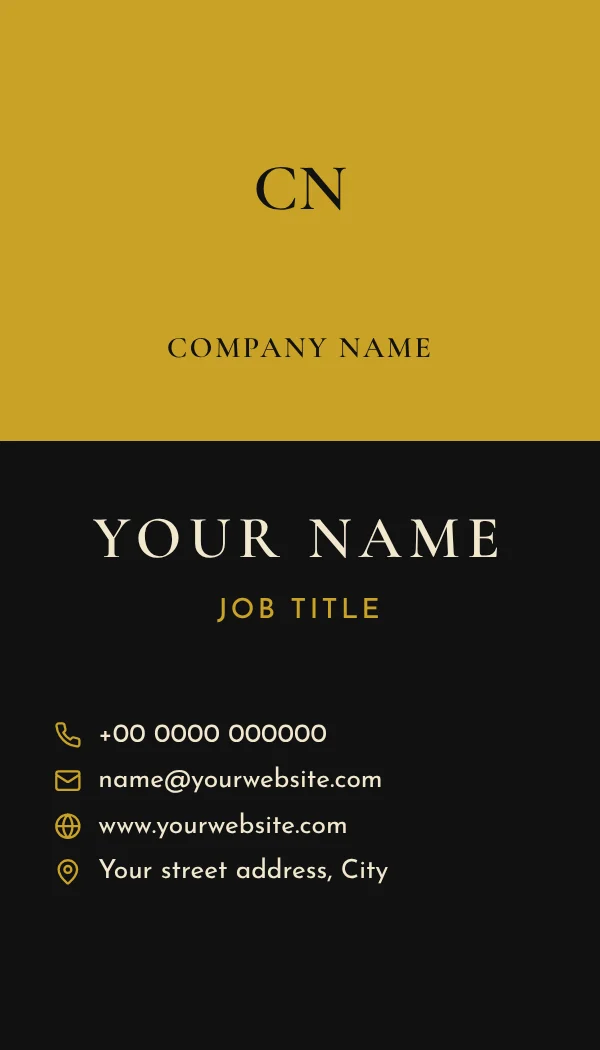
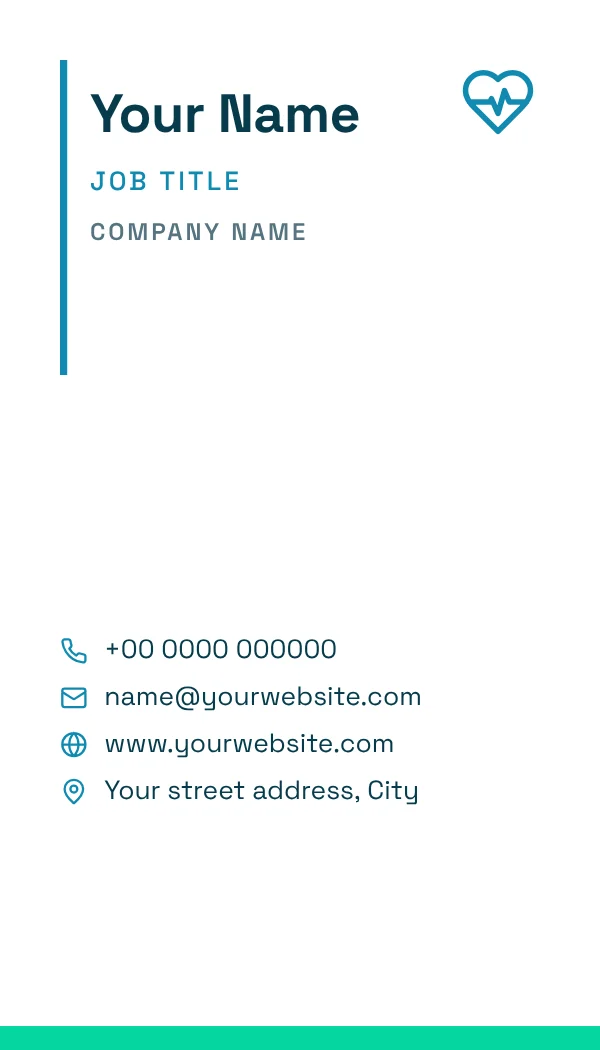
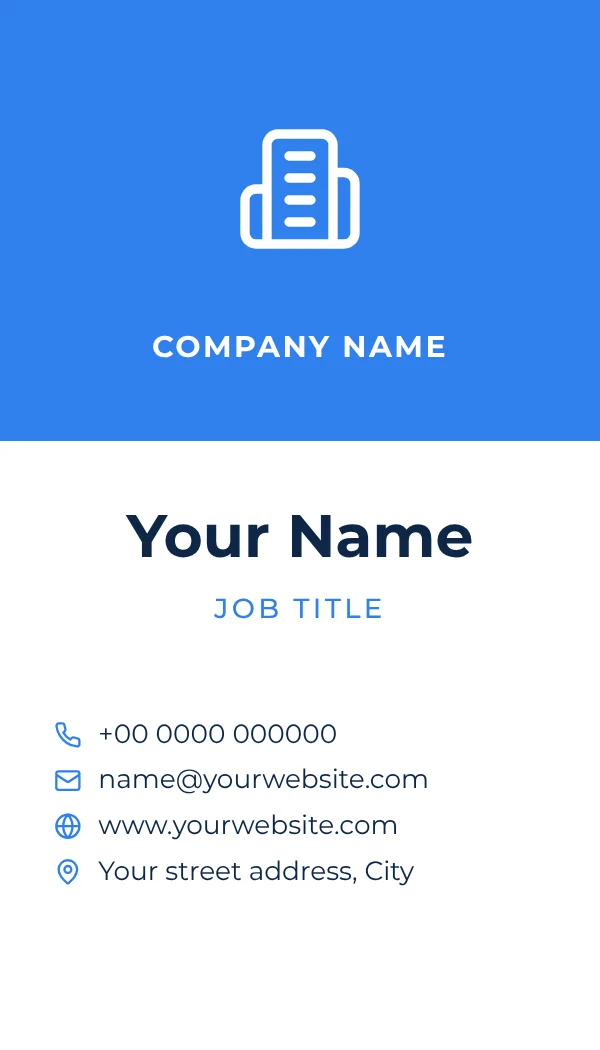
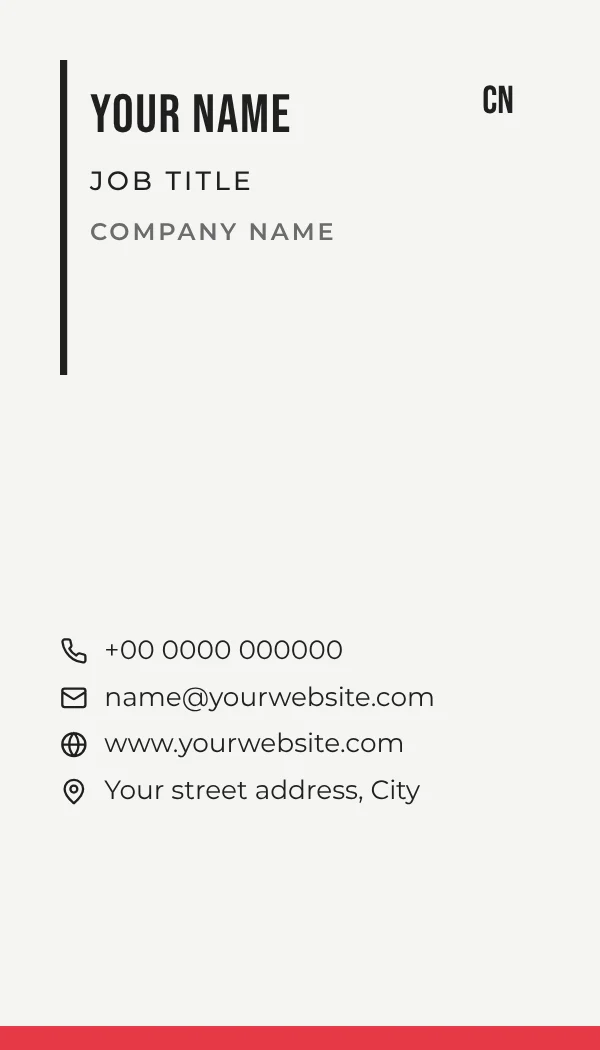
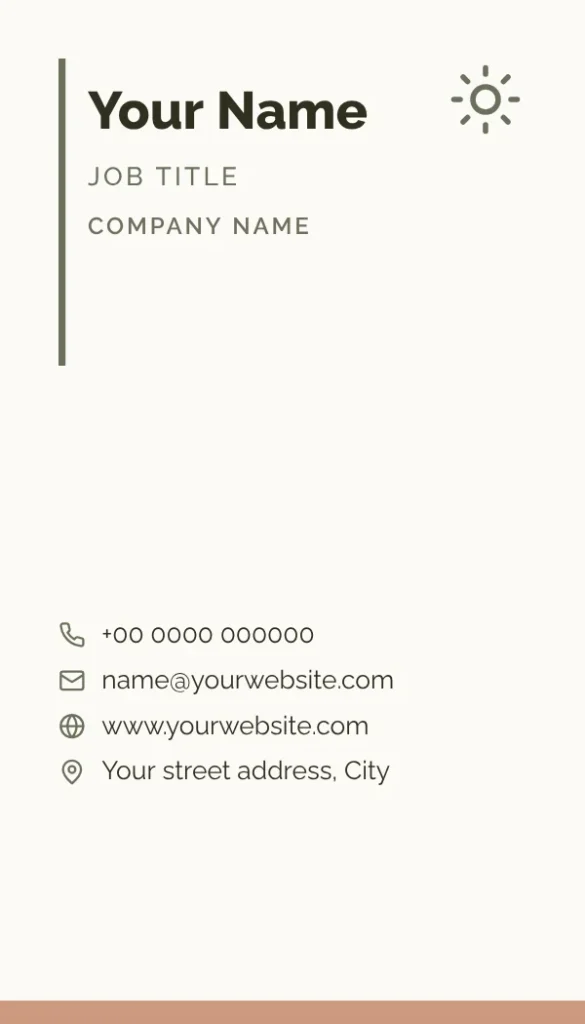
A vertical business card uses the same size as a normal card, rotated into portrait orientation, so a US card becomes 2 in wide by 3.5 in tall and a European card 55 x 85 mm. Because most cards are horizontal, a portrait business card is noticed the moment it is handed over. Each of the 12 templates below has a front and a back and opens in the free maker, where you can replace the placeholder details and download a print-ready file.
Any design in the maker can also be switched between horizontal and vertical, so you can try a favourite layout both ways.
12 free vertical business card templates
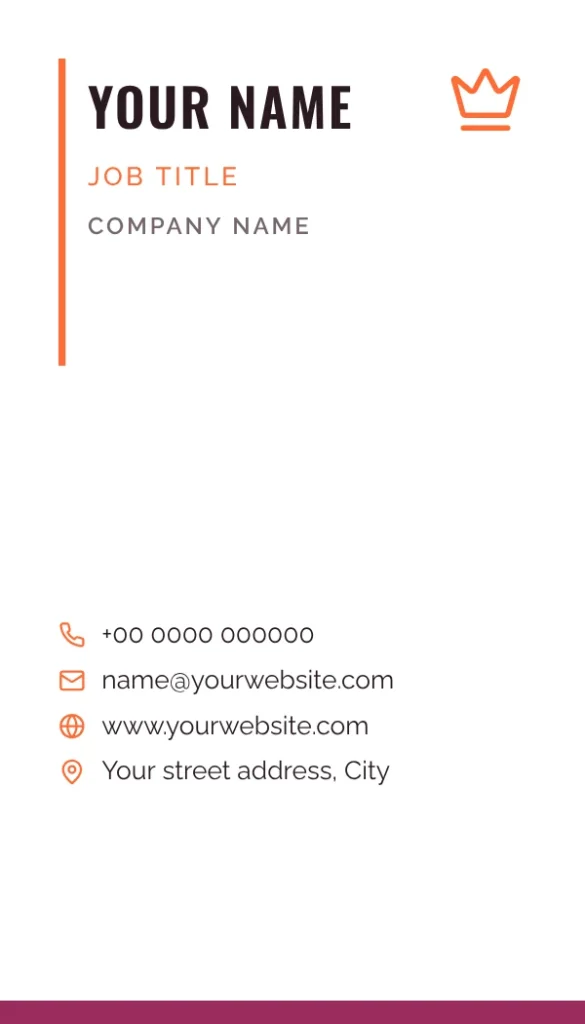
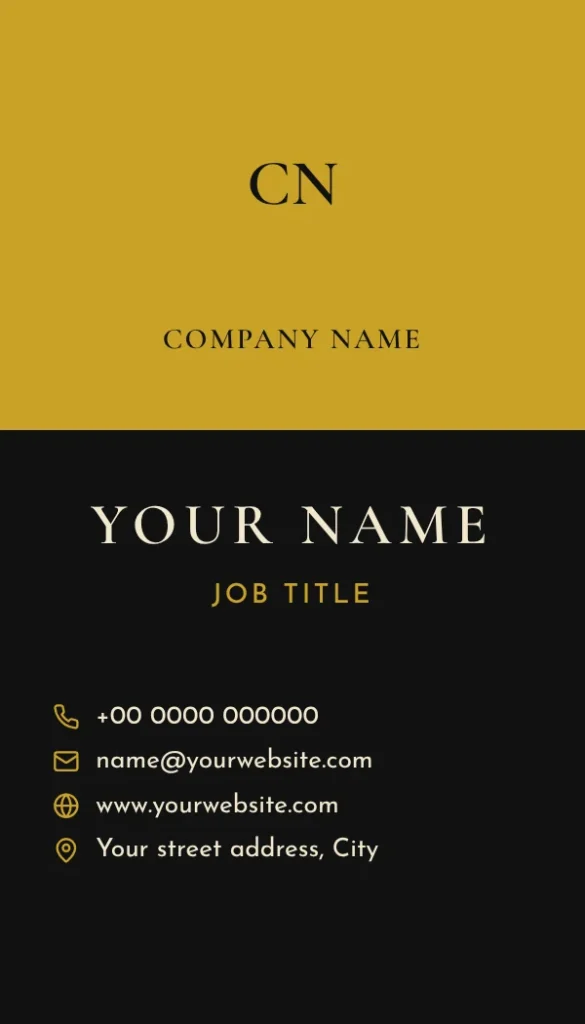
Hover or tap a card to see the back. Customize to edit and download.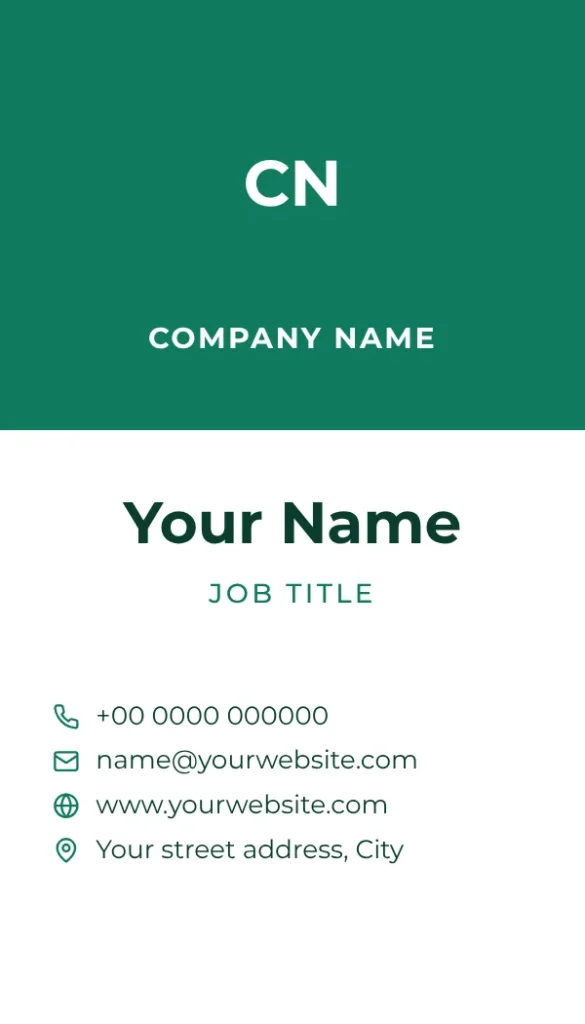
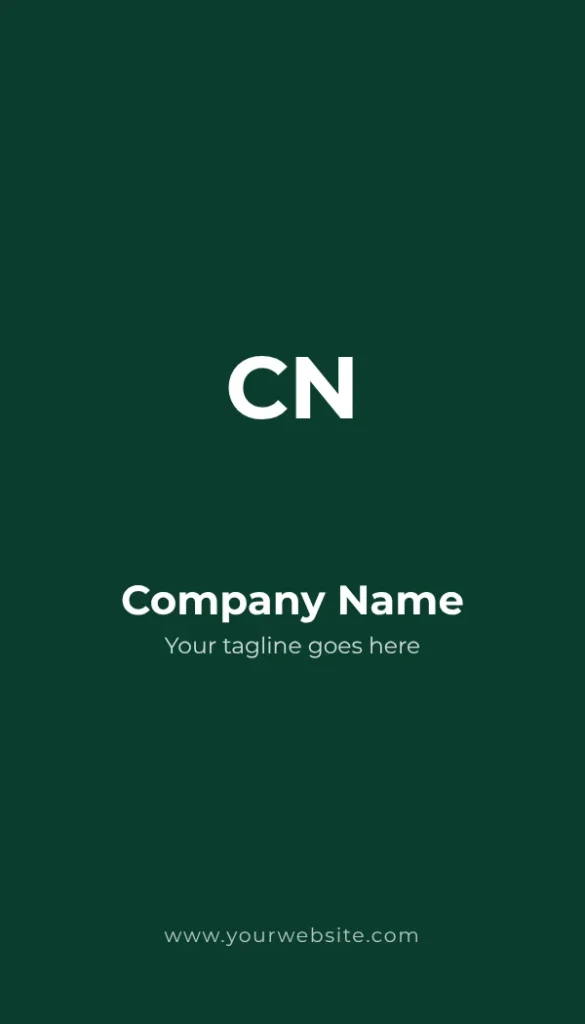
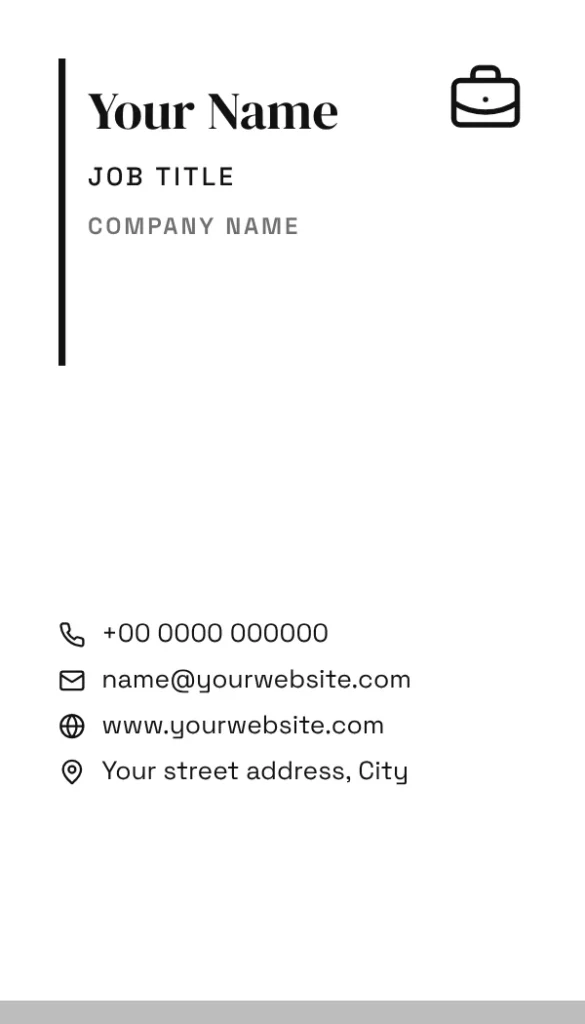
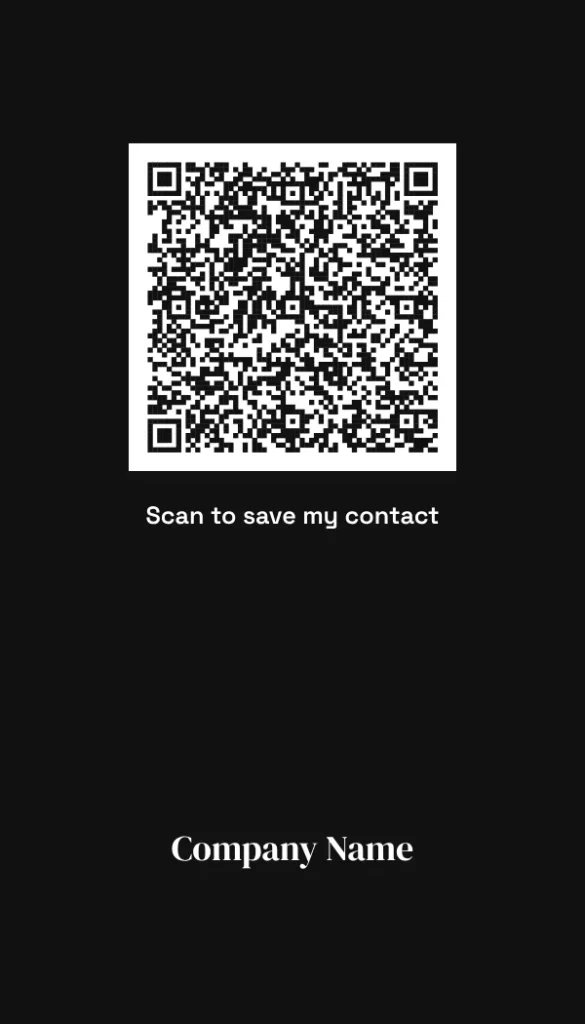
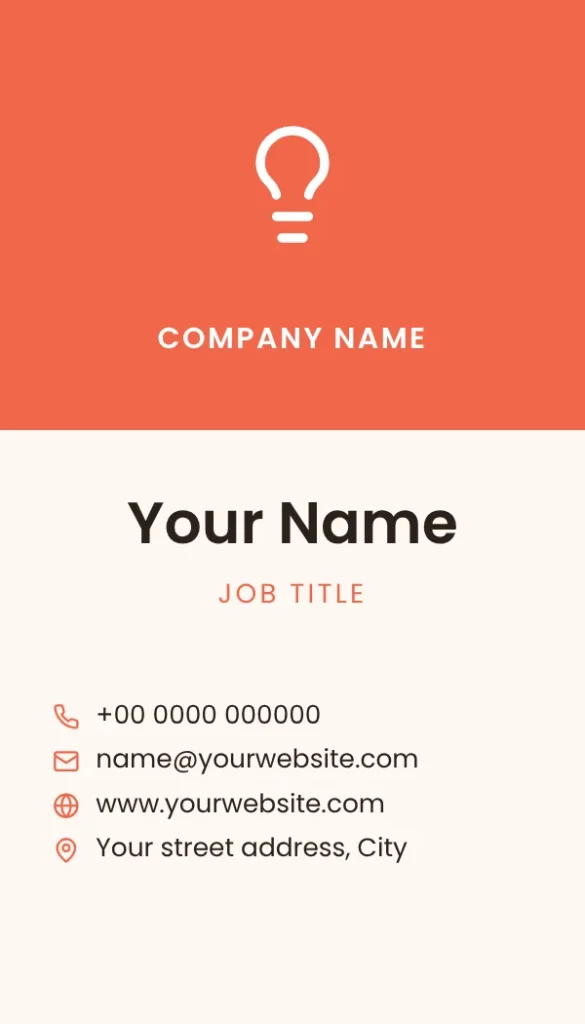

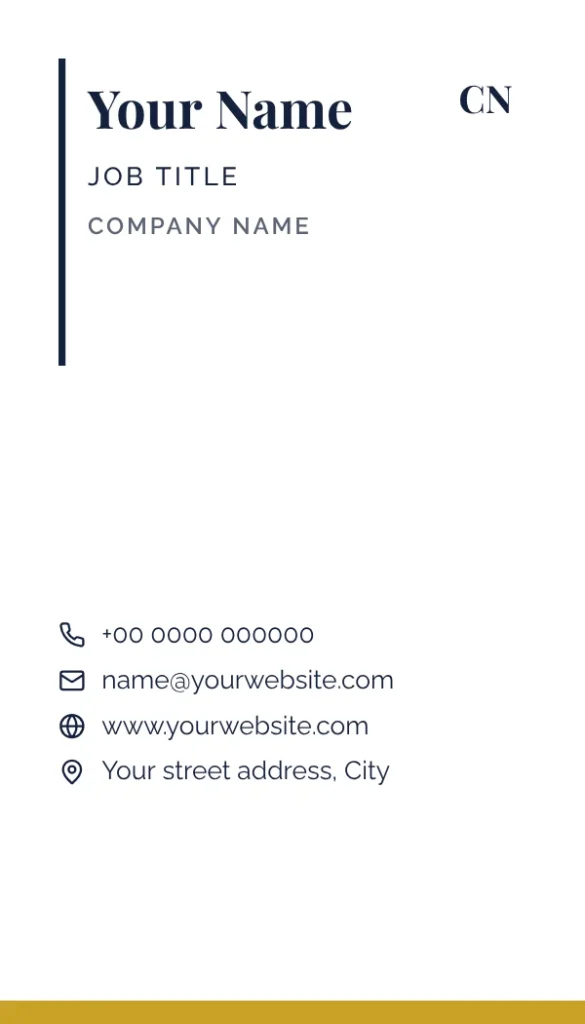
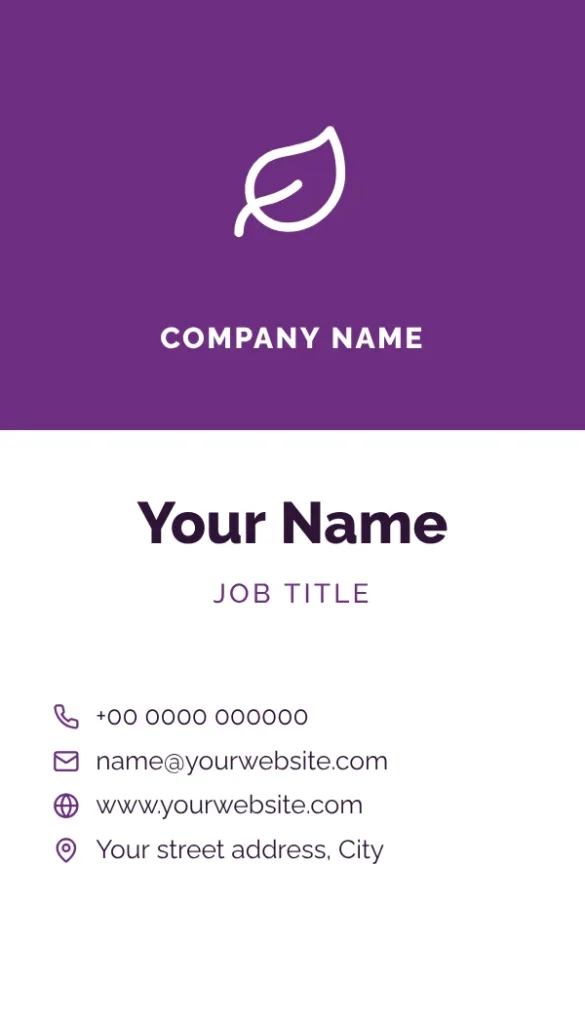
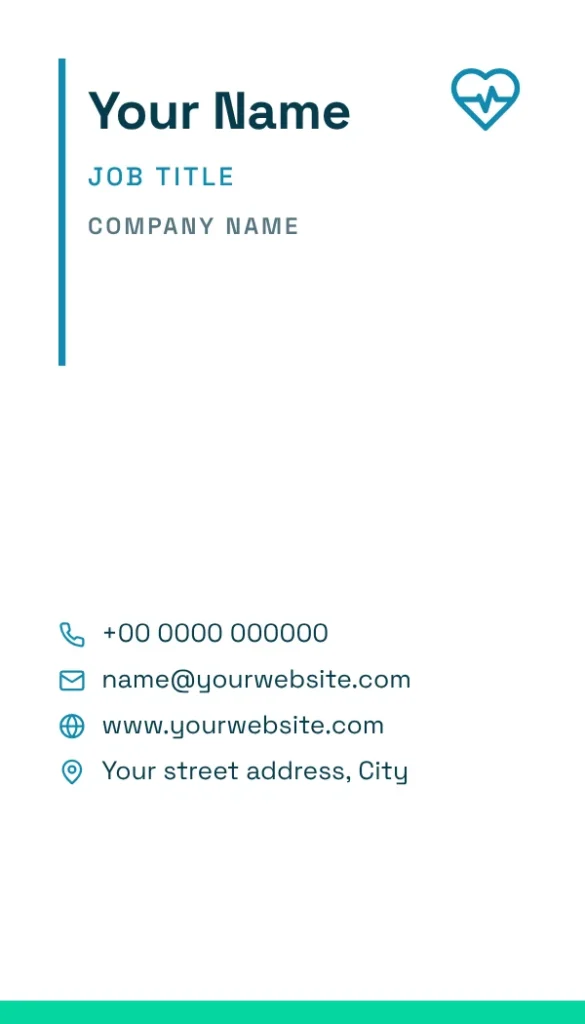
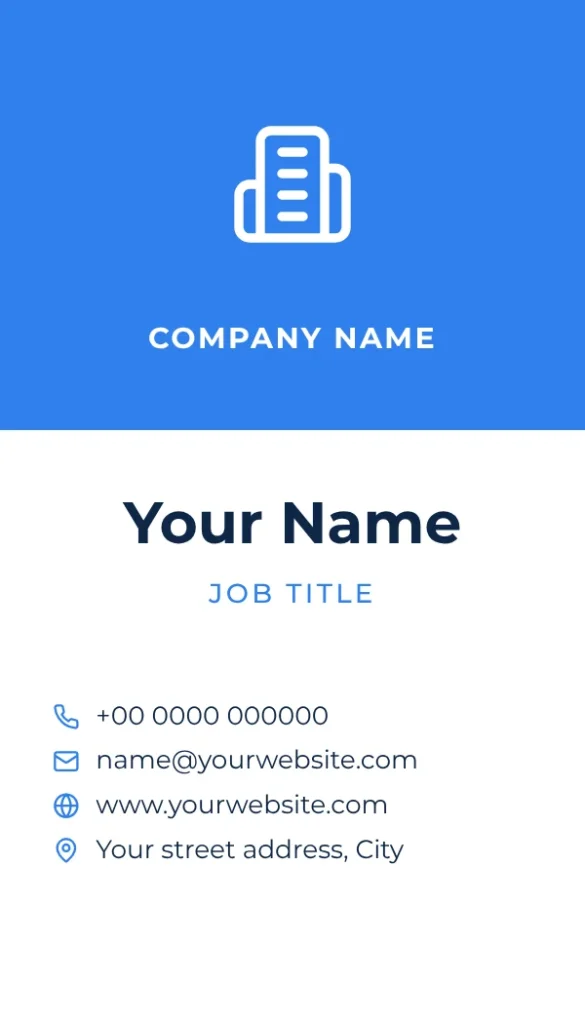
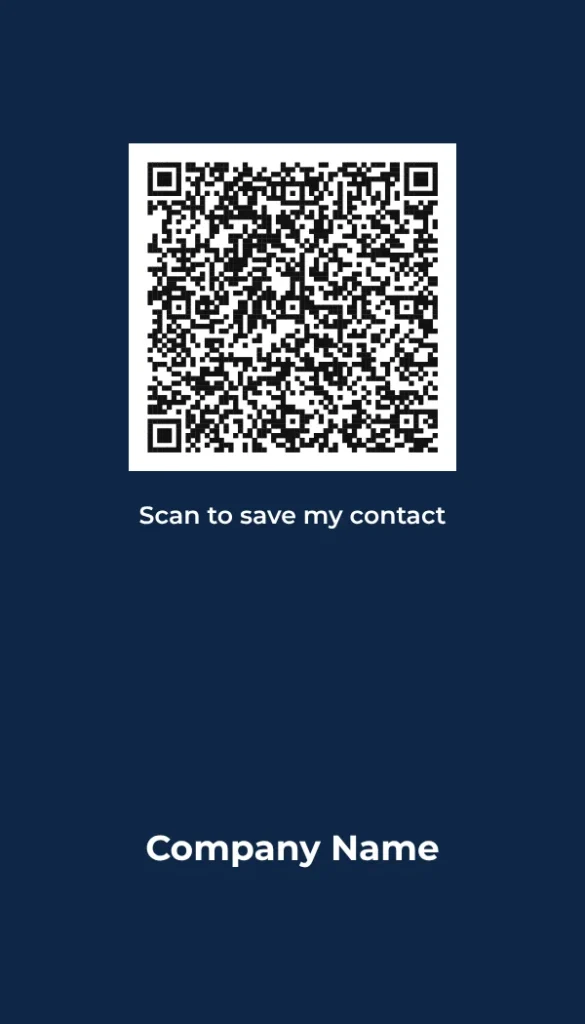
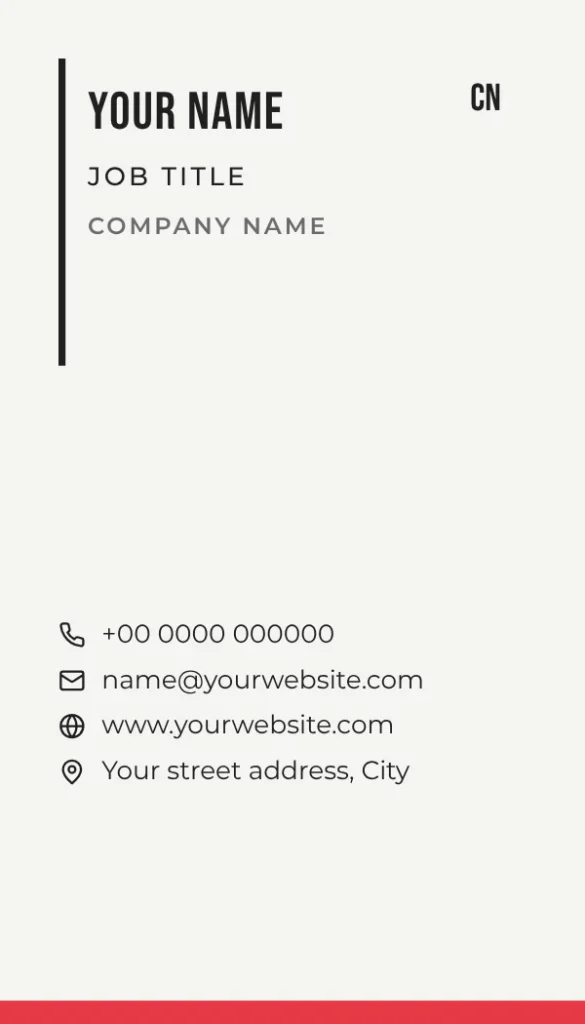
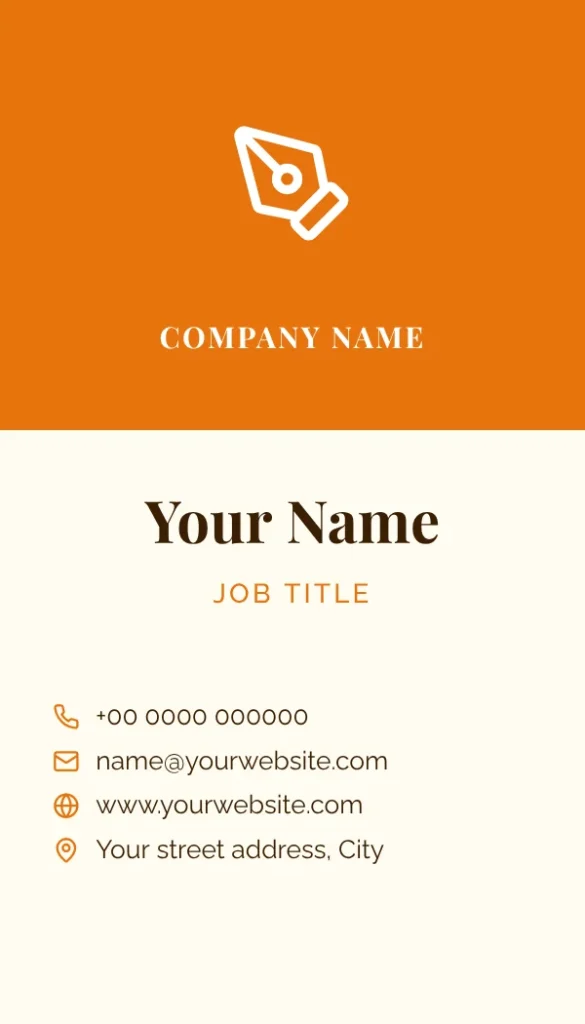
When to choose a vertical visiting card
A vertical layout suits people who want a modern, slightly unexpected card without loud graphics. It works especially well for:
- Creative fields: designers, photographers, architects and stylists. See creative visiting card designs for more bold ideas.
- Personal brands: a tall card mirrors a phone screen and suits a portrait photo or a social handle.
- Logos that are tall or stacked: a vertical card gives them room without shrinking.
- QR-led cards: a QR code sits naturally at the bottom of a tall layout, with the name above.
Conservative industries can use it too; a vertical card with a centred serif name looks formal and fresh at once.
Vertical business card size and setup
Vertical cards use the same trim size as horizontal ones, simply rotated. Bleed and safe zones work the same way.
| Standard | Vertical trim size | Notes |
|---|---|---|
| US and Canada | 2 x 3.5 in | With 0.125 in bleed: 2.25 x 3.75 in. At 300 DPI: 600 x 1050 px trimmed. |
| Europe and UK | 55 x 85 mm | Bleed of 2 mm or 3 mm is common; follow your printer. |
| Japan | 55 x 91 mm | Also used by some printers in India. |
| China | 54 x 90 mm | Check your printer's template. |
In India, 3.5 x 2 inches is the most common size and some printers use 91 x 55 mm, so ask your printer. Full details are in the business card size guide and the visiting card size guide for India.
When you order, tell the printer the card is vertical and make sure the front and back are both in portrait orientation, so the back is not printed upside down or sideways.
Design principles for a portrait business card
- Read top to bottom. Put the logo or name in the upper third and the contact details in a compact block near the bottom.
- Use narrow lines. At 2 in wide, a long email address may not fit at a readable size. Shorten it, stack it, or move it to the back.
- Centre or left-align, consistently. Centred stacks look formal; left alignment feels editorial and modern.
- Use vertical space boldly. A tall initial, a coloured band across the top or a full-height stripe down one side all play to the shape.
- Keep the safe zone. Text should stay 0.125 in inside the trim on every side, leaving a 1.75 x 3.25 in area on a US card.
Typography, colour and finishes
Because lines are short, choose a typeface that stays clear at small sizes, and keep text at 8 pt or larger, as MOO recommends. A condensed sans such as Oswald fits more characters per line; a serif name with a sans for details adds polish. Colour blocks that cover the top half, or a dark back with a light front, emphasise the tall shape. See visiting card colour combinations for palettes.
Finishes that suit vertical cards include rounded corners, a spot UV stripe running the full height, and foil on a monogram at the top. Thick stock helps the card stand upright in a holder. Costs vary by quantity and finish.
Mistakes to avoid
- Simply rotating a horizontal design. Long lines that fit across 3.5 in will not fit across 2 in. Rebuild the layout for the new shape.
- Mixed orientation. A vertical front with a horizontal back can feel clumsy unless it is deliberate.
- Text squeezed to fit. Do not shrink an email address below a readable size; shorten or move it instead.
- Wrong orientation in the print order. Check the printer's preview before confirming.
- Home print sheet confusion. Standard 10-up sheets are laid out for 3.5 x 2 in cards, so always print a test page on plain paper first and check that every vertical card lines up with the sheet.
Frequently asked questions
What size is a vertical business card?
The same as a horizontal card, rotated. In the US and Canada it is 2 x 3.5 in (2.25 x 3.75 in with 0.125 in bleed). In Europe and the UK it is 55 x 85 mm. In India 3.5 x 2 inches is most common and some printers use 91 x 55 mm, so ask your printer.
Are vertical business cards professional?
Yes. Vertical cards are widely used by designers, architects, consultants and executives. They look modern and stand out among horizontal cards. What matters is clarity: a clean hierarchy, readable details and good paper. A vertical card with a simple serif name can look just as formal as a classic horizontal one.
Can I turn any template into a vertical visiting card?
Yes. In the maker you can switch any design between horizontal and vertical orientation. After switching, check that long lines such as email addresses still fit at a readable size and stay inside the safe guides, and adjust spacing so the layout reads naturally from top to bottom.
Do printers charge more for vertical cards?
Usually not, because the card is the same size and only the artwork is rotated. Many online printers simply ask you to choose portrait orientation when uploading. Pricing varies by printer, quantity and finish, so confirm when ordering and check the preview to make sure the back is oriented correctly.
Should the back of a vertical card also be vertical?
In most cases yes, so the card reads naturally when flipped. Some designers deliberately make the back horizontal, for example with a wide logo, but it can confuse readers. If you do mix orientations, tell your printer clearly and check the proof before the job is printed.
Sources
More templates
 Creative Visiting Card Design TemplatesA creative visiting card design uses bold colour, unusual layouts and graphic shapes so people remember you....
- Business Card SizeThe standard business card size in the US and Canada is 3.5 x 2 inches (88.9 x 50.8 mm). Below: every common...
- QR Code Business Card TemplatesA QR code business card lets people scan the back of your card and save your name, phone and email straight...
- Free Business Card MakerDesign a business card or visiting card in minutes: choose a template, type your details, add a logo and...