Corporate Visiting Card Design: Free Executive Business Card Templates
Clean corporate visiting card templates for CEOs, directors, managers and team members, built to carry one company look across every employee's card. Edit online and download a print-ready PDF.
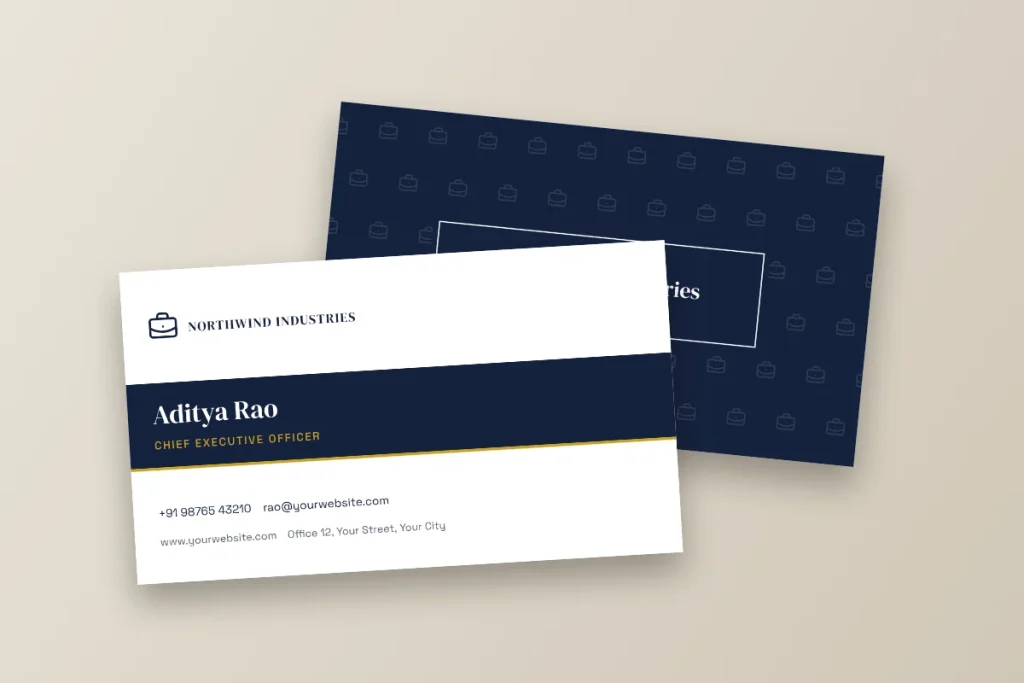
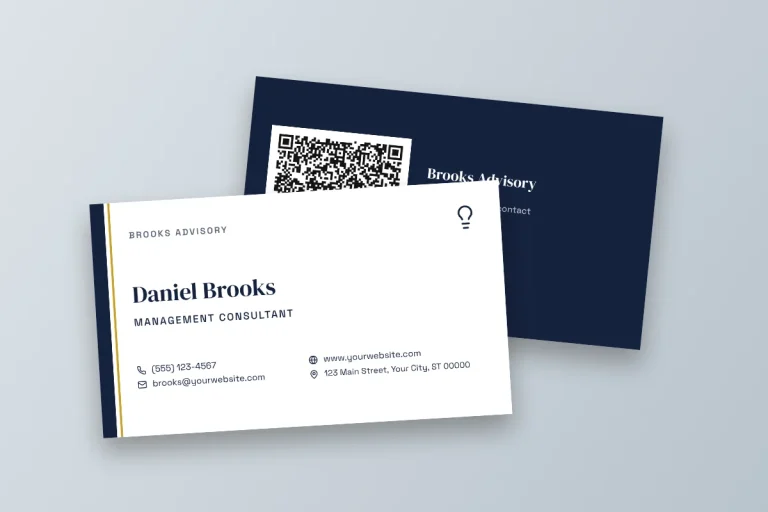
A good corporate visiting card design does one job: it tells a client, investor or supplier exactly who you are inside the company and how to reach you, in a layout that matches every other card your firm hands out. The templates below are built for executives and staff, with a clear hierarchy of name, designation, company and direct contact lines, plus a back side for the logo or a QR code.
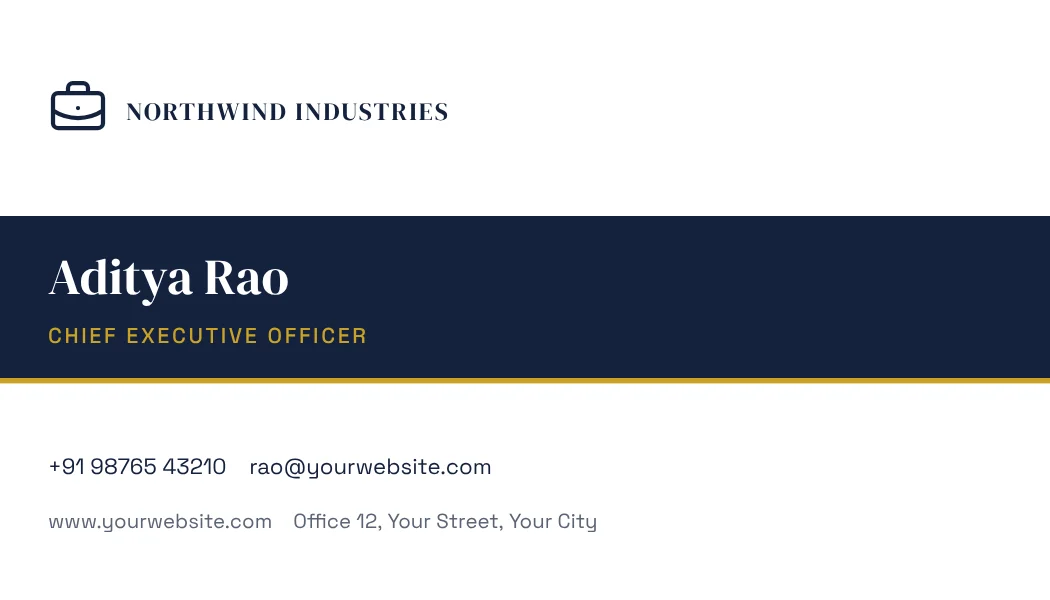
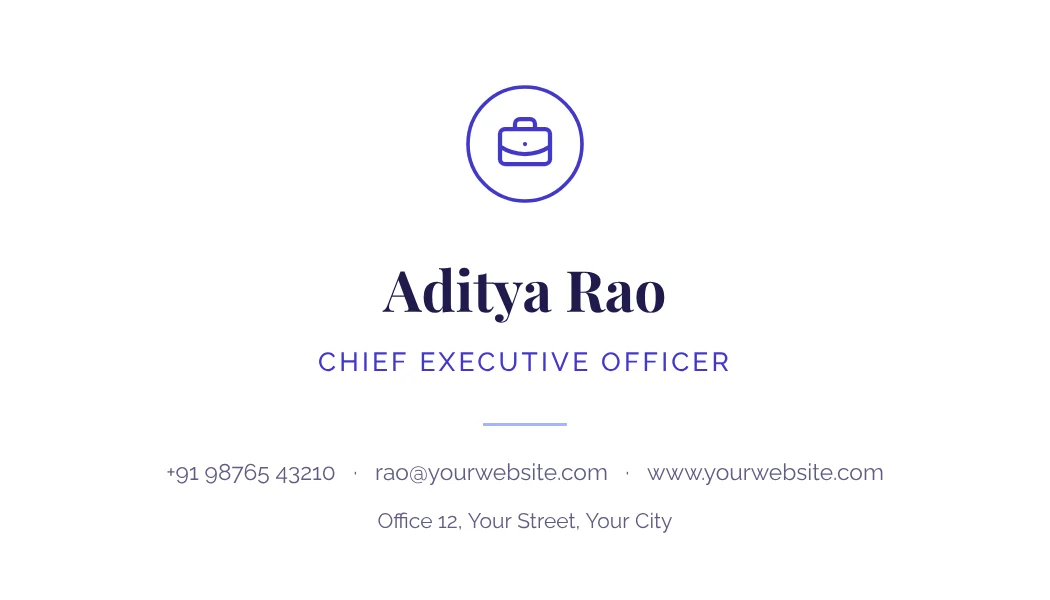
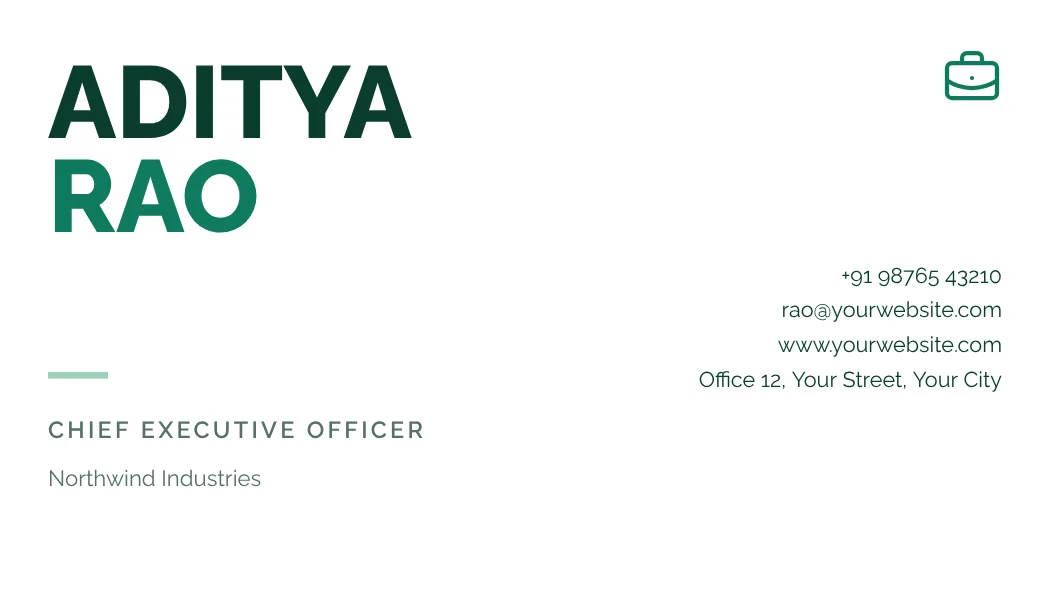
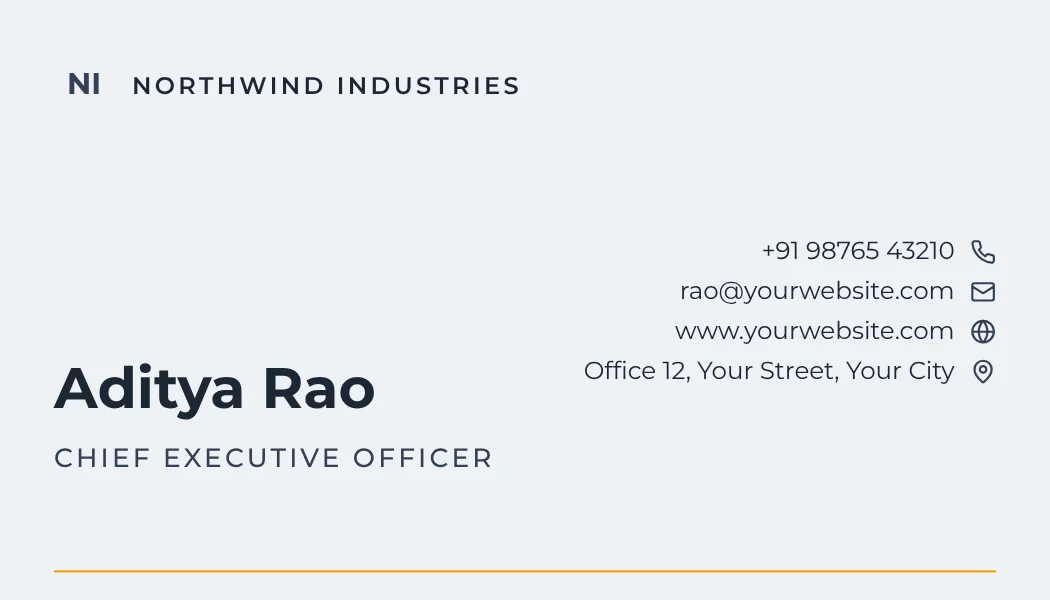
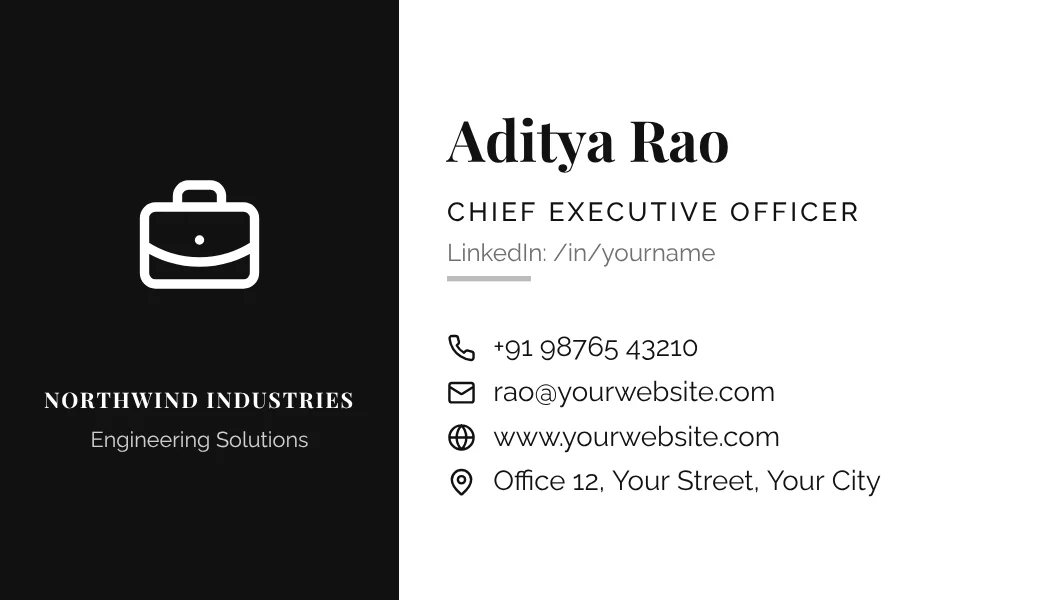
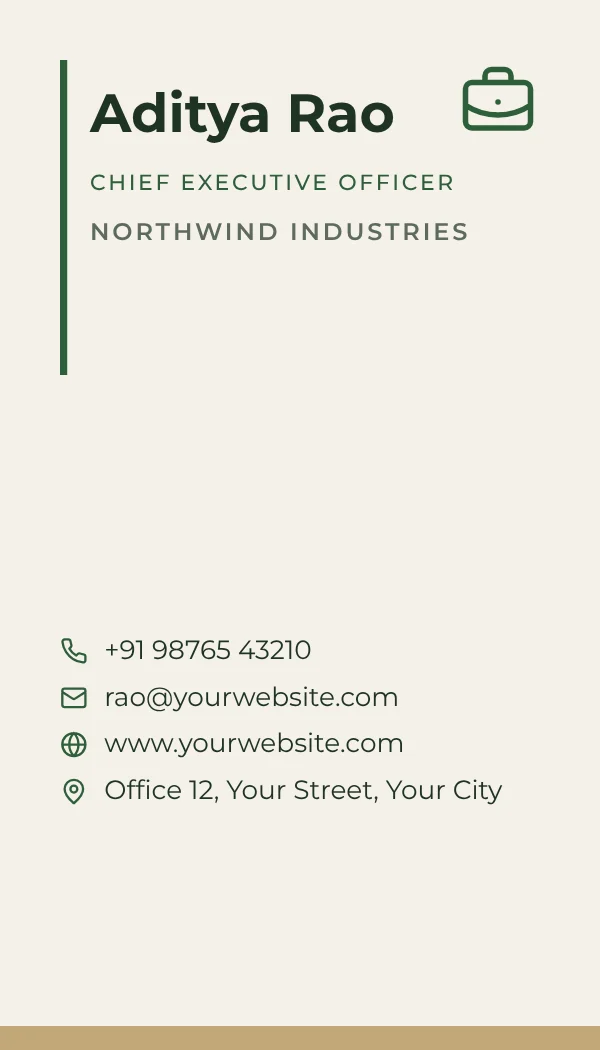
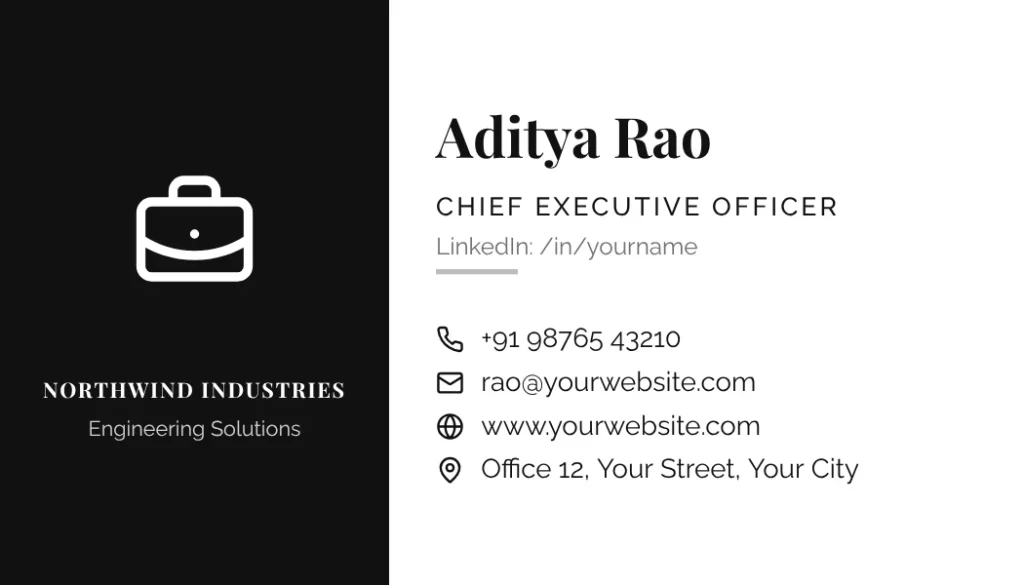
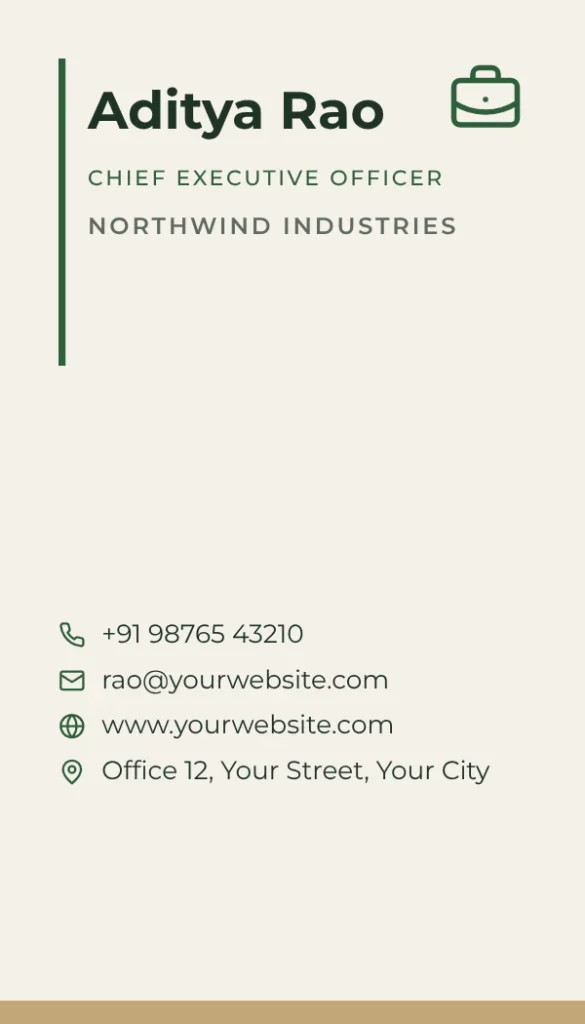
Every template uses placeholder details (Aditya Rao, Chief Executive Officer, Northwind Industries). Open any design in the business card maker, replace the text with your own, and download a PDF with bleed, a PNG, or a 10-up print sheet.
8 free corporate visiting card design templates
Hover or tap a card to see the back. Customize to edit and download.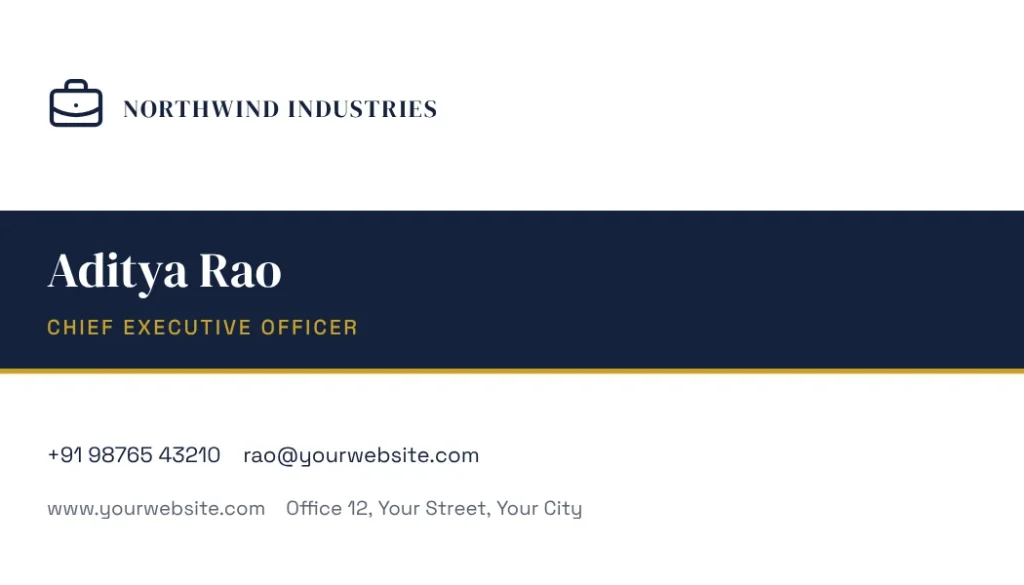

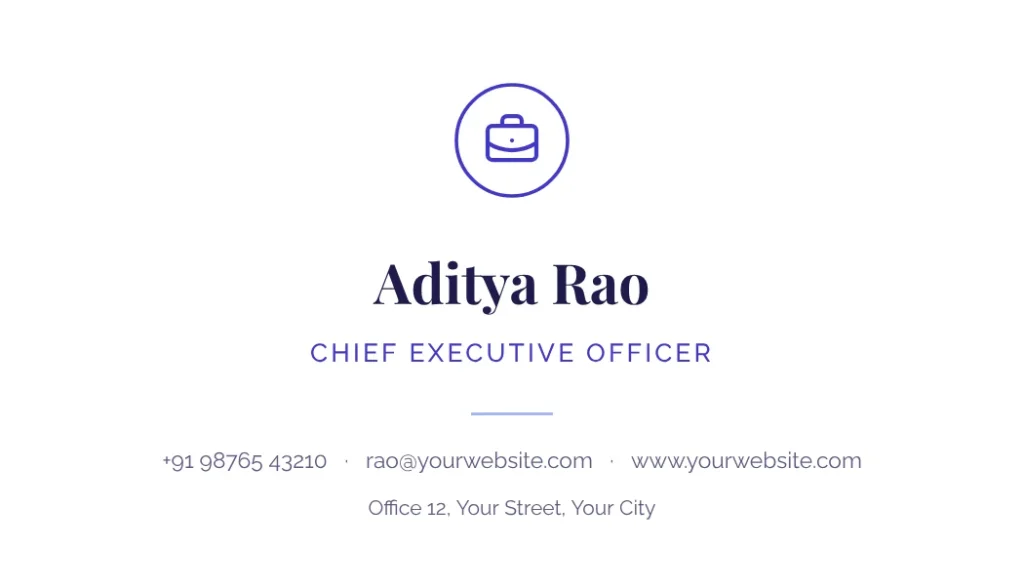

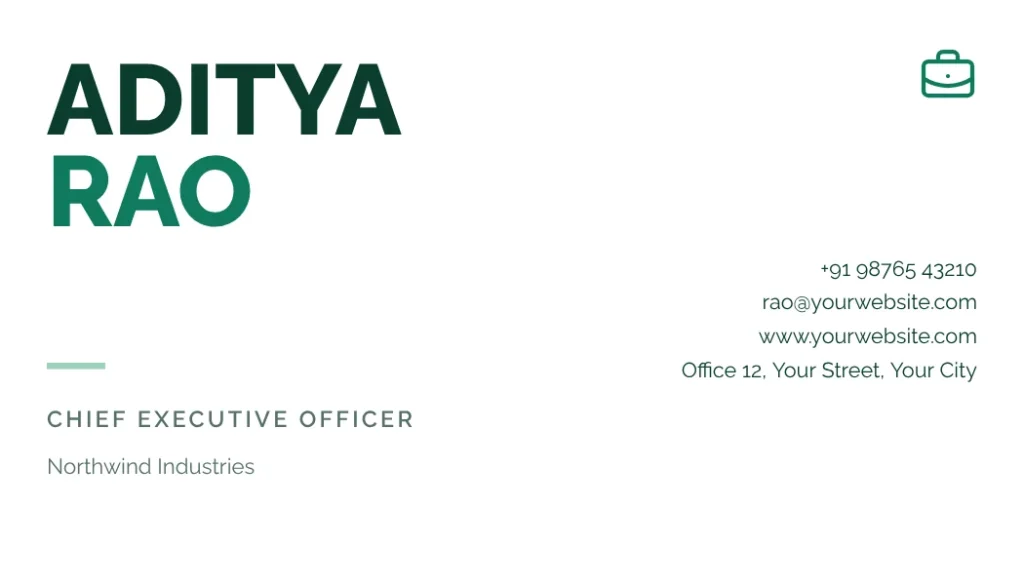
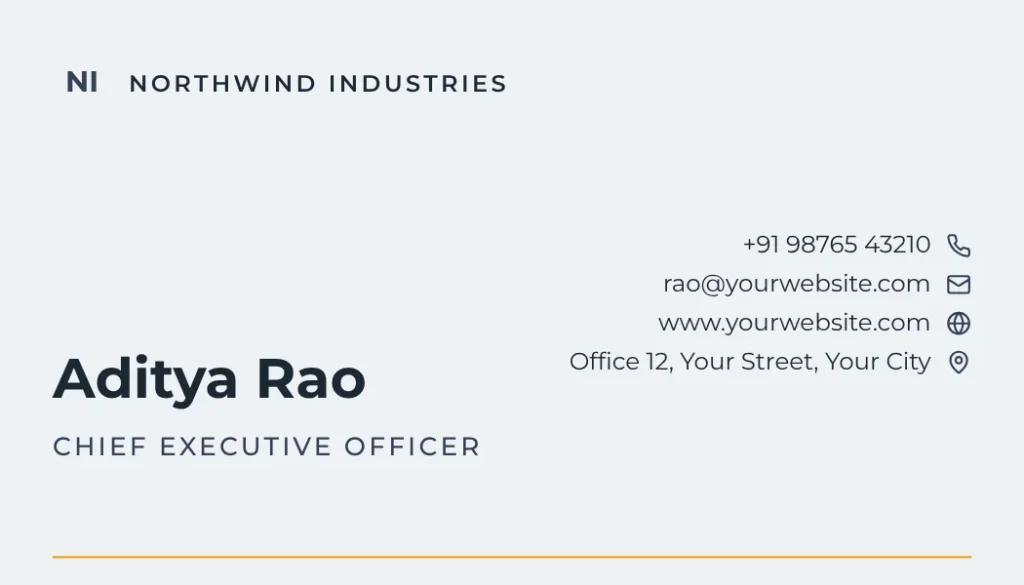





What to put on a corporate business card
Corporate cards are read quickly, often across a meeting table, so order matters more than decoration. A typical executive card carries:
- Full name as it appears on your email signature and LinkedIn profile, so people can find you.
- Designation and department, for example "Chief Executive Officer" or "Manager, Procurement". Avoid internal codes or grade levels that mean nothing outside the company.
- Company name and logo, using the approved logo file from your brand team.
- Direct phone and mobile, with the country code (+91) if you deal with overseas clients.
- Work email and website.
- Office address, usually the branch where you sit rather than the registered office, unless policy says otherwise.
- LinkedIn URL or QR, which suits sales, business development and senior leadership roles.
Some companies also print the CIN or GSTIN on stationery. That is a company policy choice; if you include a GSTIN, check it is the full 15-character number. For more on the basics, see what to put on a business card.
Keeping one look across a whole team
The main difference between a corporate card and a personal one is consistency. When fifty people carry cards, they should look like one family. Set these once and reuse them for every employee:
- One font pair (a headline font for the name, a plain font for details), with fixed sizes.
- Exact brand colors. Ask your brand team for the CMYK values, not only the screen (RGB or hex) values, because bright screen colors can print duller.
- Fixed logo position and size on front or back.
- One rule for designations: title case, no abbreviations, same order for name and title on every card.
A practical way to do this in the maker is to finish one card for a senior person, then duplicate it and change only the name, title, phone and email for each employee.
Design moods that suit executives
Corporate audiences trust restraint. The designs on this page lean on white space, thin rules and one accent color. Good directions:
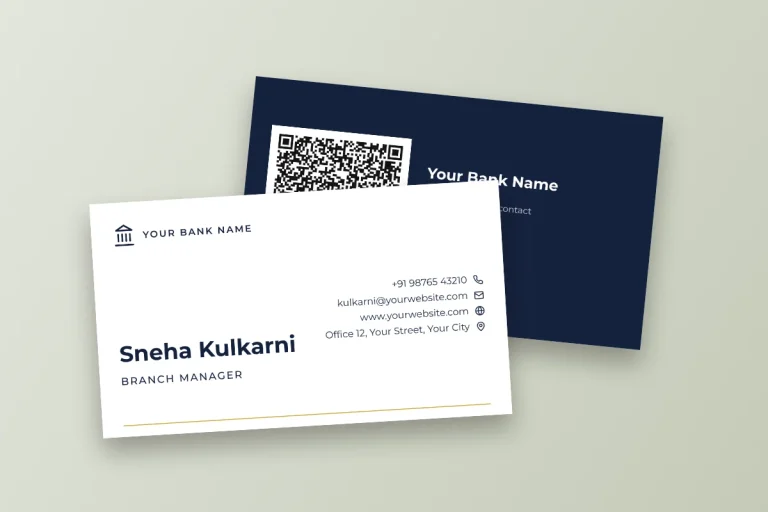
- Navy and white for finance, consulting, manufacturing and engineering firms.
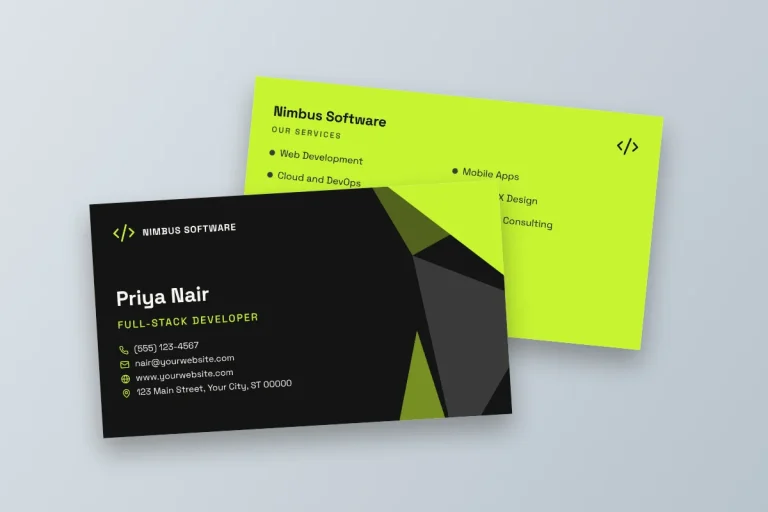
- Charcoal with a single brand accent for technology and product companies.
- Deep green or maroon with cream for older family businesses that want a heritage feel.
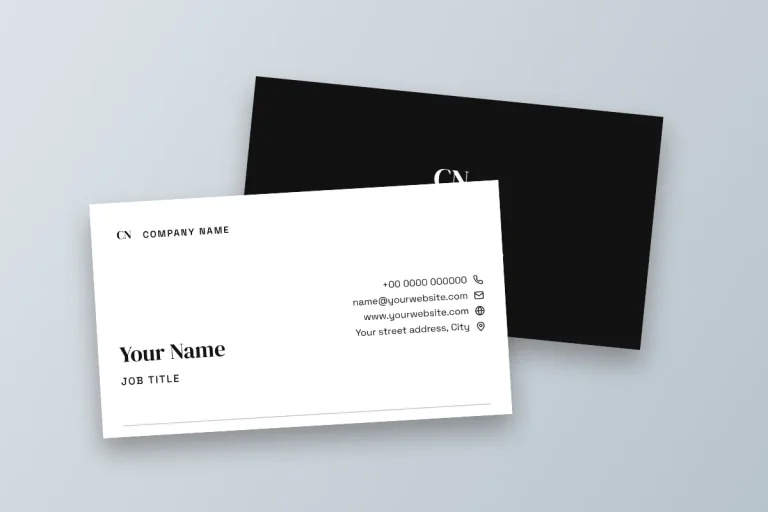
For a broader look at quiet layouts, browse the minimalist business card styles. A vertical layout can work for creative departments, but most boardroom cards stay horizontal.
Back-side ideas for a corporate card
- Large centered logo on the brand color, nothing else: the most common corporate back.
- A vCard QR code so the contact saves straight to the recipient's phone. Our maker generates this from the details on your card. Print it at least 0.8 x 0.8 in with a clear margin around it.
- A LinkedIn QR for business development roles, labeled so people know where it goes.
- Office locations listed by city for groups with several branches.
- The same card details in Hindi or Gujarati for regional clients; both scripts are supported in the maker.
More placement tips are on the QR code business card page.
Sample corporate visiting card layout
Front, left aligned:
- Logo, top left
- Aditya Rao (largest text)
- Chief Executive Officer
- Northwind Industries | Engineering Solutions
- +91 00000 00000 | name@company.com
- Office address, City, PIN
Back: centered logo on navy, with a small vCard QR in one corner and "LinkedIn: /in/yourname" beneath it.
Printing tips for corporate cards
Corporate cards usually look best on a heavier matte stock in the 300 to 400 gsm range, with soft-touch lamination or no lamination at all so people can write on the back. In India, 3.5 x 2 inches is the most common size, though some printers use 91 x 55 mm; check the visiting card size guide and ask your printer before ordering. Export at 300 DPI in CMYK, keep all text at 8 pt or larger, and keep important lines at least 0.125 in inside the trim. If you order cards for many employees, send the printer one PDF per person with the file named after the employee so nothing gets mixed up.
Frequently asked questions
What is a corporate visiting card?
A corporate visiting card is a business card issued by a company to its employees, carrying the person's name, designation, company logo and direct contact details in a shared brand design. It differs from a personal card because every employee's card follows the same fonts, colors and layout, so the whole team looks consistent to clients.
Which colors are best for a corporate business card design?
Most corporate cards use one dark base color such as navy, charcoal or deep green with white or cream, plus a single accent from the company's brand palette. Restraint reads as professional. Ask your brand team for exact CMYK values so the printed color matches across every batch and every employee's card.
Should a CEO's visiting card be different from other employees?
The layout and colors should stay the same so the brand is consistent, but senior leaders sometimes get a heavier stock, a special finish such as foil on the logo, or a LinkedIn QR on the back. Keep the information order identical so anyone comparing two cards from your company sees the same structure.
Can I download corporate business card templates free?
Yes. Every corporate template on this page is free to edit in the browser. Replace the placeholder details, then download a print-ready PDF with bleed, a PNG for sharing, or a 10-up print sheet for US Letter or A4. A free Word template is also available if your office prefers editing there.
Should I put my LinkedIn on a corporate visiting card?
It helps in sales, business development, hiring and leadership roles, where people often look you up after a meeting. Print a short URL or a QR code labeled LinkedIn on the back. If company policy limits personal links on official cards, use a vCard QR that saves your work contact instead.
Sources
More templates
 Consultant Business Card TemplatesMinimal, confident consultant business card templates for strategy, tax, HR and IT advisors. Lead with what...
- IT Business Card TemplatesPick an IT business card that looks as clean as good code: your name, stack and contact, plus a QR code to...
- Minimalist Business Card TemplatesA minimalist business card keeps only what matters: your name, what you do and how to reach you, set in clean...
- Bank Manager Visiting CardCreate a clean bank manager or finance visiting card with branch, IFSC and contact details, or a loan agent...