Printing Press Visiting Card Design: Free Templates for Printers and Offset Shops
Printing press visiting card templates for offset presses, digital print shops and flex printers. Your own card is your best sample, so these layouts leave space for the finishes you sell.
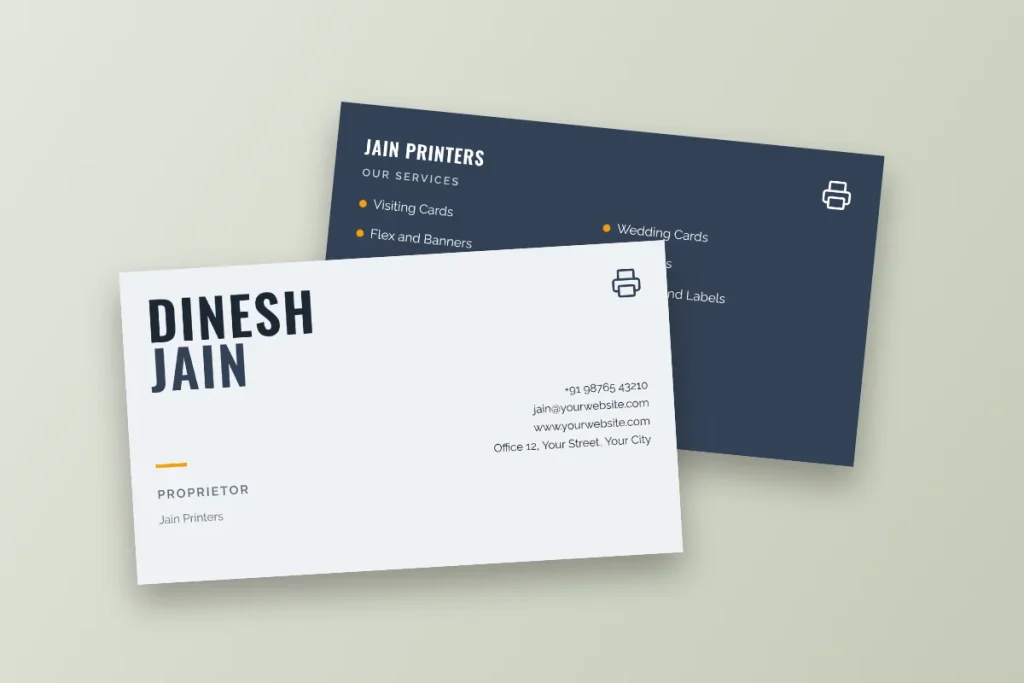
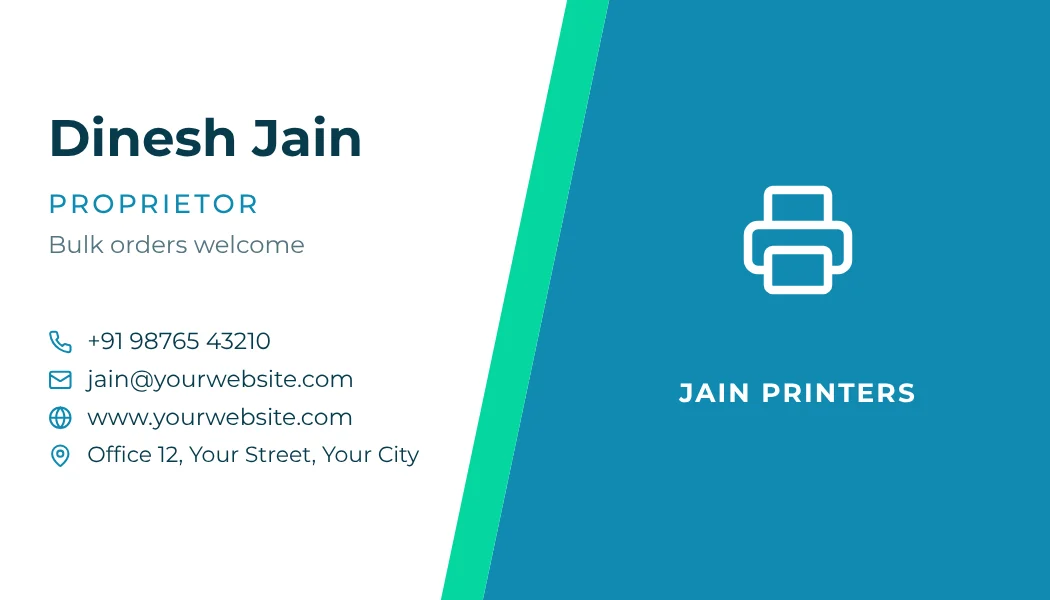
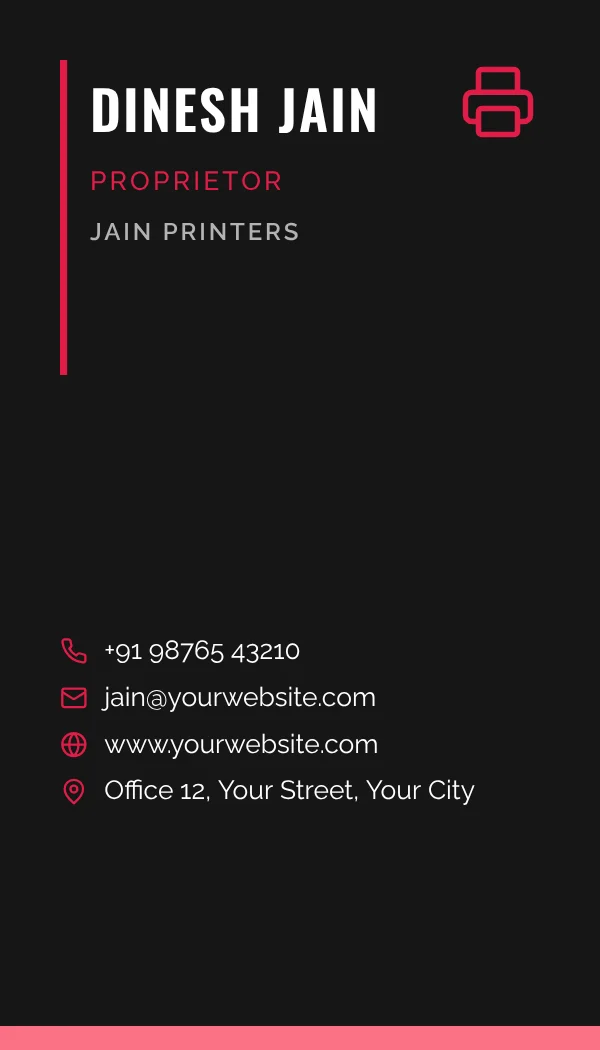
A printing press visiting card is a product sample as much as a contact card. A customer who holds a crisp, thick card with a clean foil or spot UV detail already knows what your shop can produce. The templates below are built for offset and digital printers, screen printers and flex shops, with a front that names the business and a back that lists the jobs you take.
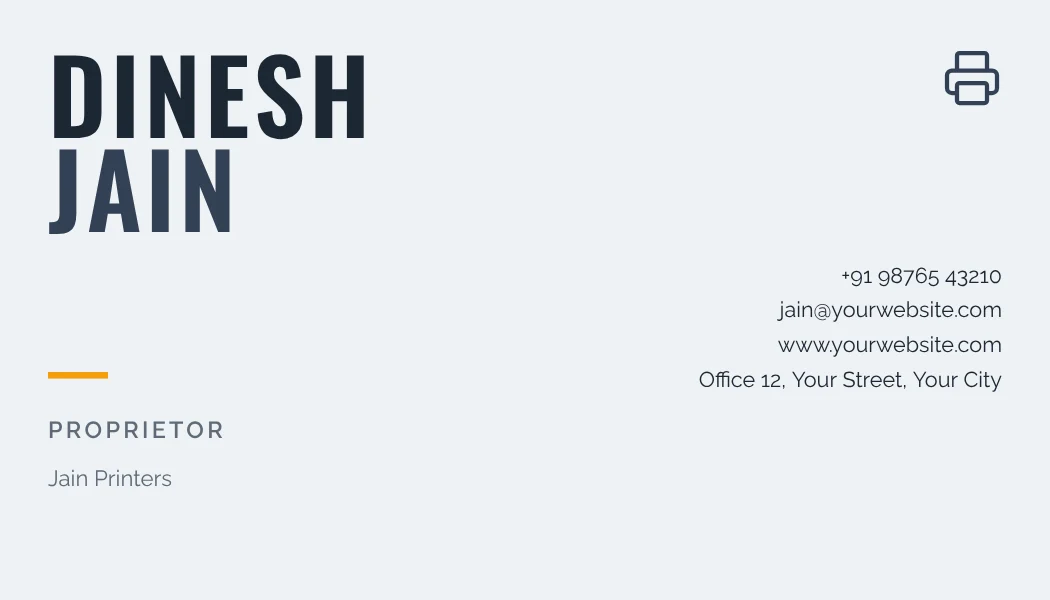
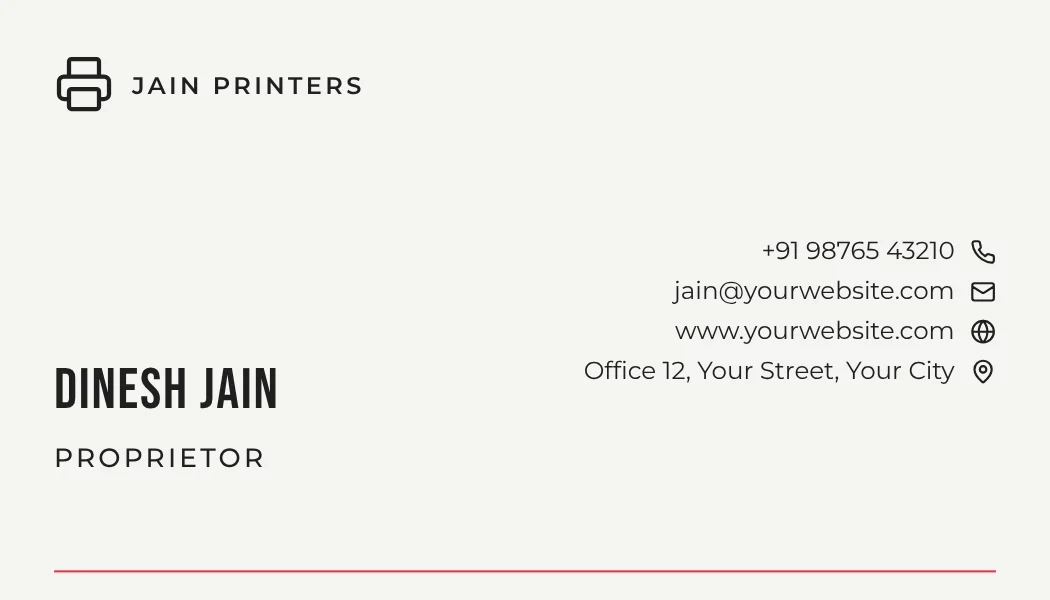
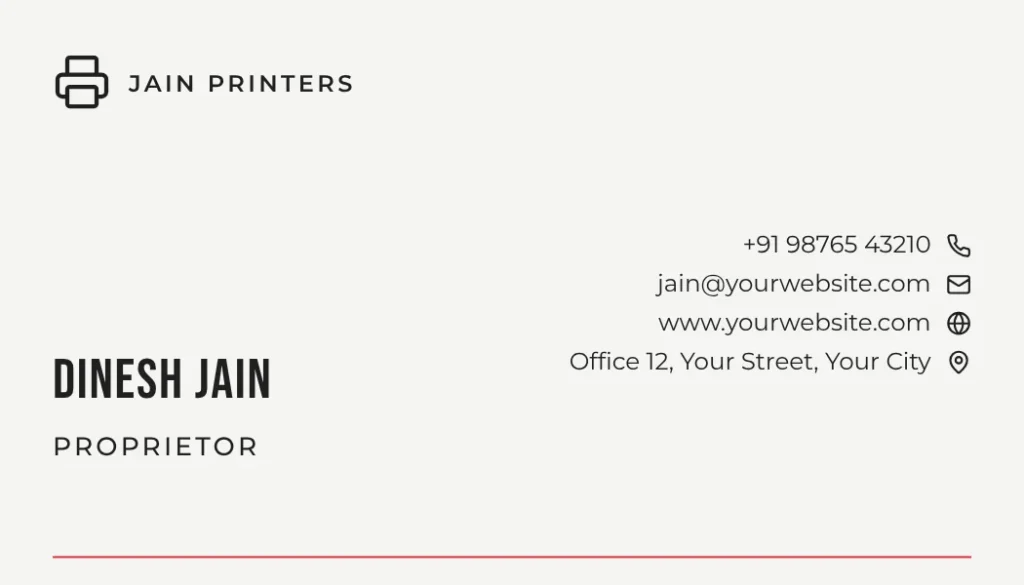
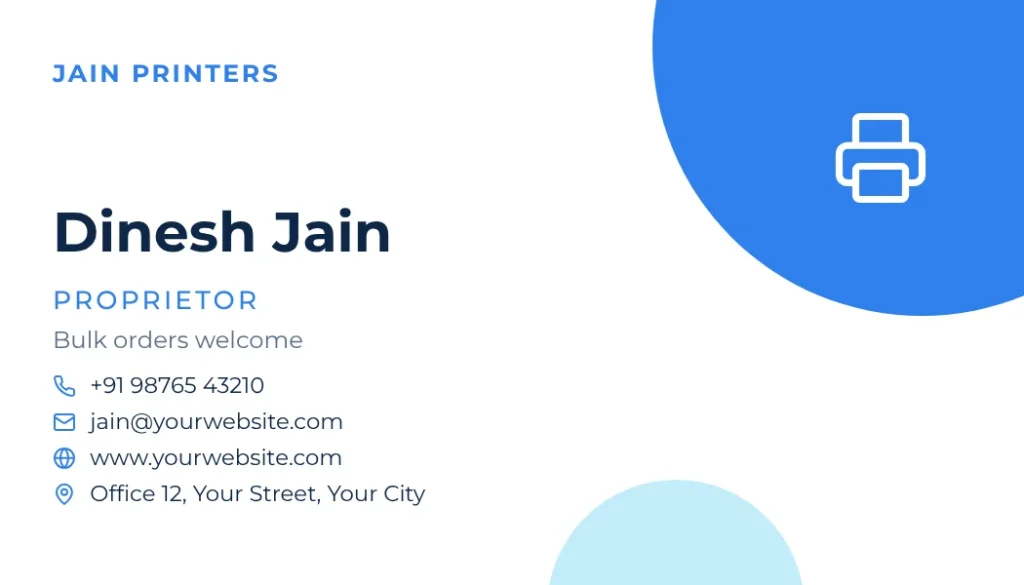
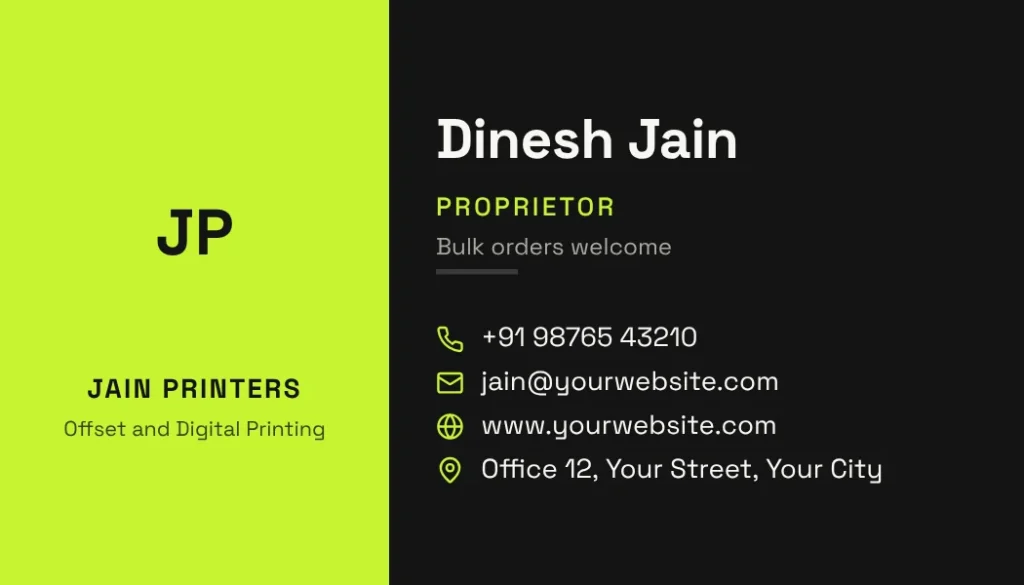
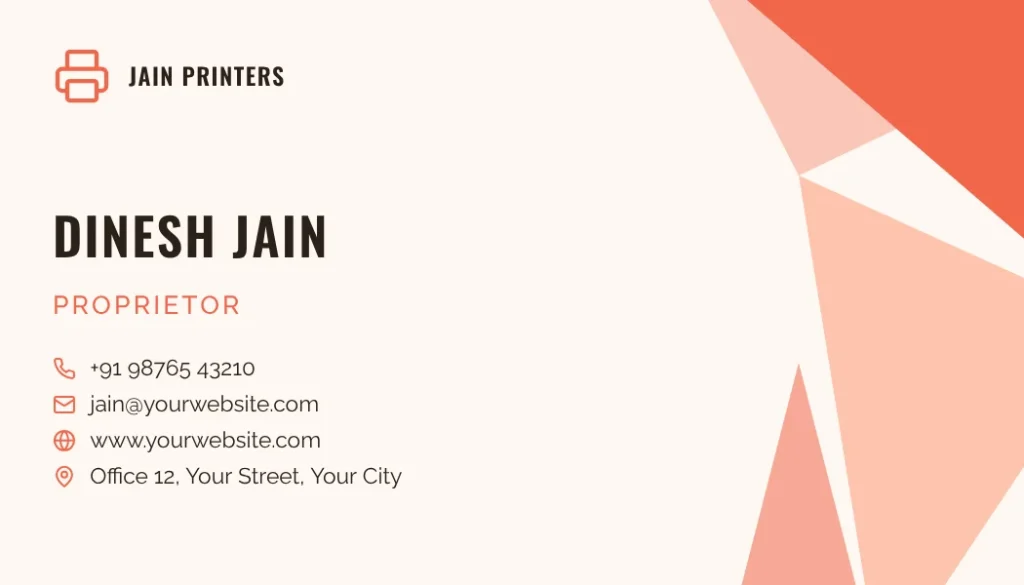
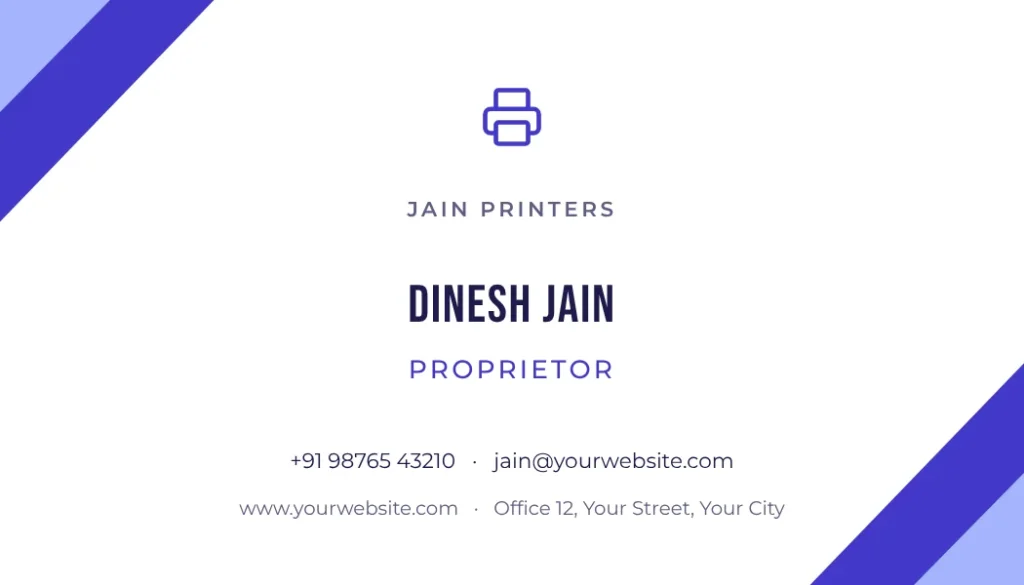
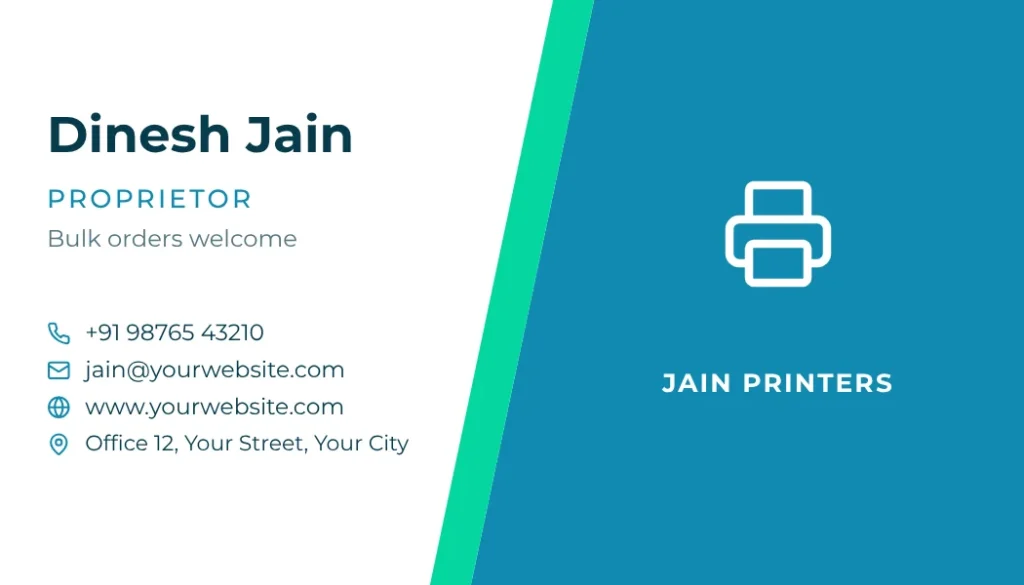
All designs use placeholder details (Dinesh Jain, Proprietor, Jain Printers). Edit them in the business card maker and download a PDF with bleed to run on your own machines, or a 10-up sheet for quick digital proofs.
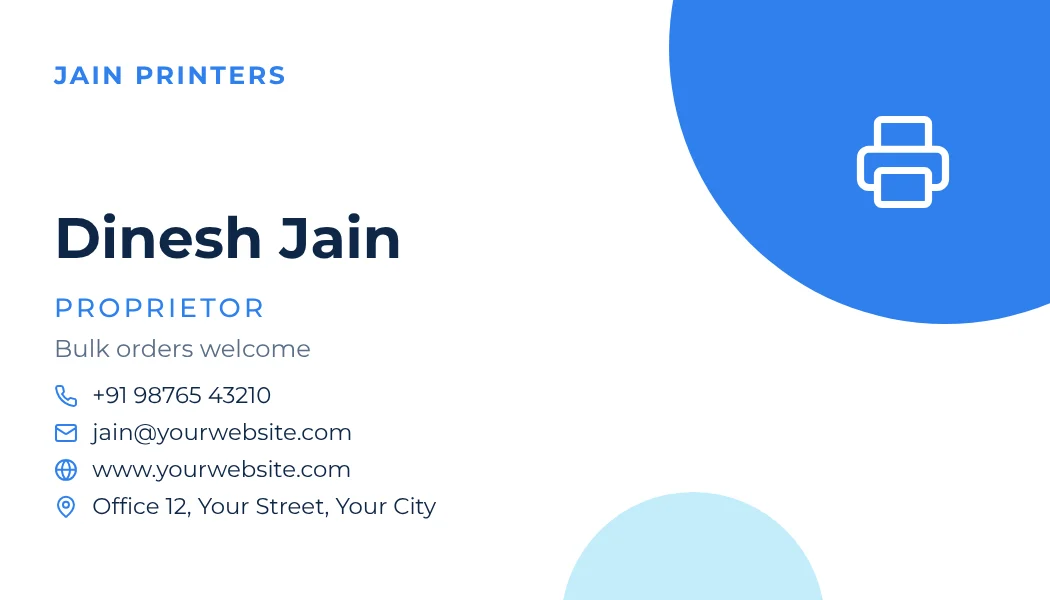
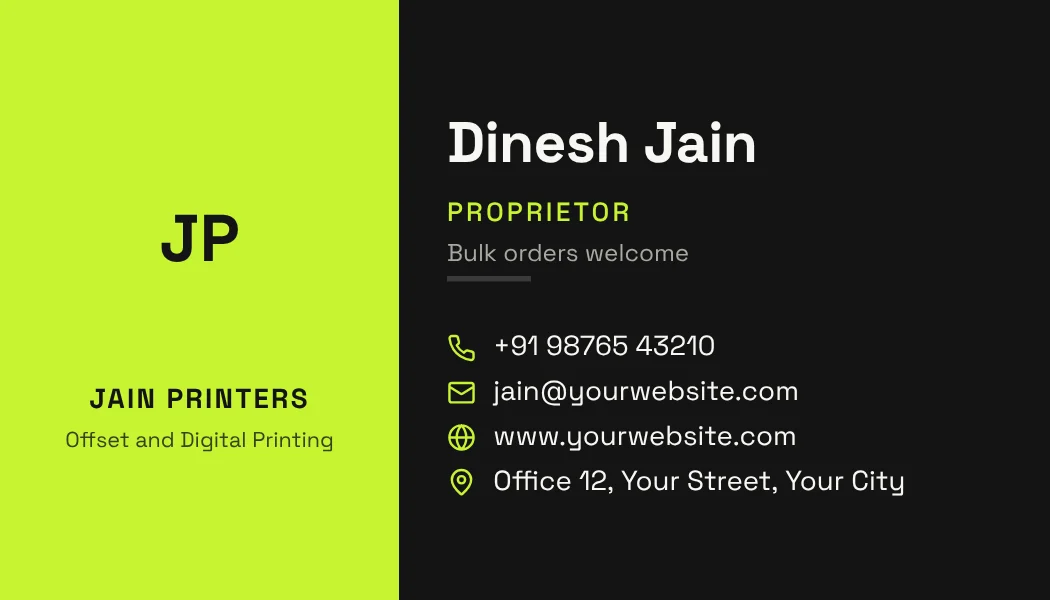
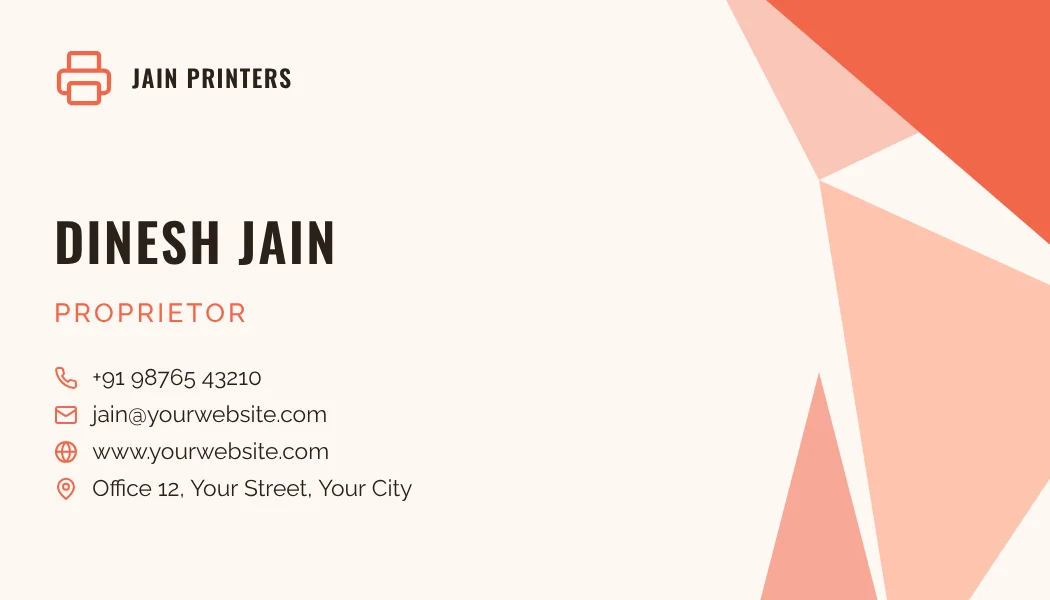
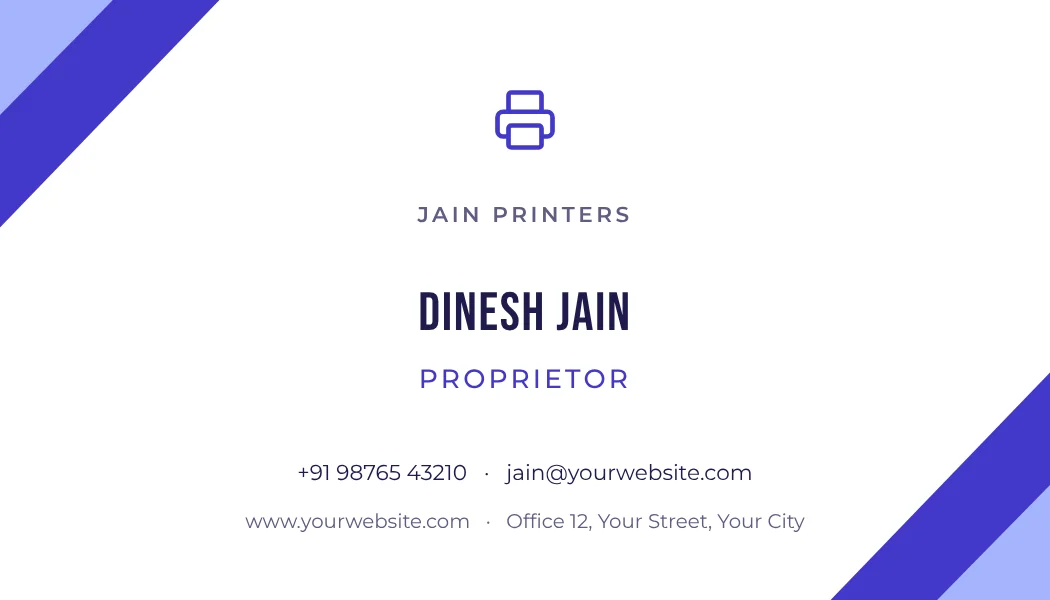
8 free printing press visiting card templates
Hover or tap a card to see the back. Customize to edit and download.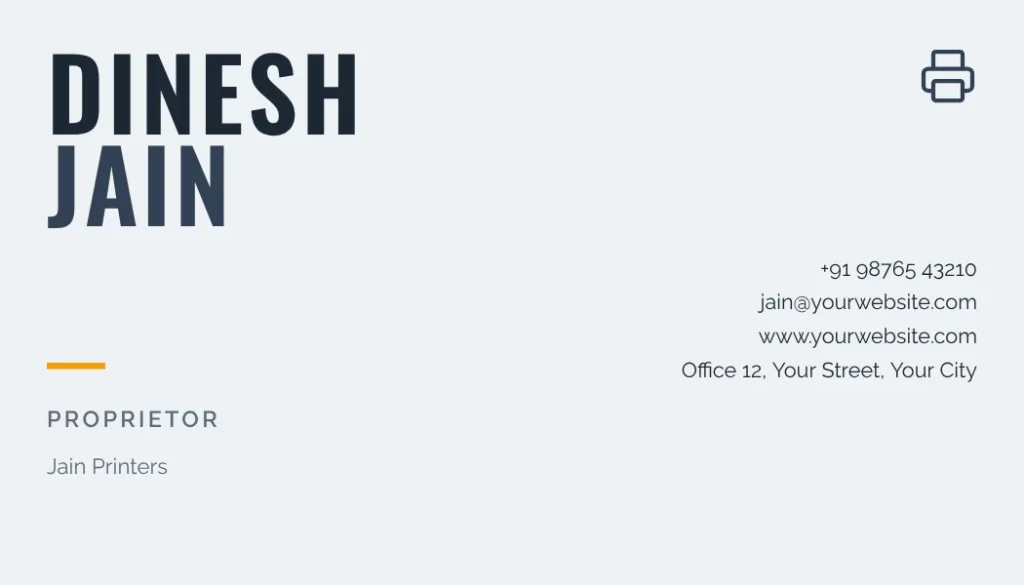
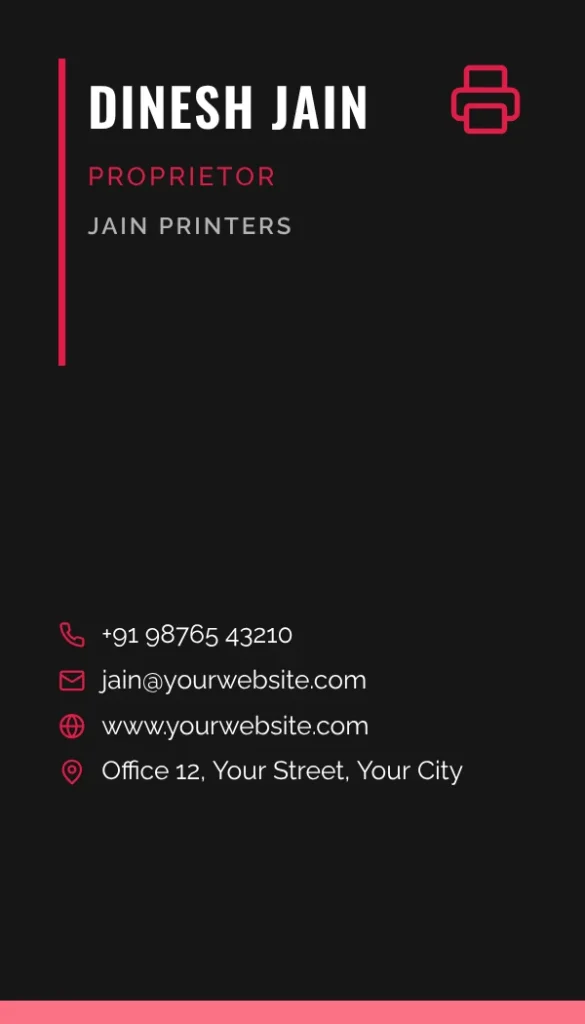
What a printer's own card should say
- Press name and a simple mark (a CMYK dot set, a registration mark or an ink drop are popular).
- Proprietor or contact name and phone. Many presses list a separate number for designing and for order status.
- Printing methods: offset, digital, screen, flex, UV.
- Email for artwork, since customers need to know where to send files.
- Shop address with the market or lane name.
- GSTIN if you invoice business customers; it is a 15-character number, so proofread it.
- Turnaround promise, but only one you can keep, such as "Same day digital printing".
Use the card to show off finishes
Plan the design around the finishes you want customers to order. A few ideas:
- Spot UV on the logo over a matte laminated dark background, so the gloss catches light.
- Gold or silver foil on the press name only. Keep foil lines thicker than the finest text, since very thin foil details can break.
- Thick stock or duplex (two sheets pasted together) to show you can do premium weights.
- Rounded corners or a die-cut shape on the edge.
When you set up spot UV or foil, your designer will need a separate layer or file for that finish; build the base card in the maker, then add finish layers in your prepress software. For ideas on bolder layouts, see creative visiting card design.
Colors and moods for printing press cards
- Cyan, magenta and yellow accents on black, the obvious and still effective printer signature.
- White card with a CMYK color bar along one edge, like the control strip on a press sheet.
- Deep blue with silver for presses that handle corporate stationery.
- Red and gold for shops known for wedding cards.
Back-side ideas
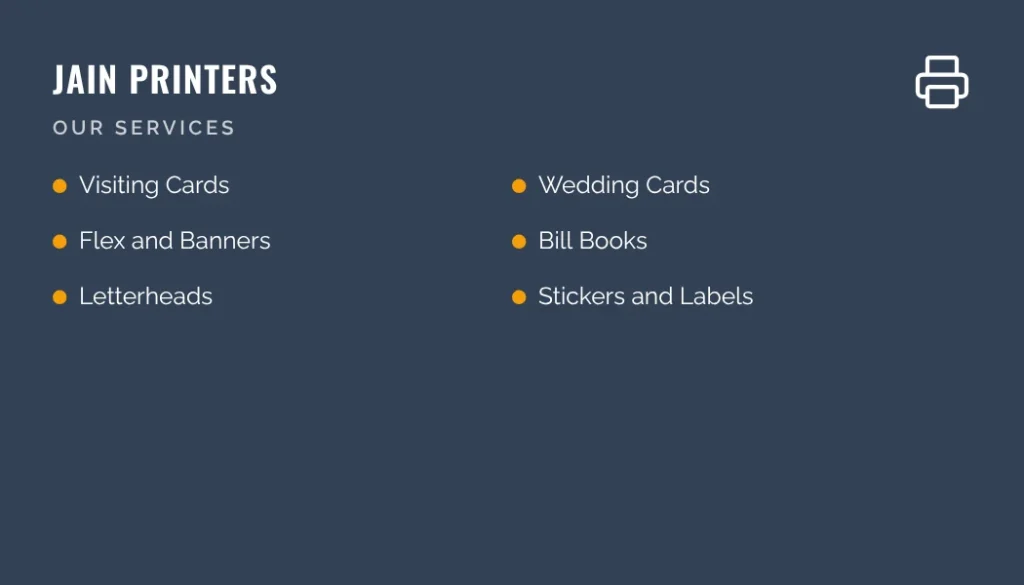
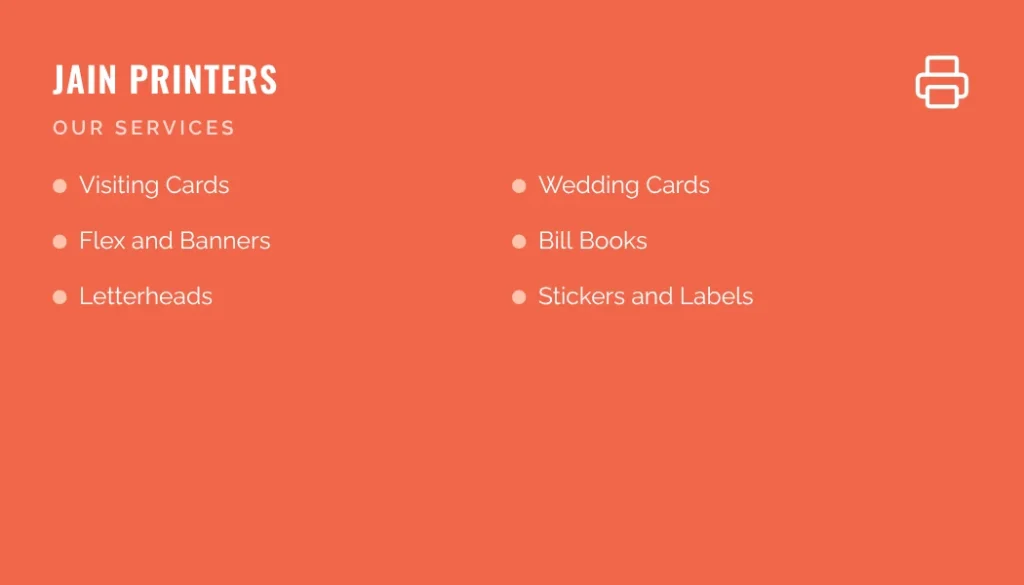
- A job list in two columns: Visiting Cards, Wedding Cards, Flex and Banners, Bill Books, Letterheads, Stickers and Labels.
- A short file-prep note for customers: "Send PDF, 300 DPI, CMYK, 3 mm bleed". This saves you hours of fixing artwork.
- A WhatsApp QR so customers can send artwork directly.
- The same details in Gujarati or Hindi for local shops and schools; both scripts work in the maker.
Sample printing press visiting card text
Front:
- JAIN PRINTERS (foil)
- Offset and Digital Printing
- Dinesh Jain, Proprietor
- Mob: 00000 00000 | Artwork: email@yourpress.com
- Shop address, Market, City
- Bulk orders welcome
Back: CMYK color bar at the top, job list in two columns, WhatsApp QR bottom right.
Prepress checks before running your own card
Your customers will judge your quality from this card, so hold it to the standard you ask of them. Use 300 DPI artwork and CMYK color, keep text at 8 pt or larger, and keep lines at least 0.5 pt thick. On US-size work, add 0.125 in bleed on every side; on metric work, 2 to 3 mm is common. In India, 3.5 x 2 inches is the most common size and some printers use 91 x 55 mm, so pick the one that fits your cutting setup; the visiting card size guide covers both. For stock, 300 to 400 gsm is a typical premium range; see the business card paper thickness guide for GSM and point conversions.
Frequently asked questions
What should a printing press write on its visiting card?
Write the press name, proprietor or contact name, phone numbers, the printing methods you offer such as offset, digital, screen or flex, an email address for artwork, the shop address and, if you invoice businesses, your GSTIN. On the back, list your main jobs such as wedding cards, letterheads, bill books and stickers.
How can a printer's visiting card stand out?
Use it as a sample of your best work. Print it on thick stock and add one premium finish such as spot UV on the logo or foil on the name. Keep the layout clean so the finish is the hero. Customers who feel a good card in hand are more likely to order the same finish.
What file settings should I use for a printing press visiting card design?
Design at the final size with bleed on every side (0.125 inches for US size, usually 2 to 3 mm for metric), keep text inside the safe area, use 300 DPI images and CMYK color. Keep text at 8 pt or larger and lines at least 0.5 pt thick so they hold up on press.
Can I get a printing press visiting card design free download?
Yes. Every template on this page is free to edit online. Replace the placeholder press name, contact details and job list, then download a print-ready PDF with bleed, a PNG for WhatsApp, or a 10-up sheet in US Letter or A4 with crop marks for cutting on your own guillotine.
Sources
More templates
 Graphic Designer Visiting Card DesignGrid-based, type-led visiting card templates for graphic designers. Treat the card as your smallest portfolio...
- Creative Visiting Card Design TemplatesA creative visiting card design uses bold colour, unusual layouts and graphic shapes so people remember you....
- Business Card Paper ThicknessBusiness card paper is measured in points (pt) in the US and GSM almost everywhere else. Here is how the two...
- How to Print Business Cards at HomePrint professional-looking business cards at home with a free 10-up sheet, the right printer settings and a...