Hardware Visiting Card Design: Free Templates for Hardware, Sanitary and Tiles Shops
Hardware visiting card templates for hardware stores, paint dealers, sanitary and plumbing shops, and tiles and marble showrooms. A strong front for your shop name and a back built for product categories.
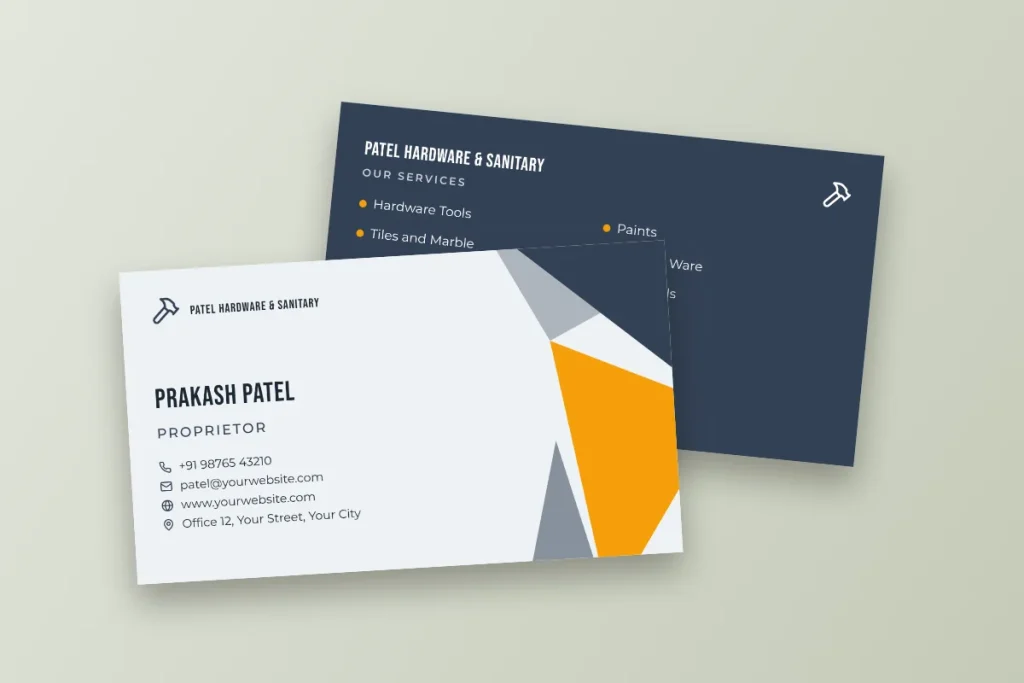
A hardware visiting card mostly goes to contractors, plumbers, electricians and builders who buy from you again and again, so it needs to tell them what you stock and how to place an order by phone. The templates below suit hardware and tools shops, paint dealers, sanitary ware and plumbing stores, and tiles and marble showrooms, whether you sell wholesale, retail or both.
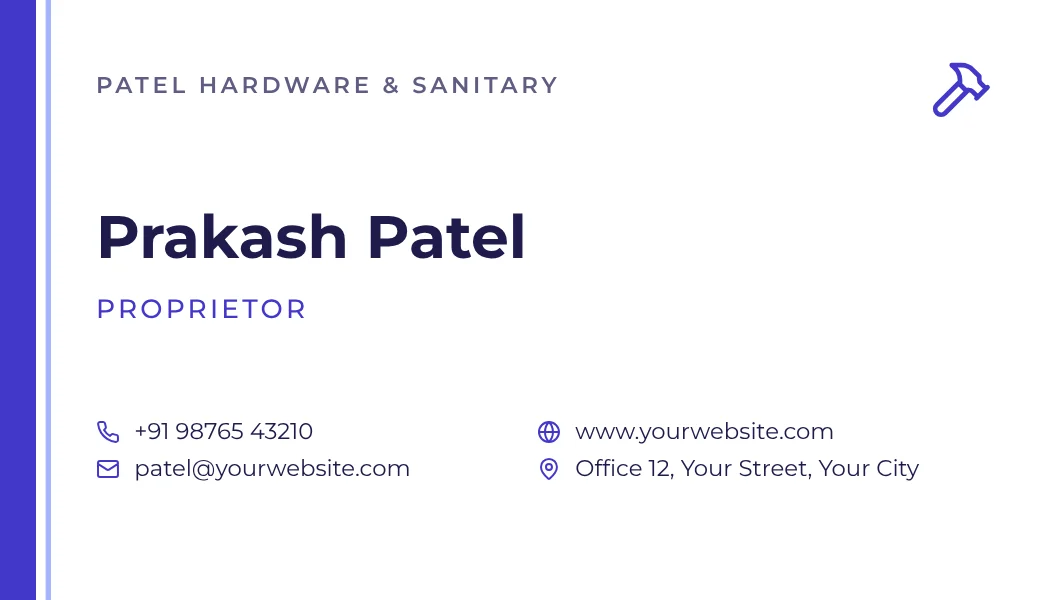
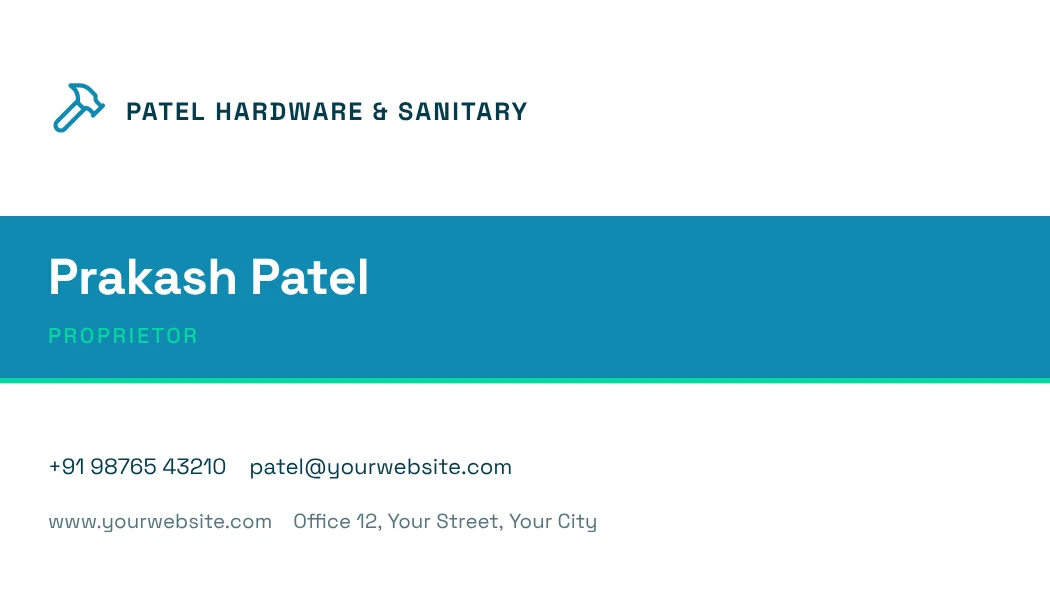
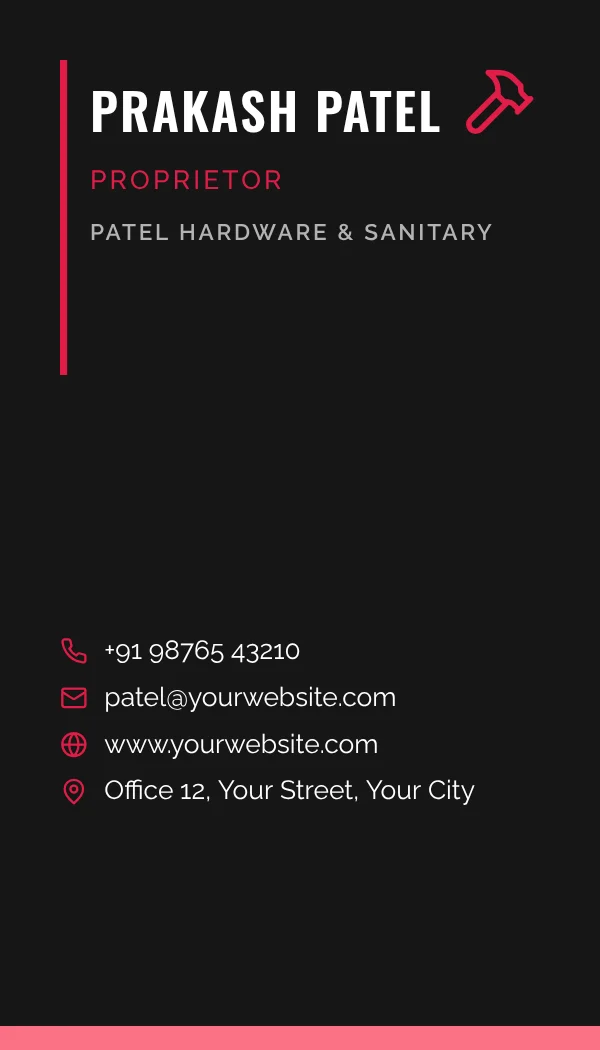
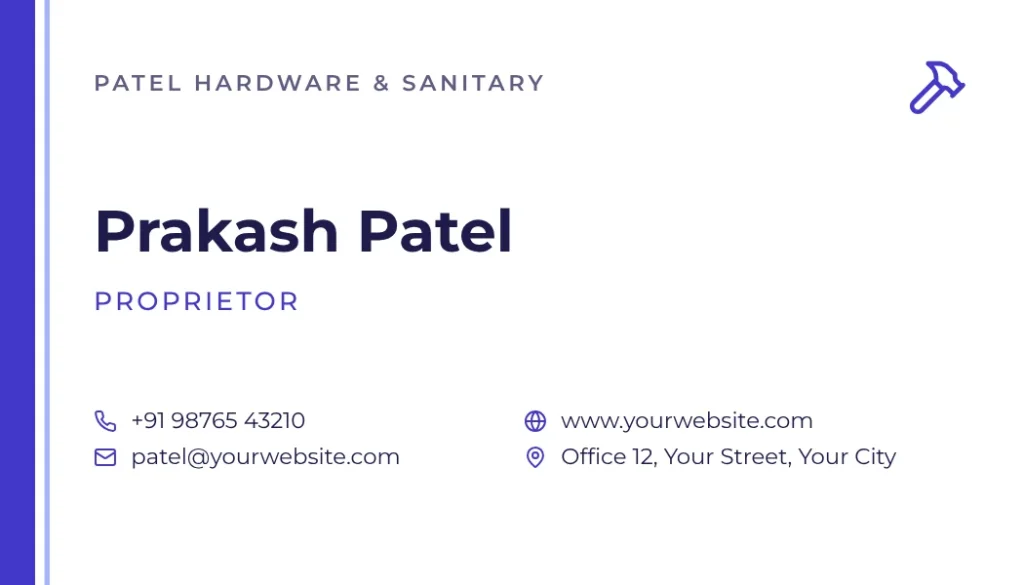
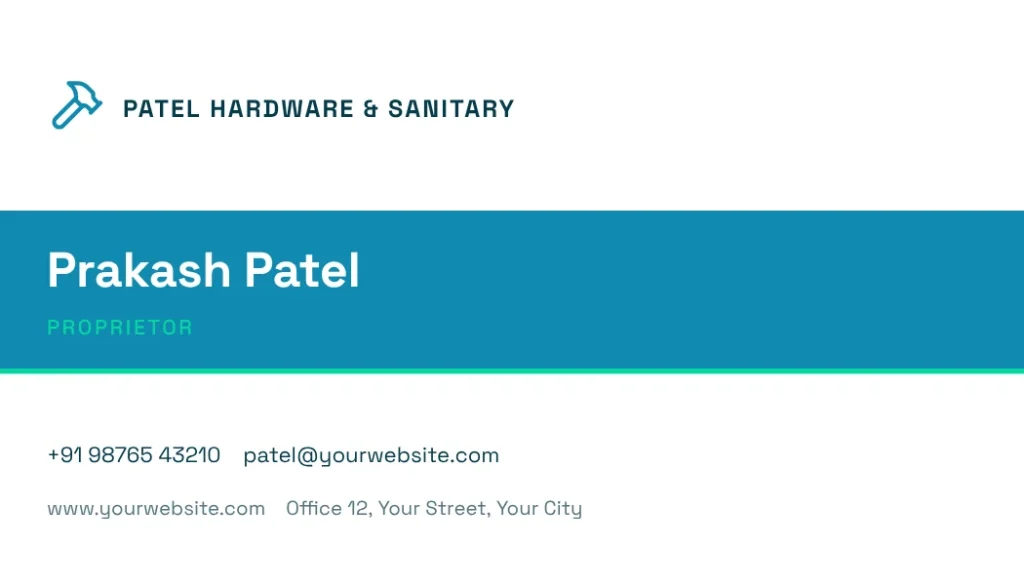
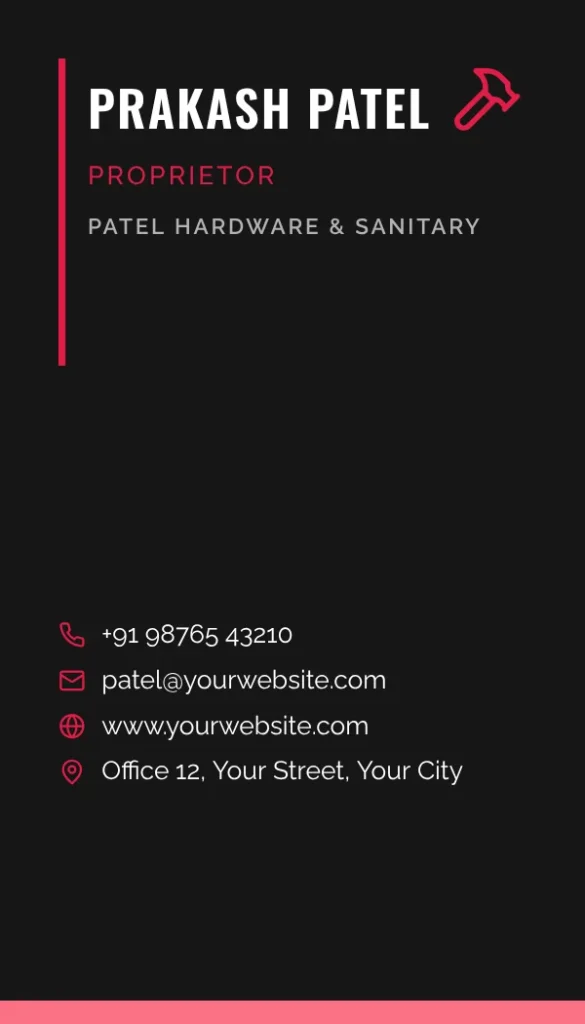
All templates use placeholder details (Prakash Patel, Proprietor, Patel Hardware and Sanitary). Open one in the business card maker, replace the text with your shop details, and download a PDF with bleed, a PNG or a 10-up print sheet.
8 free hardware visiting card templates
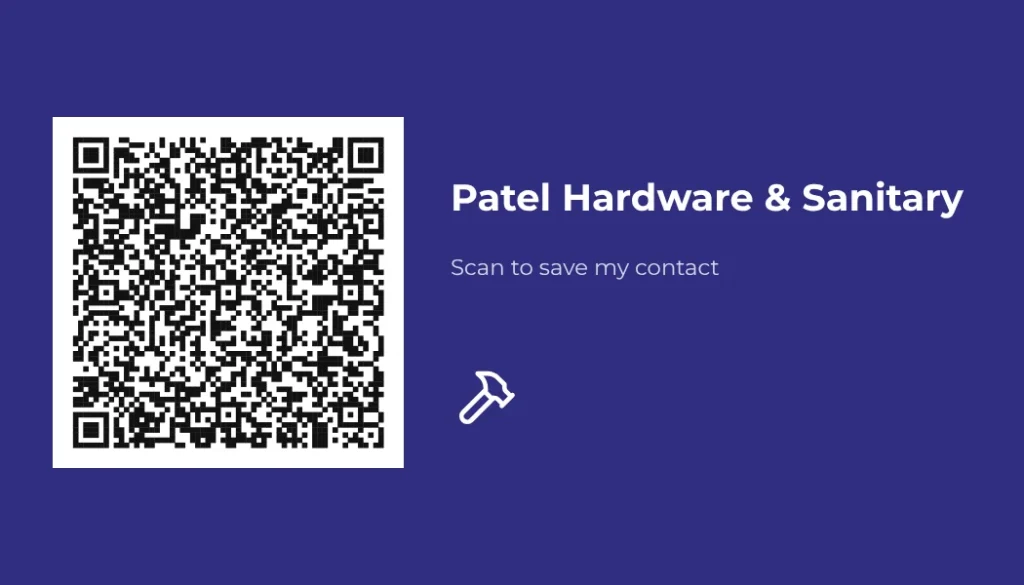
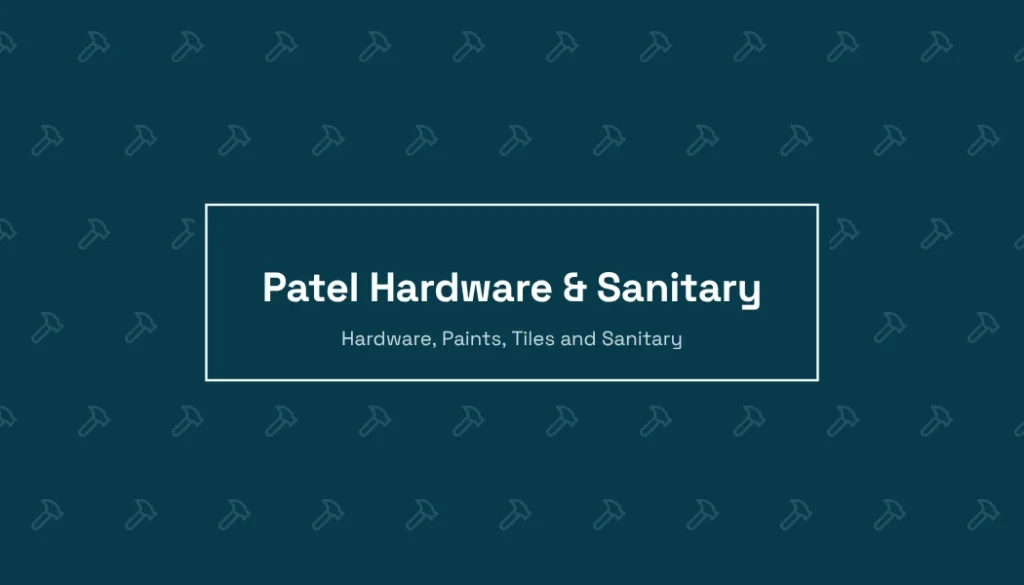
Hover or tap a card to see the back. Customize to edit and download.






What to include on a hardware shop visiting card
- Shop name in bold, with the trade in the name if possible ("Hardware and Sanitary", "Paints and Hardware", "Tiles and Marble").
- Proprietor name and, for larger stores, a sales counter contact.
- Two phone numbers, one for orders and one for the owner, plus WhatsApp for sending product photos and quantity lists.
- "Wholesale and Retail" or "Dealers in" line so contractors know you can handle bulk.
- GSTIN: contractors and builders need it for invoices. It is 15 characters long; copy it exactly.
- Shop address with the market or main road name, and opening hours.
- Delivery note, such as "Site delivery available", if you offer it.
Brand names and dealer logos
Many hardware cards list the paint, pipe, tile or sanitary brands the shop stocks. Writing brand names as plain text ("Dealers in leading brands of paints and pipes", or naming the brands you sell) is common. Printing a manufacturer's logo is different: use brand logos only if you are an authorized dealer and the company allows it, and use the logo files they supply. Do not alter, recolor or crop another company's logo, and do not imply you are an authorized dealer if you only buy through a distributor.
Design ideas: tools, tiles and strong colors
- Tool icons (wrench, hammer, screwdriver, drill) in a row along the bottom for general hardware.
- Tap, pipe and shower icons in blue and white for sanitary and plumbing stores.
- Tile or marble texture on one side of the card for tiles showrooms.
- Paint brush stroke or color swatch strip for paint dealers.
- Red and black, orange and grey, or yellow and black for a strong, industrial look that stands out on a contractor's dashboard.
Keep icons simple and flat so they print cleanly at small sizes. You can layer them over plain or textured visiting card backgrounds, and the visiting card colour combinations guide lists high-contrast pairs.
Back-side ideas
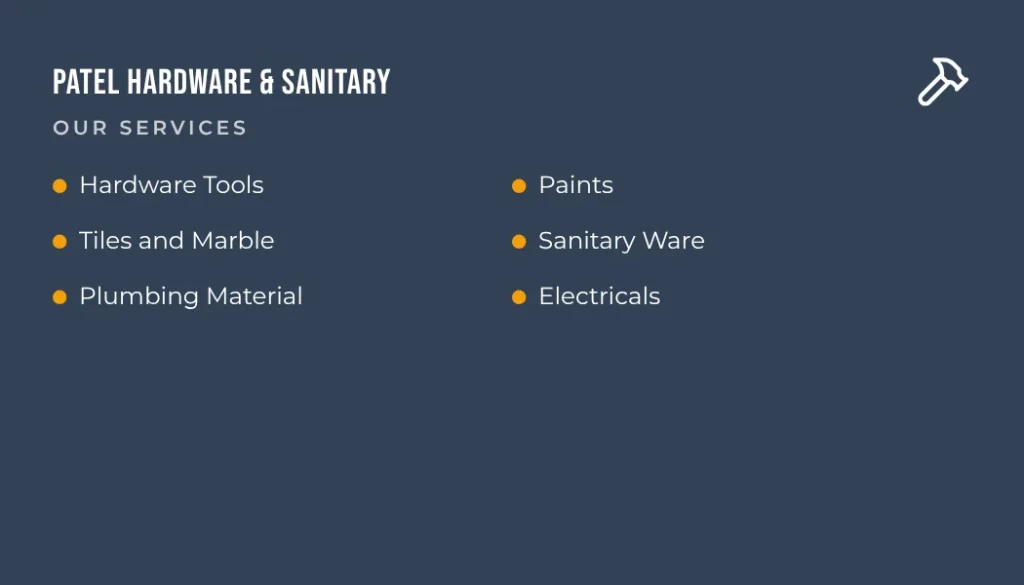
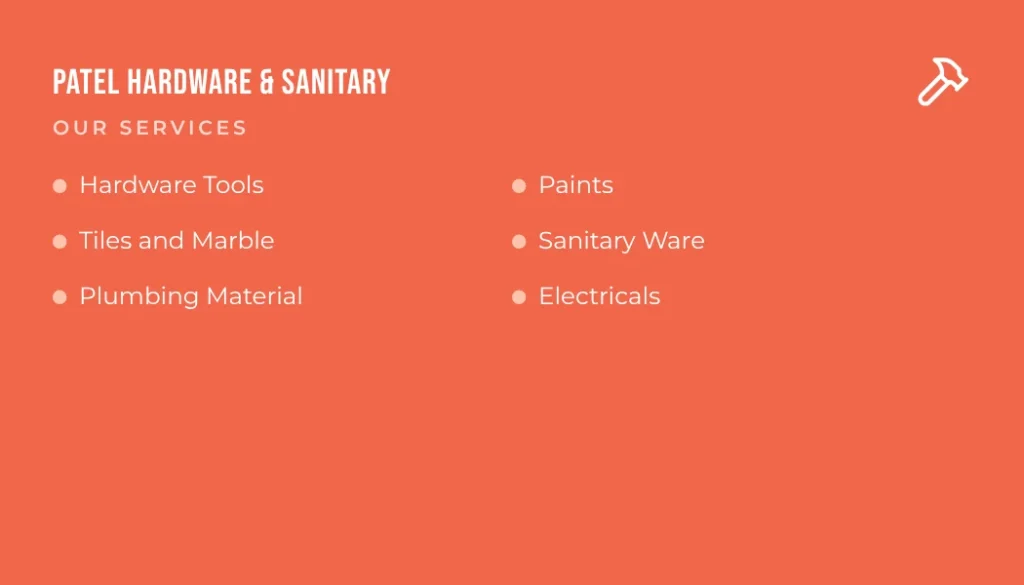
- Product categories in two or three columns: Hardware Tools, Paints, Tiles and Marble, Sanitary Ware, Plumbing Material, Electricals.
- A brand line in plain text, or authorized dealer logos if you have permission.
- A WhatsApp QR for ordering, labeled "Send your material list".
- A map QR for showrooms that are hard to find.
- The same details in Gujarati or Hindi for local masons and contractors; both scripts are supported in the maker.
Sample hardware visiting card text layout
Front:
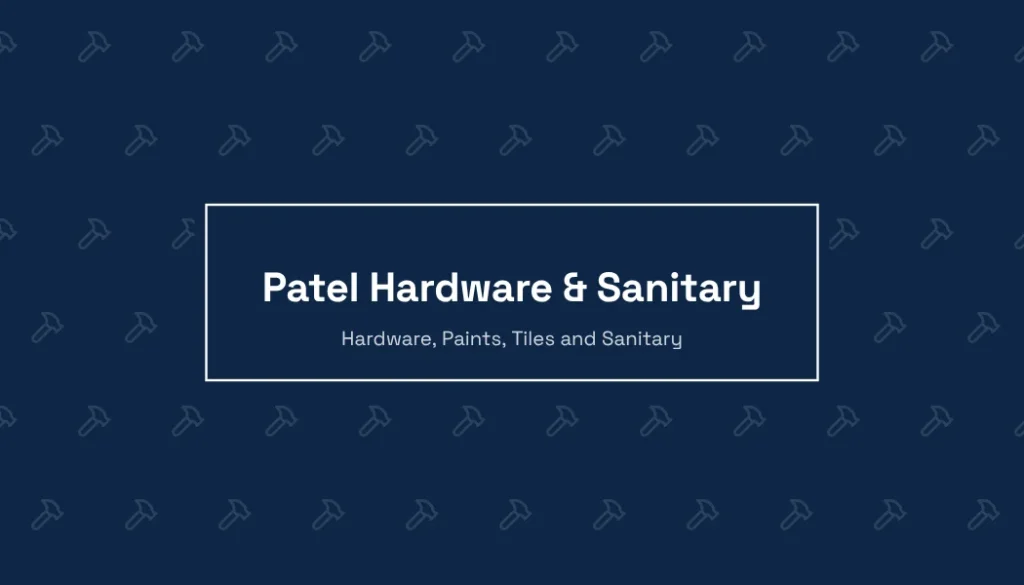
- Wrench icon and PATEL HARDWARE AND SANITARY
- Hardware, Paints, Tiles and Sanitary
- Wholesale and Retail
- Prakash Patel, Proprietor | Mob: 00000 00000
- GSTIN: 00XXXXX0000X0XX
- Main Road, Your City | Open 9 am to 8 pm
Back: product categories in two columns, "Site delivery available" and a WhatsApp ordering QR.
Printing tips
Hardware cards live in tool bags and dashboards, so pick a laminated 300 to 400 gsm card that resists dust and water. Product lists on the back tend to get long; keep every line at 8 pt or above and cut items rather than shrinking text. Export at 300 DPI in CMYK. In India, 3.5 x 2 inches is the most common size and some printers use 91 x 55 mm; the visiting card size guide explains both, so confirm with your printer before ordering.
Frequently asked questions
What should be written on a hardware shop visiting card?
Write the shop name, proprietor name, order and owner phone numbers, WhatsApp, a Wholesale and Retail line, GSTIN, shop address and timings. Use the back for product categories such as tools, paints, sanitary ware, plumbing, tiles and electricals, plus a WhatsApp ordering QR for contractors who send material lists.
Can I print brand logos on my hardware visiting card?
Only if you are an authorized dealer and the manufacturer permits it, using the logo files they provide. Otherwise, list brand names in plain text or simply say dealers in leading brands. Do not alter other companies' logos or suggest you are an authorized dealer if you are not.
Which design is best for a hardware visiting card?
Bold, high-contrast designs work well: red and black, yellow and black or orange and grey with simple tool icons. Sanitary shops often prefer blue and white with tap icons, and tiles showrooms use a marble or tile texture. Keep icons flat and text large so the card is readable in a busy work setting.
Should a hardware shop put GSTIN on its visiting card?
It is not required, but it is very useful because contractors, builders and companies need your GSTIN for tax invoices and often ask for it before ordering. Print the full 15-character number and double-check every character against your registration certificate before sending the file to print.
Is there a free hardware visiting card design download?
Yes. All hardware, sanitary, paint and tiles templates on this page are free to edit online. Replace the placeholder details, choose an icon set and background, then download a print-ready PDF with bleed, a PNG for WhatsApp, or a 10-up print sheet in US Letter or A4.
More templates
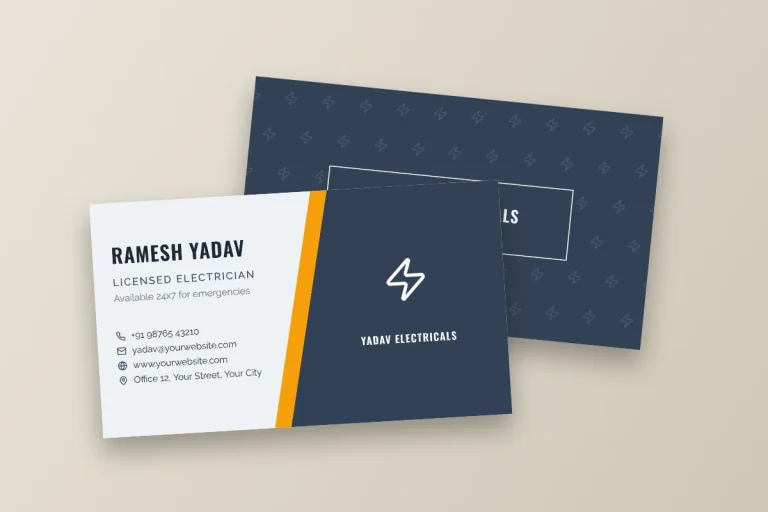
 Electrician Visiting Card DesignMake an electrician visiting card that customers can find in a hurry: big emergency number, clear list of...
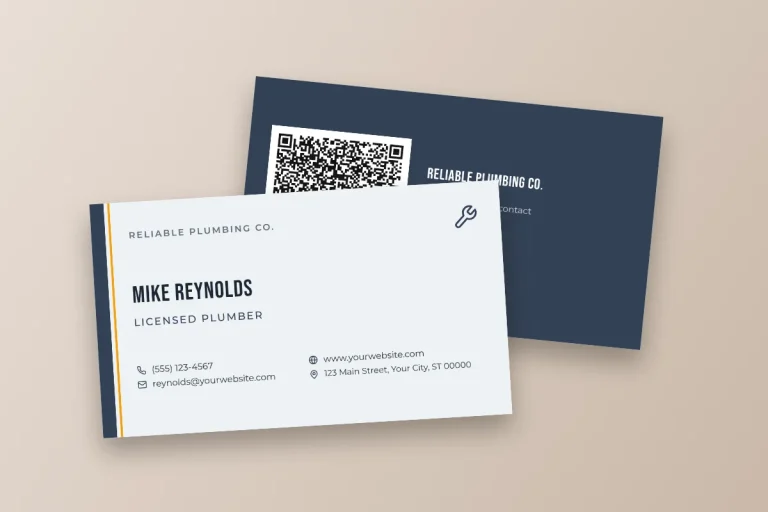
- Plumber Business Card TemplatesDesign a plumber business card that gets the call when a pipe bursts: emergency number up front, license...
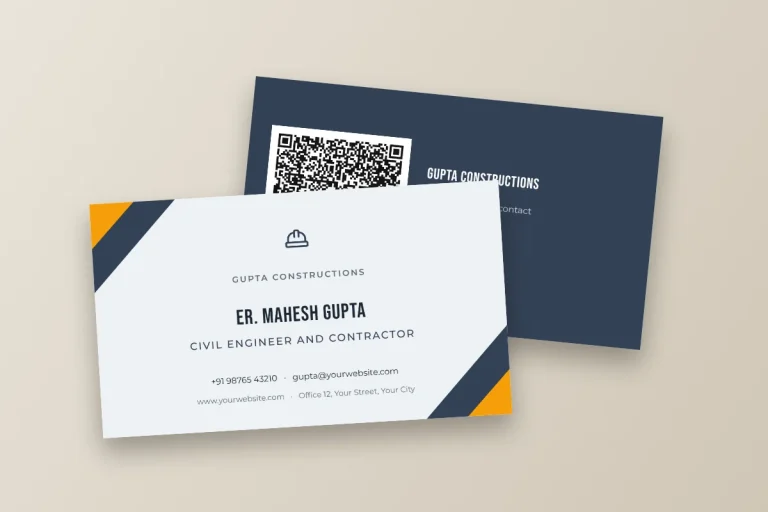
- Construction Visiting Card DesignEdit a free construction visiting card for your building company, civil contracting firm or site engineering...
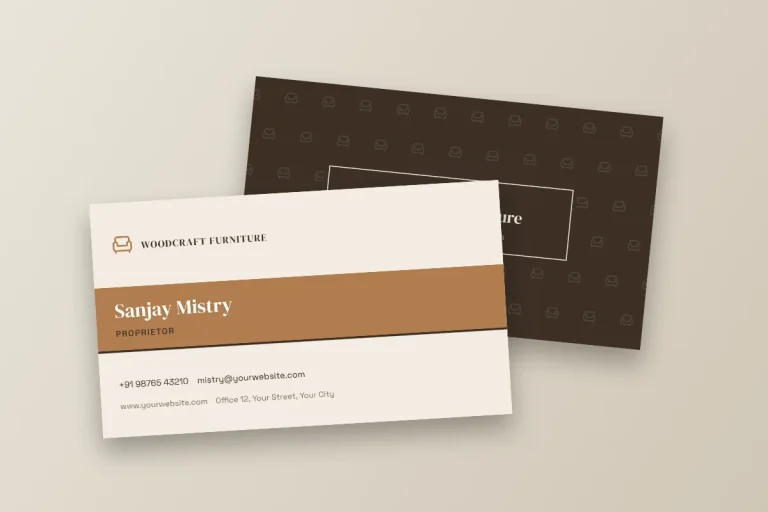
- Furniture Visiting Card DesignFurniture visiting card templates with warm wood textures for showrooms, custom furniture workshops and...