Student Business Card Template: Free Cards for Career Fairs and Networking
Free student business card templates for career fairs, internship hunts and conferences. Show your major, graduation year and a LinkedIn or portfolio QR code, then print a sheet at home.
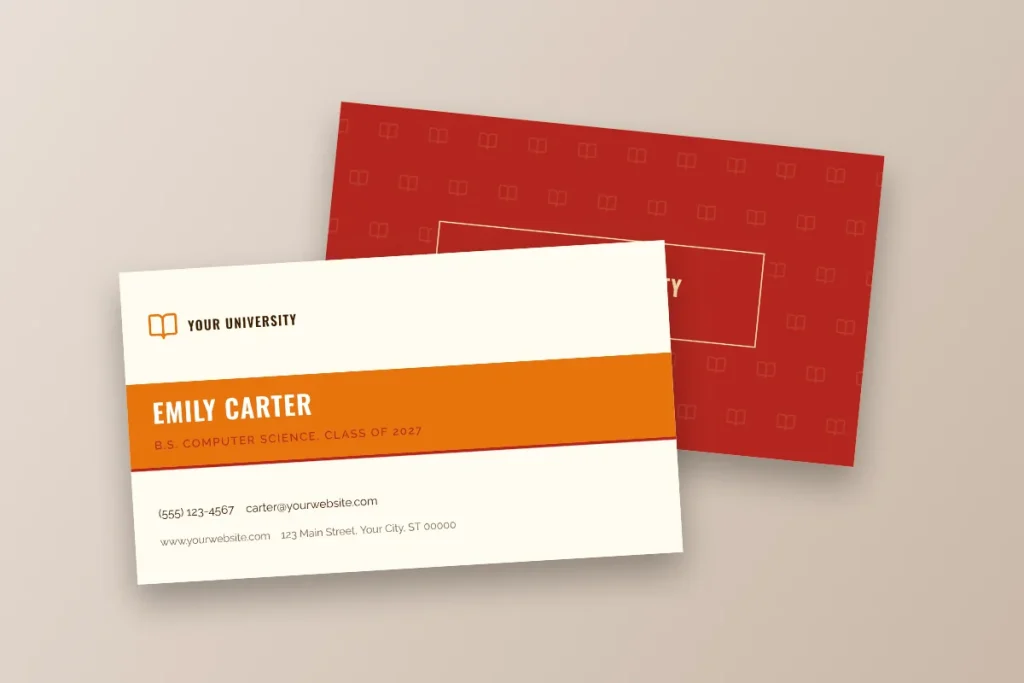
A student business card is a small, polite way to make a recruiter remember you after a two-minute conversation at a career fair. It should say what you study, when you graduate, what you are looking for, and how to see your work. The templates here suit undergraduates, graduate and PhD students, law students and bootcamp learners. Every template uses placeholder details that you replace in the business card maker.
Students in India sometimes call it a student visiting card; the same layouts work, and the maker includes Indian, US and European sizes.
8 free student business card template templates
Hover or tap a card to see the back. Customize to edit and download.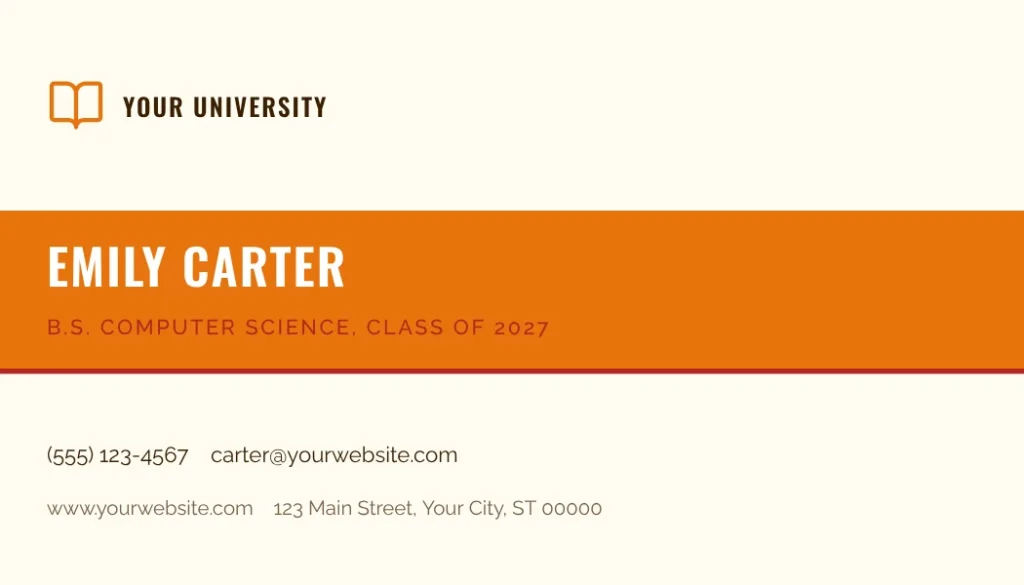





What to put on a student business card
- Full name, the way it appears on your resume and LinkedIn.
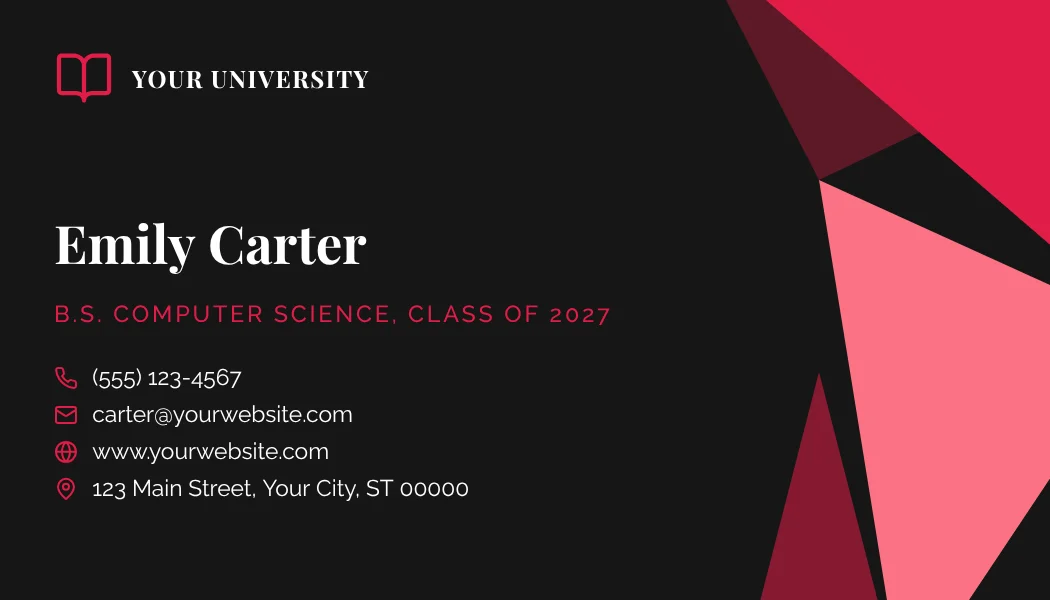
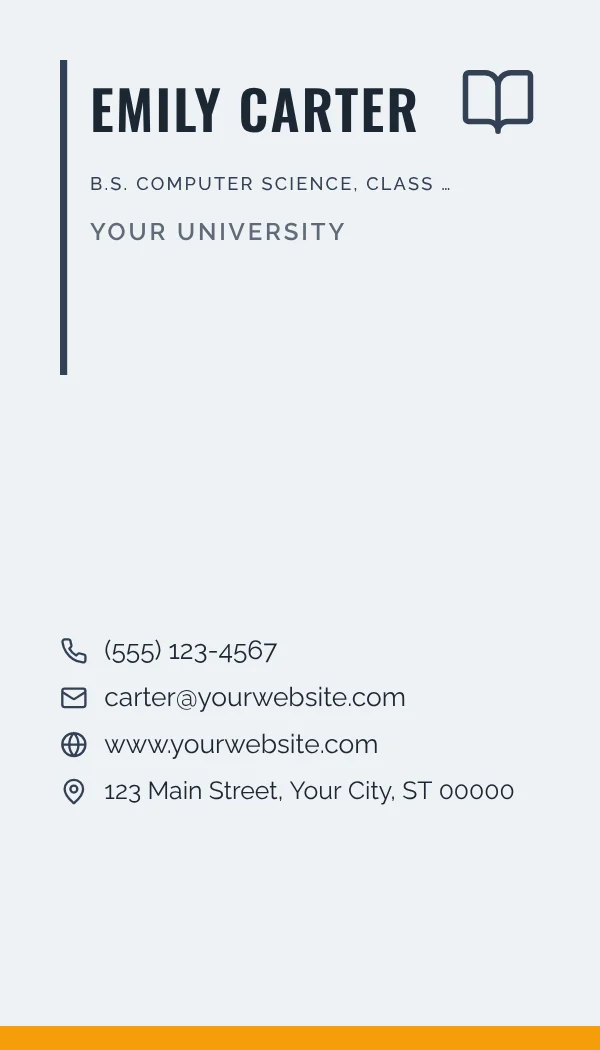
- Degree, major and class year: "B.S. Computer Science, Class of 2027". Graduate students might write "PhD Candidate, Chemical Engineering".
- University name as plain text.
- What you want: "Open to internships", "Seeking summer 2027 roles" or your research area.
- Email and phone. Use a professional personal email if your student address expires after graduation.
- LinkedIn URL, portfolio, GitHub or research profile.
Leave out your home address and date of birth. Recruiters do not need them, and a card can end up anywhere.
Do not use the university logo without permission
University names, seals and logos are usually protected trademarks, and most schools control how they appear on personal materials. Write the university name in your own font instead of copying the official logo or crest. Some career centers and student organizations offer approved card designs; if yours does, use that. You can still echo the school colors in a simple stripe or accent, which shows your affiliation without copying the mark.
Variations by field
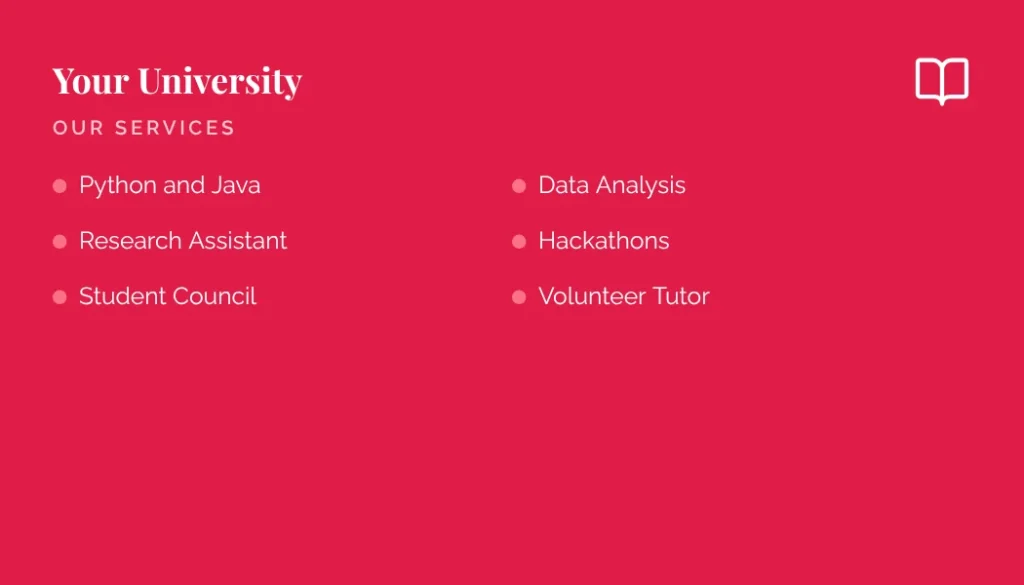
- Computer science and engineering: list languages and tools on the back (Python, Java, data analysis) and add a GitHub QR.
- Design, architecture and media: the card itself is a portfolio piece; try layouts from the creative visiting card design collection.
- Law students: keep it plain and factual: name, J.D. candidate and year, school, interests, contact. Do not describe yourself as a lawyer or attorney before admission.
- PhD and graduate students: put your research area and lab on the front and a QR to your publication list on the back, useful at conferences.
Design: simple, readable, one accent
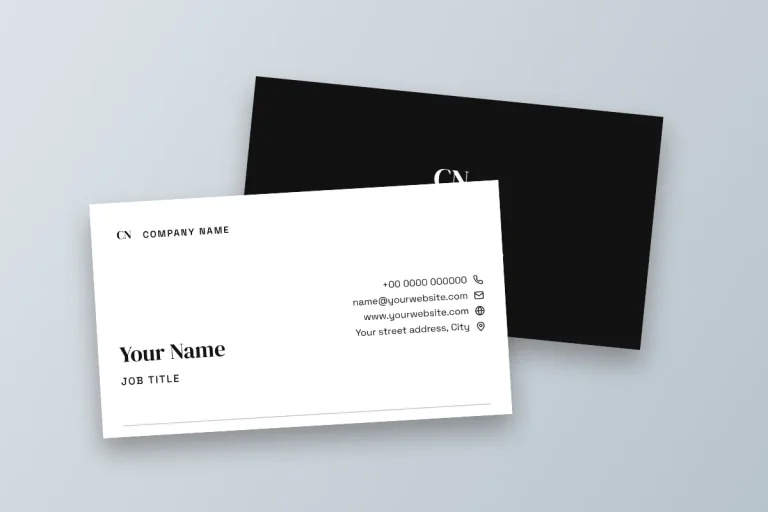
Recruiters collect dozens of cards in a day. A clean white card with your name in a strong weight and one accent color stands out more than a busy pattern. The minimalist business card templates are a safe base. Use your school color or a color from your portfolio site as the accent, keep every line at 8 pt or larger, and avoid novelty fonts that make your name harder to read.
Back side: QR code and skills
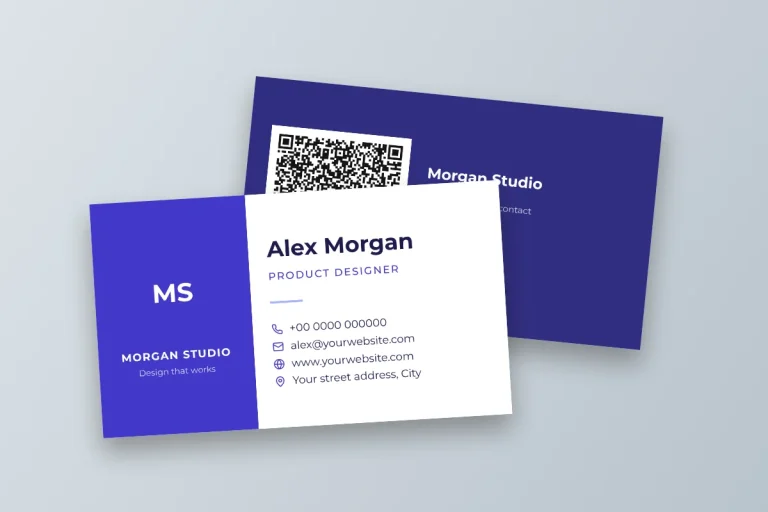
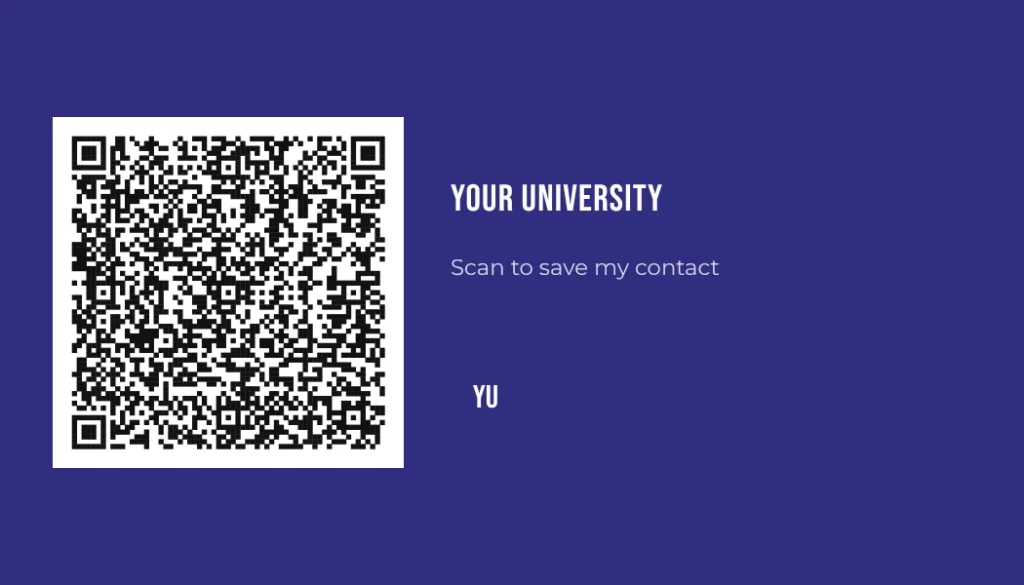
- A QR code to LinkedIn or your portfolio, printed at least 0.8 x 0.8 in with a quiet zone of at least 4 modules. The maker can also make a vCard QR that saves your contact. See QR code business cards.
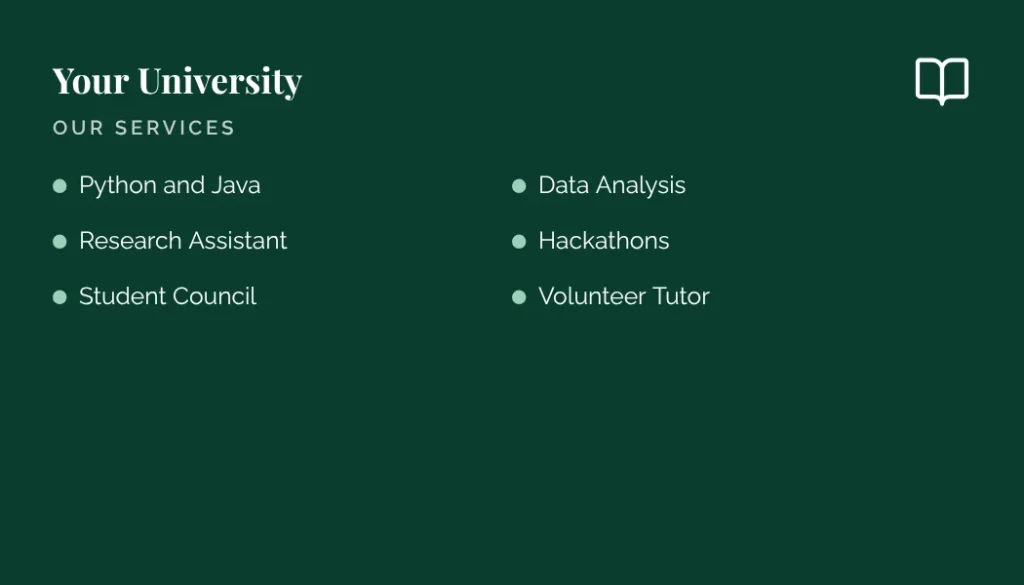
- Five or six skills or activities: Data Analysis, Research Assistant, Hackathons, Student Council, Volunteer Tutor.
- A blank strip where you can jot the recruiter's booth or a follow-up note.
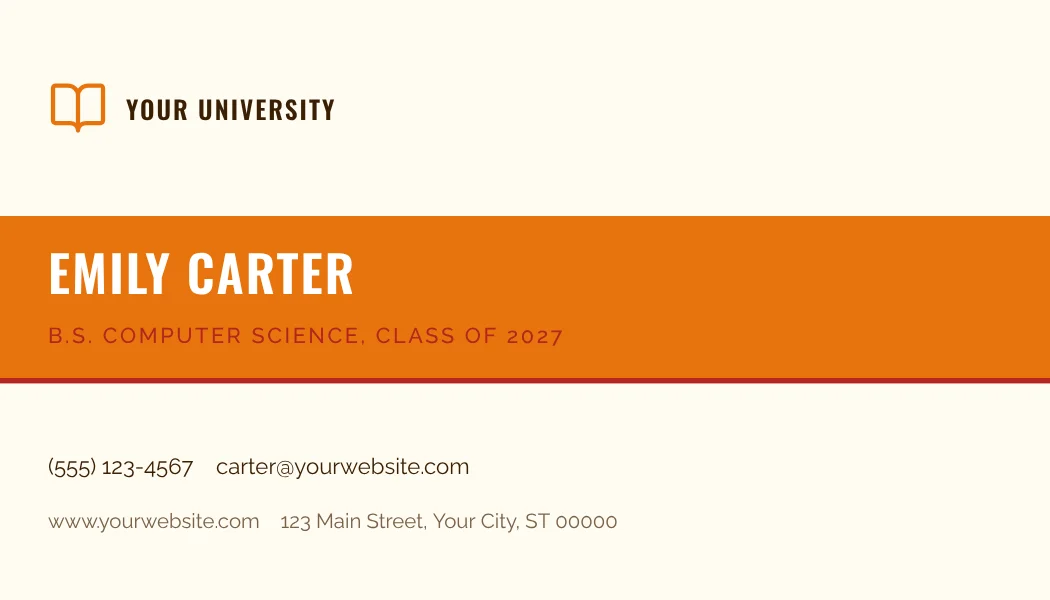
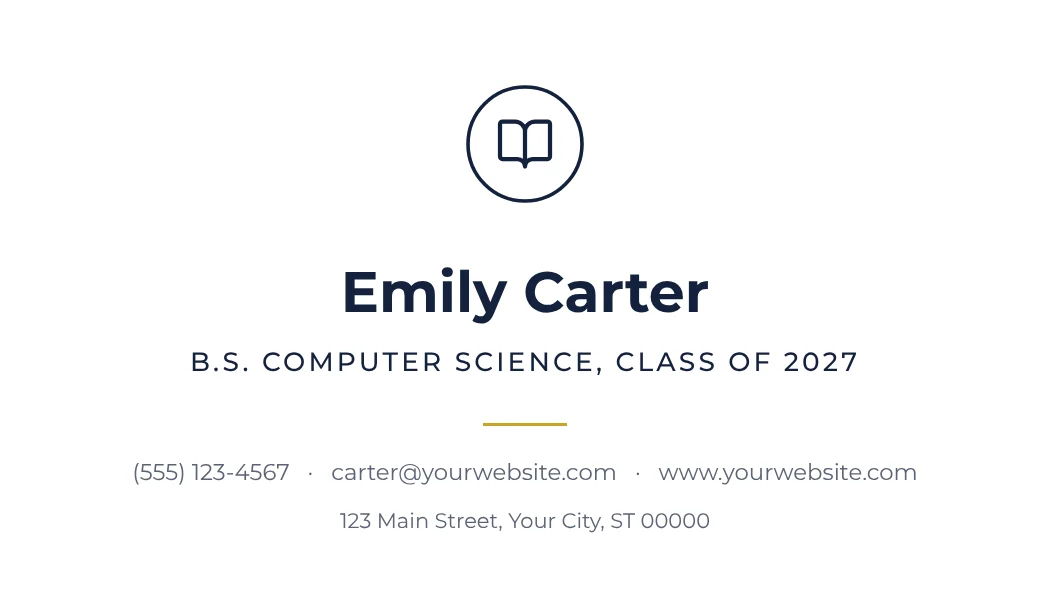
Sample student card layout
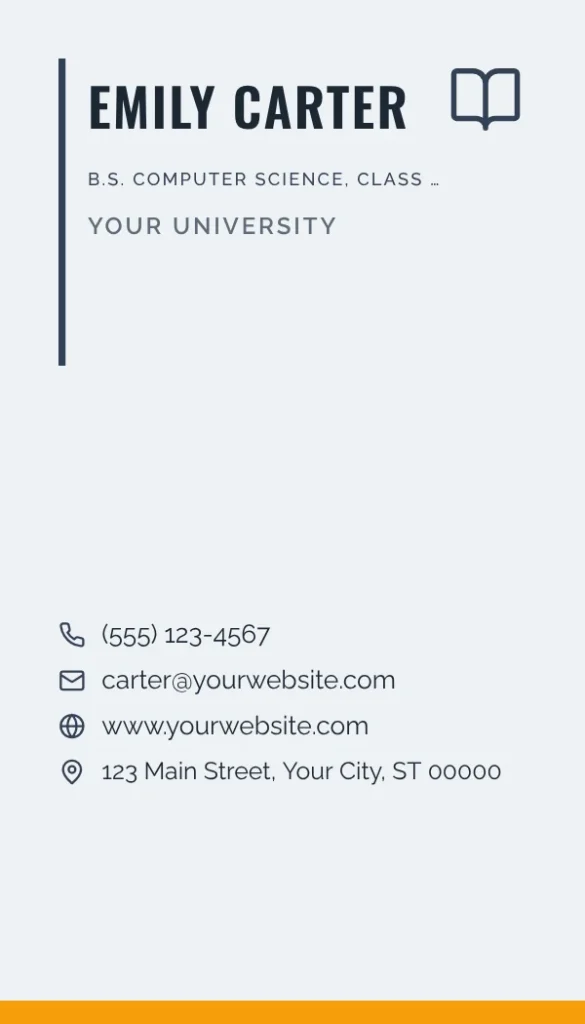
Front:
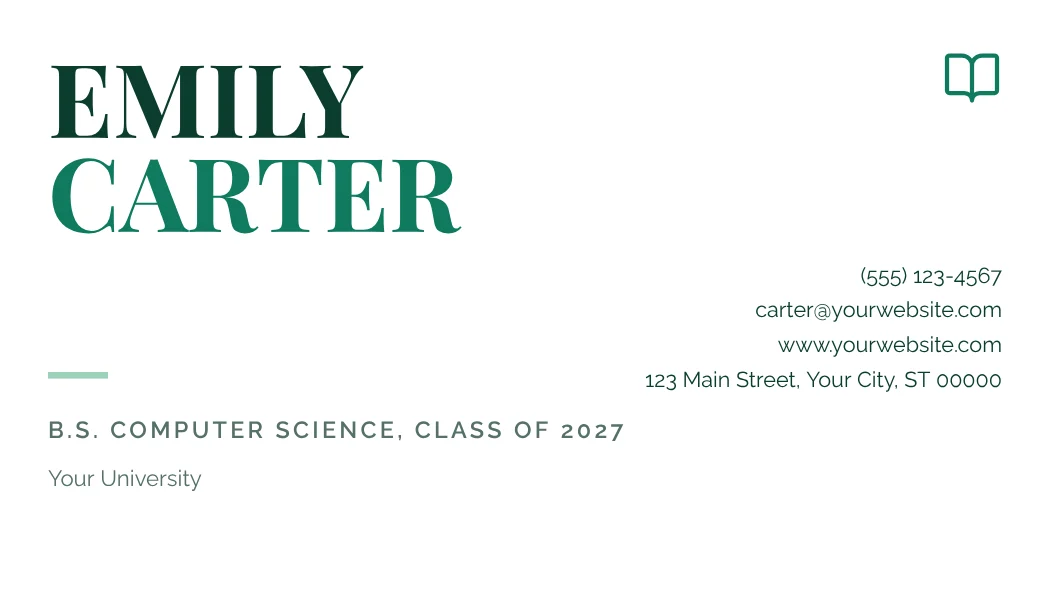
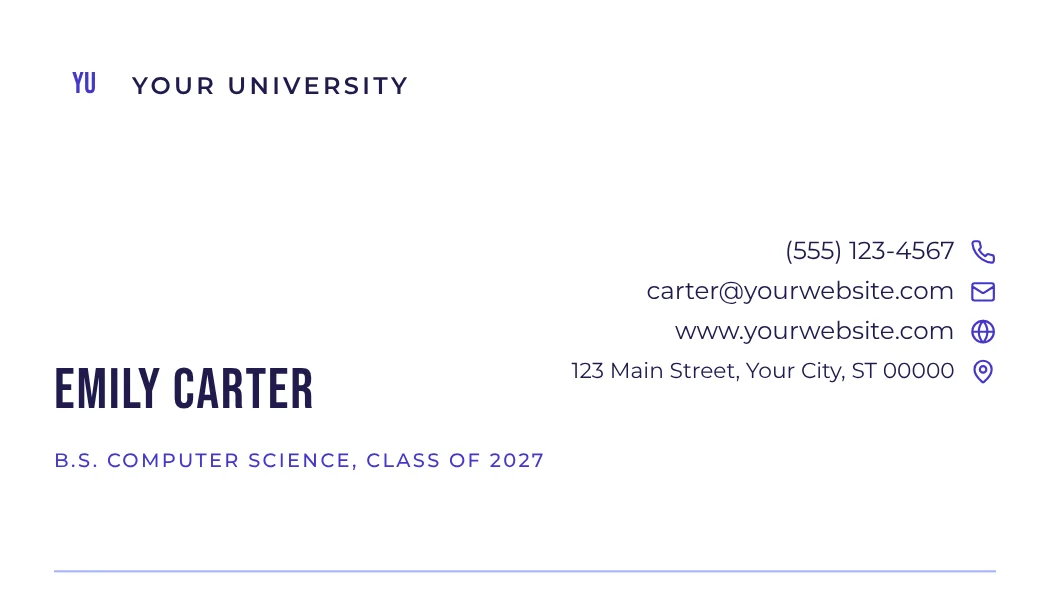
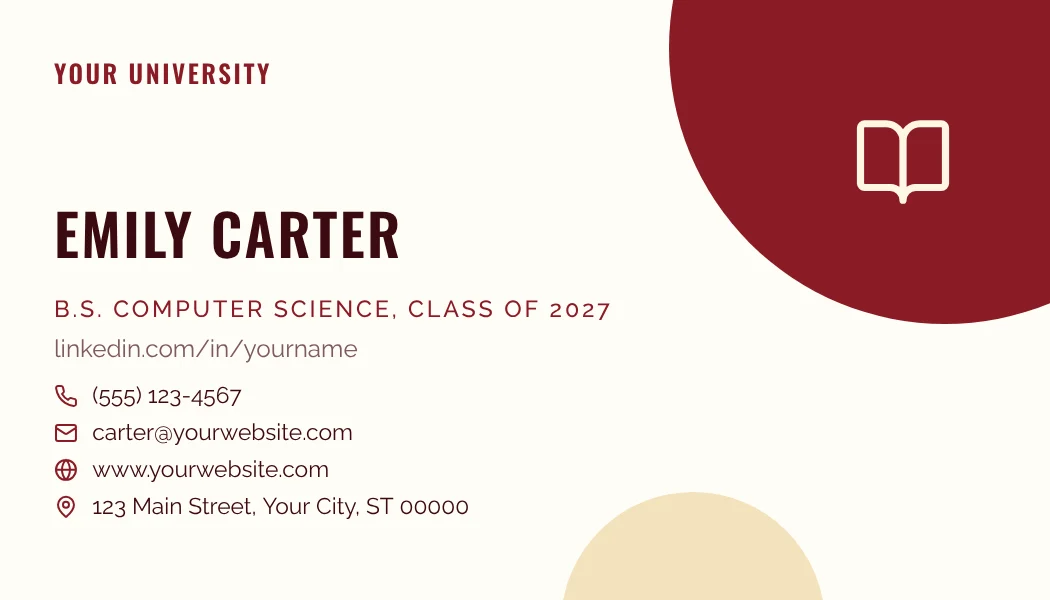
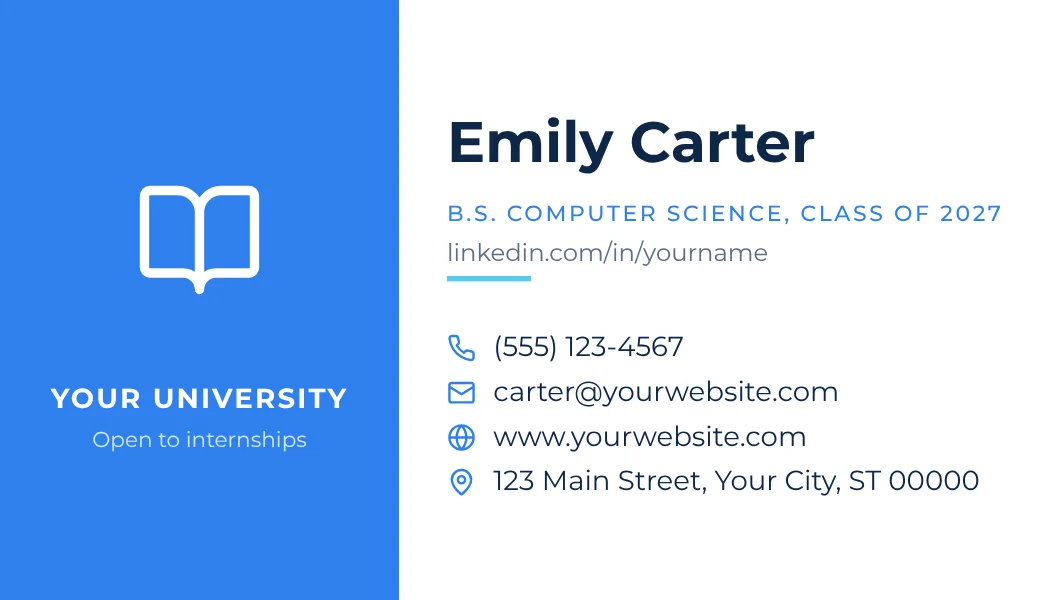
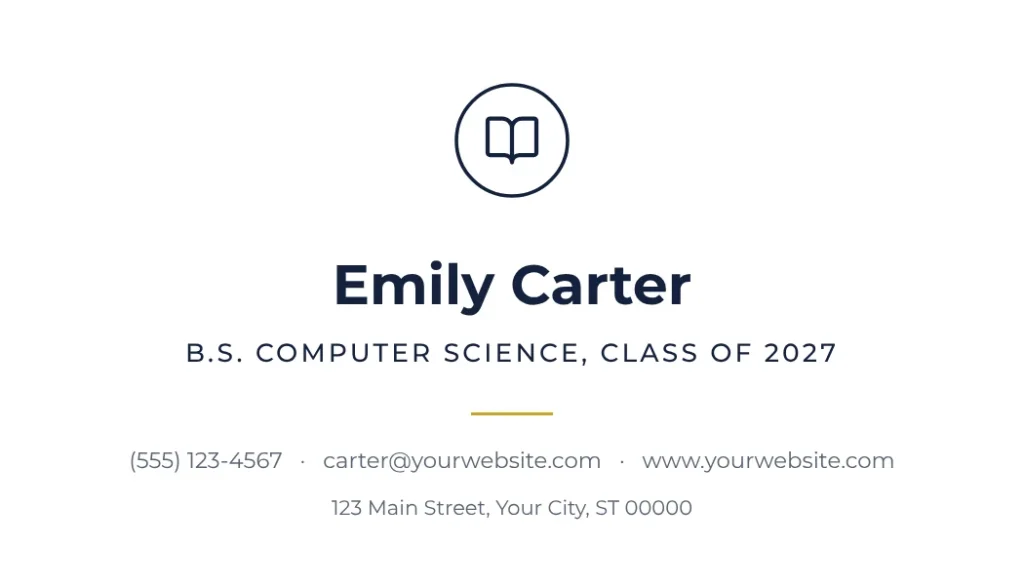
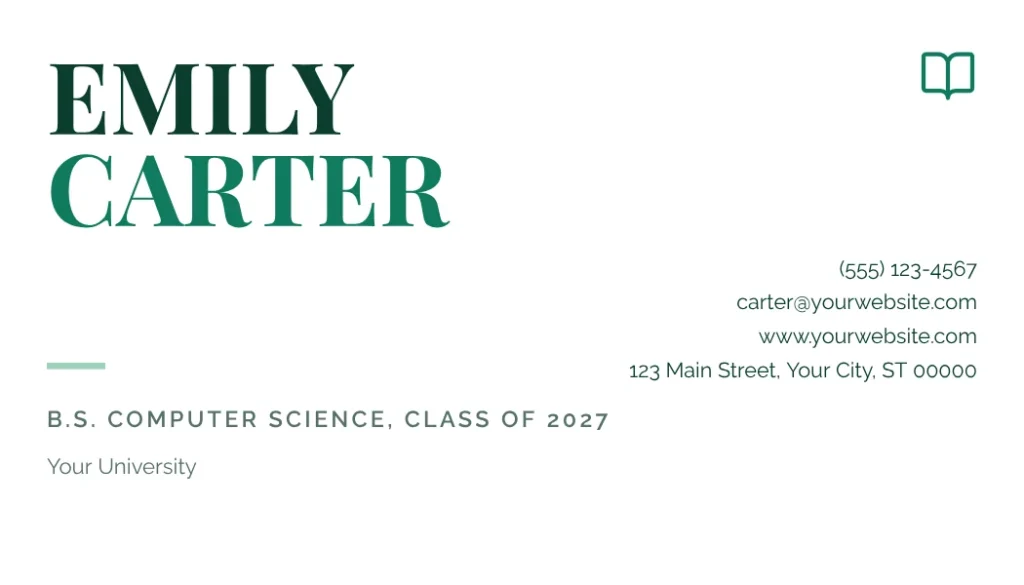
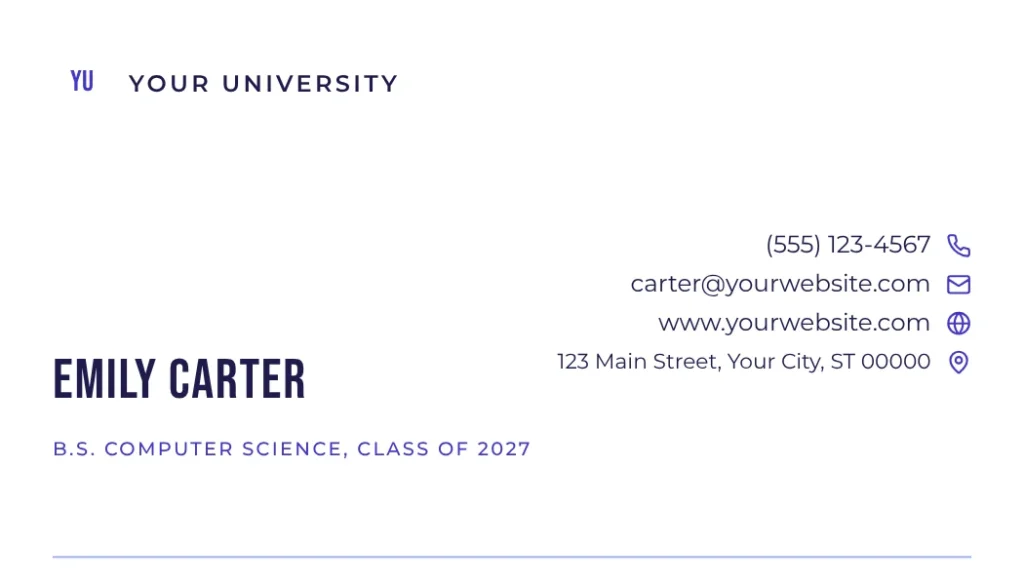
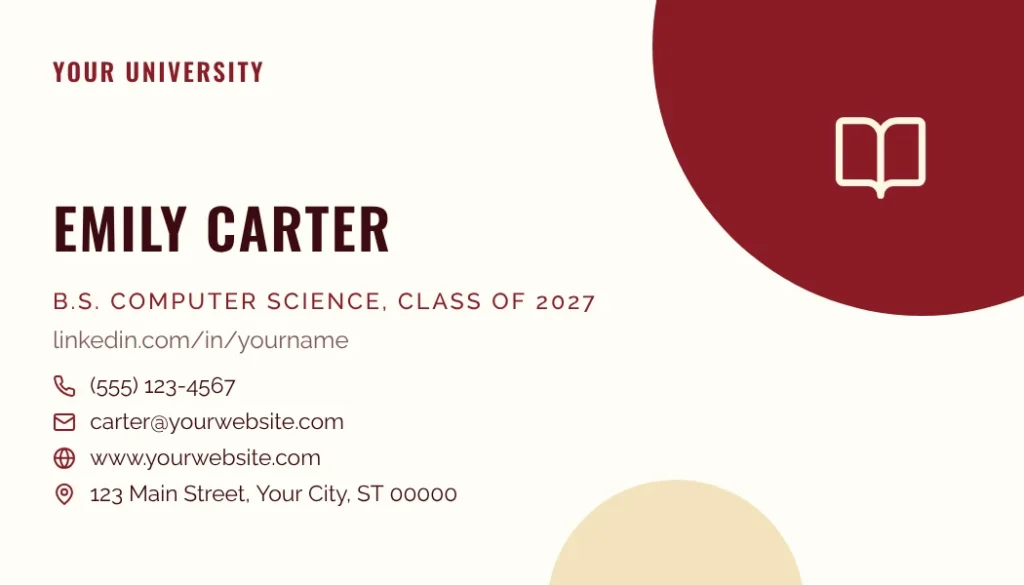
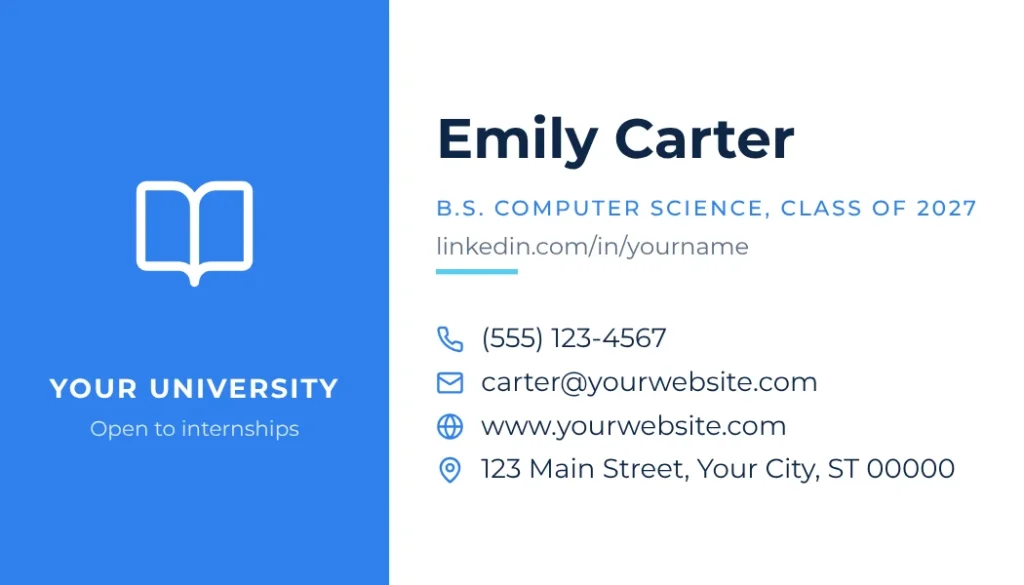
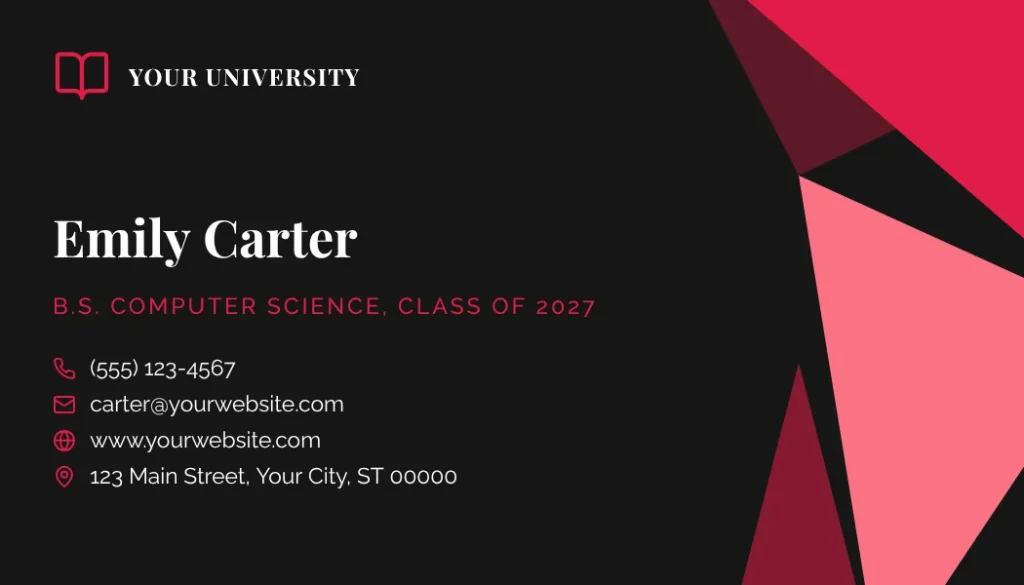
- Emily Carter
- B.S. Computer Science, Class of 2027
- Your University
- Open to internships
- Email and phone
- linkedin.com/in/yourname
Back:
- Python and Java, Data Analysis, Research Assistant, Hackathons
- QR code to LinkedIn or portfolio
Printing on a student budget
The US standard is 3.5 x 2 in (see the business card size guide). For a career fair you rarely need hundreds of cards, so printing at home is practical. The maker's 10-up PDF for US Letter follows the Avery 5371 layout, which Avery lists as shared by several card products, so the cards line up with the perforations. Our how to print business cards at home guide covers printer settings. Print one test sheet on plain paper first and hold it against the card sheet to check alignment.
Frequently asked questions
What should a student put on a business card?
Put your full name, degree and major, graduation year, university name, what you are looking for such as internships, a professional email, phone number and a LinkedIn or portfolio link. Skills, projects and a QR code fit on the back. Leave out your home address and other personal details.
Can I use my university logo on a student business card?
Usually not without permission. University logos and seals are protected trademarks with usage rules. Write the university name in plain text and, if you like, use the school colors as an accent. If your career center provides an approved student card design, that is the safest option.
Do students really need business cards for career fairs?
They are not required, but they help. A recruiter who meets many students in a day can match your card to your resume later, and a LinkedIn QR code makes it easy to connect. A small home-printed batch is enough for most fairs and networking events.
What should a PhD or graduate student business card include?
Include your name, PhD Candidate or graduate program, department, university, research area, lab or advisor if appropriate, email and a link or QR code to your publication list or academic profile. These cards are most useful at conferences, so make the research area the clearest line after your name.
How can I print student business cards at home?
Download the 10-up PDF from the maker for US Letter, which follows the Avery 5371 layout, or the A4 sheet with crop marks. Print a test page on plain paper first to check alignment, then print on card stock or perforated card sheets using your printer's heavy paper setting.
Sources
More templates
 Minimalist Business Card TemplatesA minimalist business card keeps only what matters: your name, what you do and how to reach you, set in clean...
- QR Code Business Card TemplatesA QR code business card lets people scan the back of your card and save your name, phone and email straight...
- How to Print Business Cards at HomePrint professional-looking business cards at home with a free 10-up sheet, the right printer settings and a...
- Avery Business Card TemplateAvery 5371, 8371, 8871 and many other Avery business card sheets share one template: ten 2 x 3.5 inch cards...