DJ Visiting Card Design: Free DJ and Sound Business Card Templates
DJ visiting card templates with dark, neon-lit backgrounds for wedding and party DJs, live musicians and sound and light rental businesses. Add your mix link or Instagram as a QR and download print-ready files.
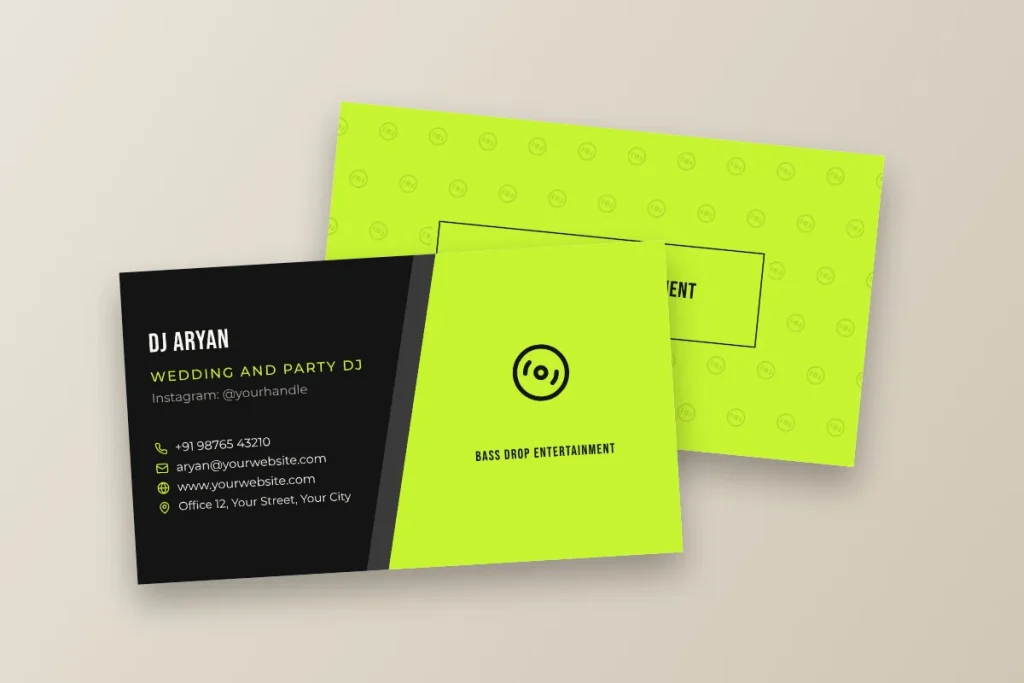
A DJ visiting card should feel like the night you sell: dark backgrounds, bright accents and your DJ name big enough to read in a dim banquet hall. The templates below are made for wedding and party DJs, sound and light rental owners, and bands or dhol groups who get booked through word of mouth at events.
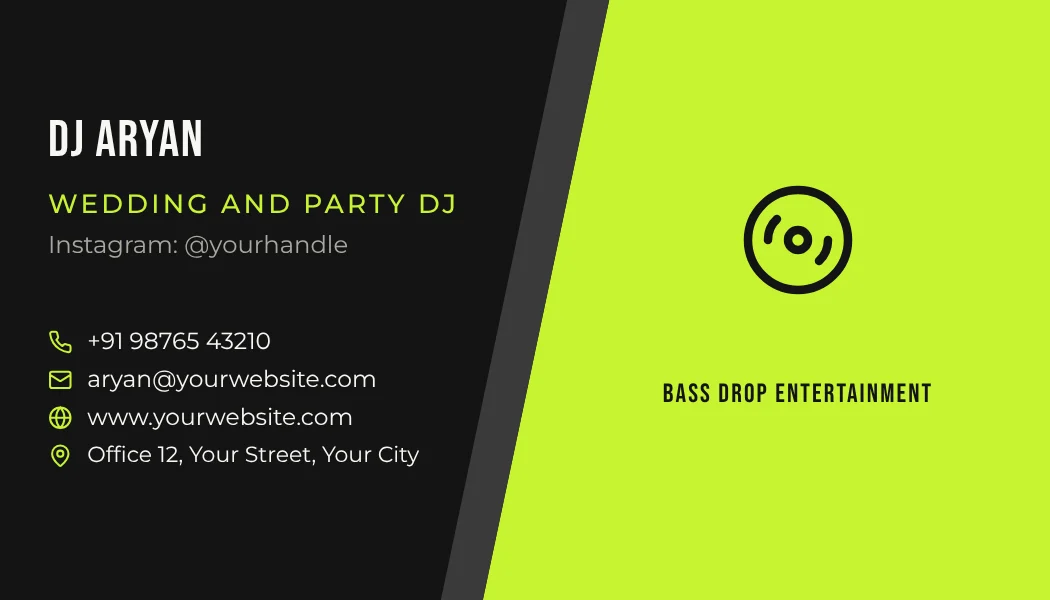
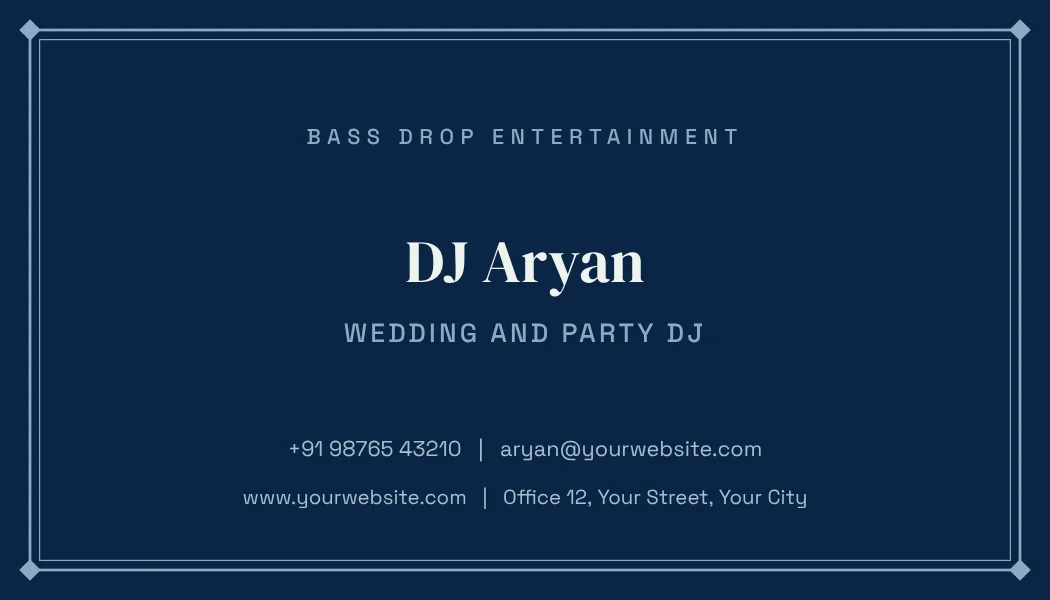
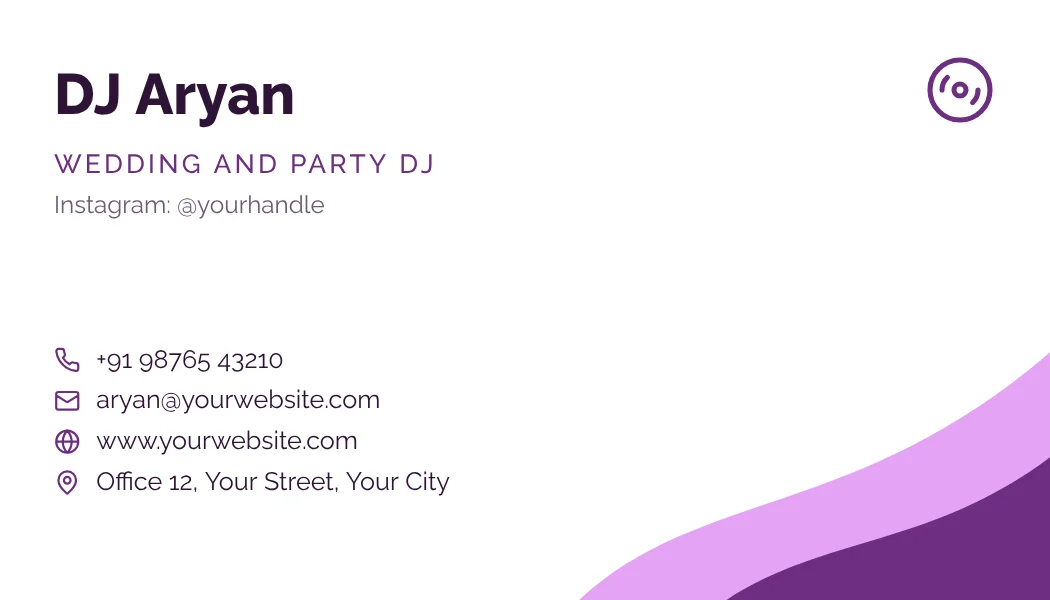
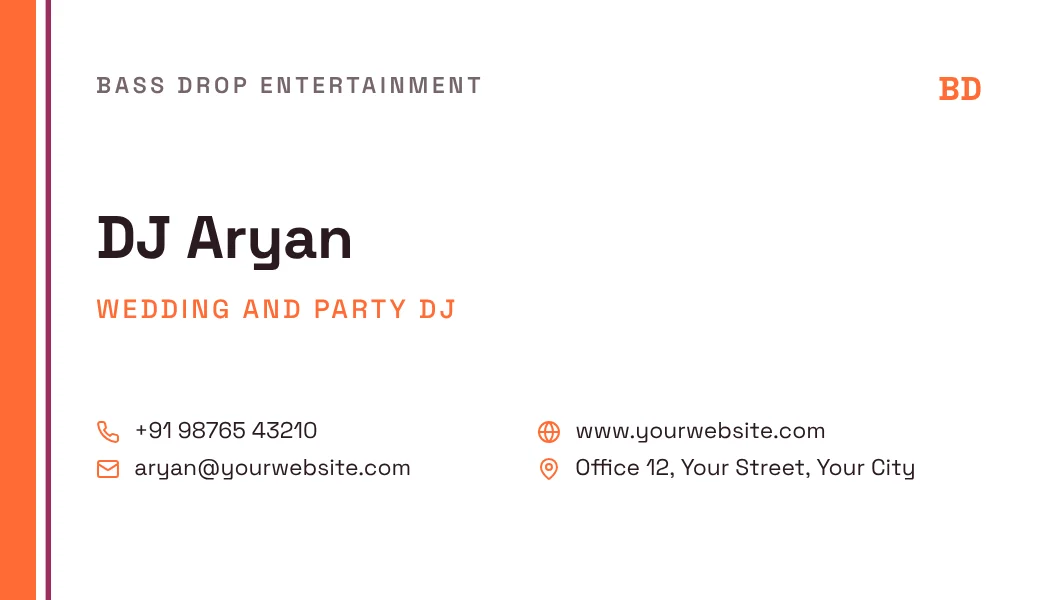
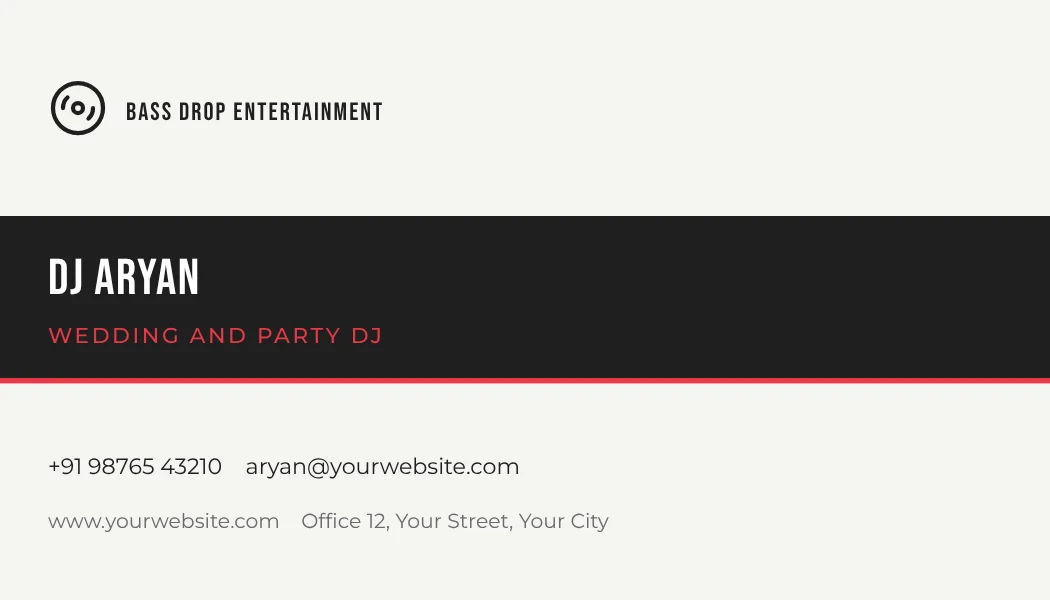
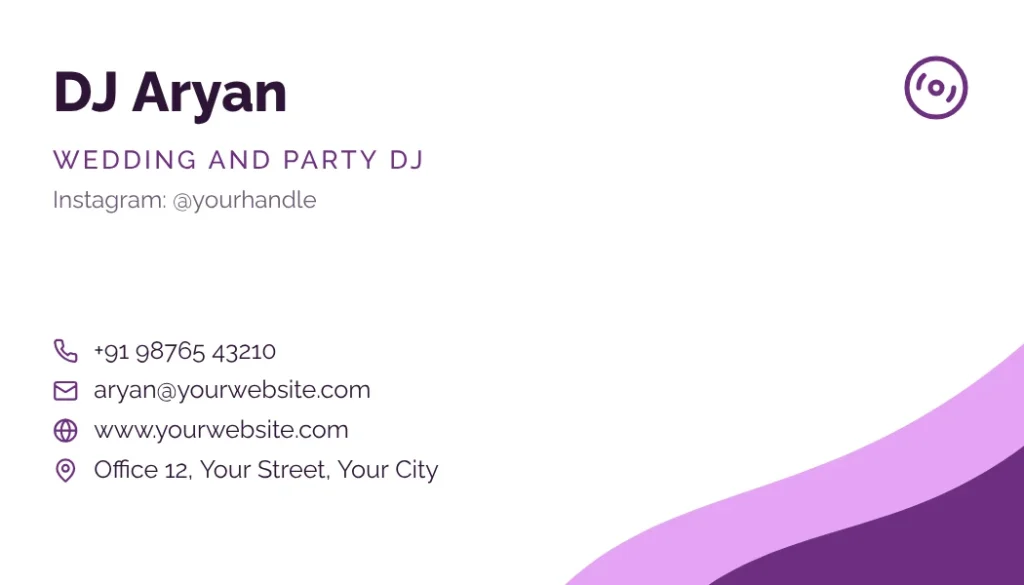
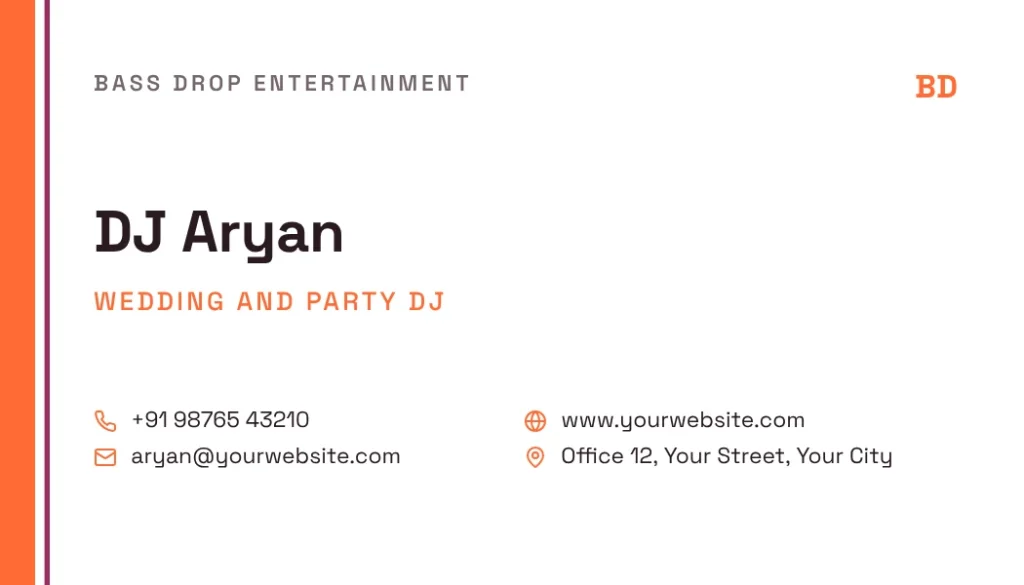
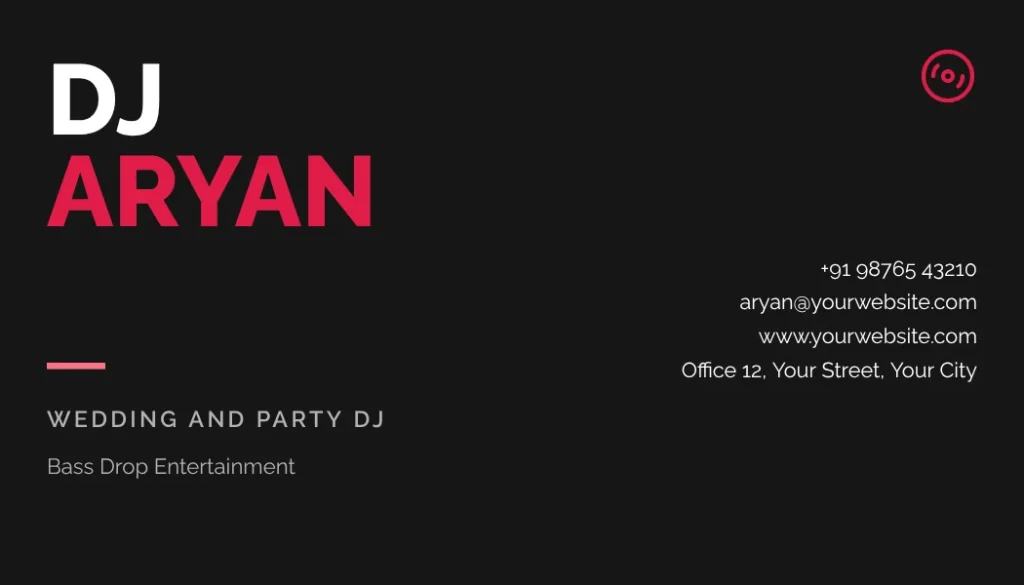
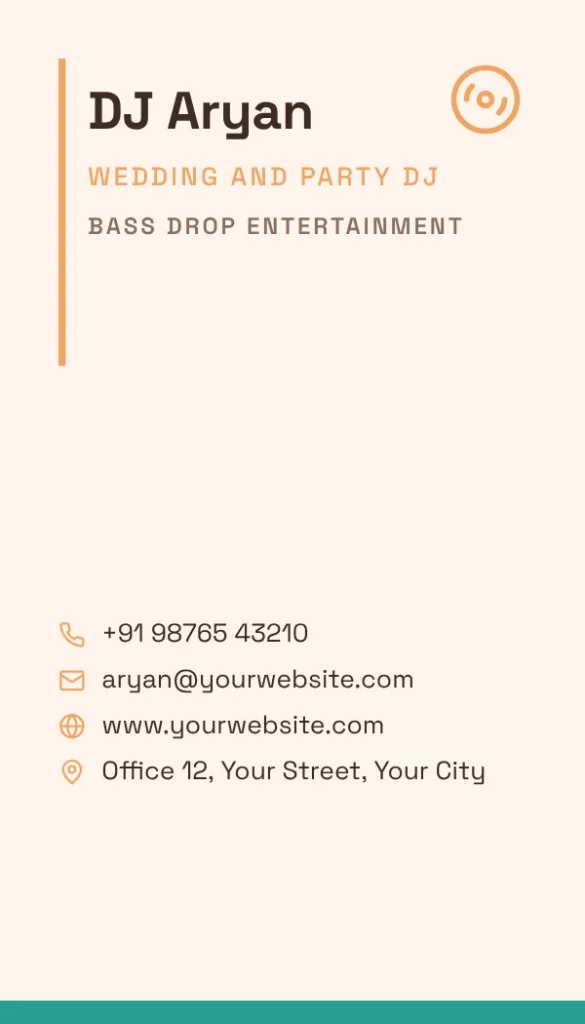
The designs use placeholder details (DJ Aryan, Wedding and Party DJ, Bass Drop Entertainment). Open one in the business card maker, replace the text, add your own QR link, and download a PDF, PNG or 10-up print sheet.
8 free dj visiting card templates
Hover or tap a card to see the back. Customize to edit and download.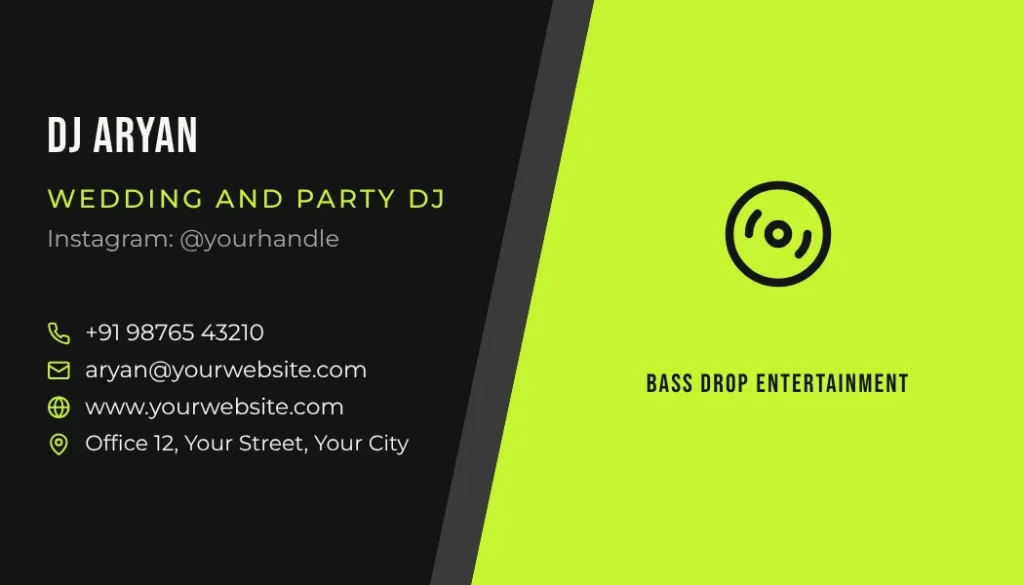
What to put on a DJ business card
- DJ name or stage name as the biggest text, exactly as it appears on Instagram.
- Your real name in smaller text if clients book you directly, so families know whom they are talking to.
- Event types: weddings, sangeet, corporate parties, college fests, clubs.
- What you bring: sound system, LED lights, dance floor, truss, dhol, live singer.
- Booking phone and WhatsApp, the line most clients will use.
- Instagram, YouTube or mix link. For a DJ, proof of sound matters more than a website.
- City or region served.
If you rent equipment, a separate line such as "Sound and Light Rental Available" brings in event planners as well as families.
DJ visiting card design backgrounds and colors
Dark backgrounds are standard for this profession, and they work because neon colors pop against them. Directions that suit DJs:
- Black with electric blue and magenta for club and party DJs.
- Deep purple with gold for wedding DJs who want a premium feel.
- Waveform or equalizer bars across the card, with the name over the top.
- Vinyl record or turntable graphic for a classic DJ look.
- Laser beams or stage lights for sound and light rental businesses.
Remember that bright screen neons are RGB colors and often print duller in CMYK. Ask for a proof, or choose slightly less saturated shades. Our visiting card background library has dark and gradient options, and creative visiting card design has more bold layouts.
Back-side ideas for DJ cards
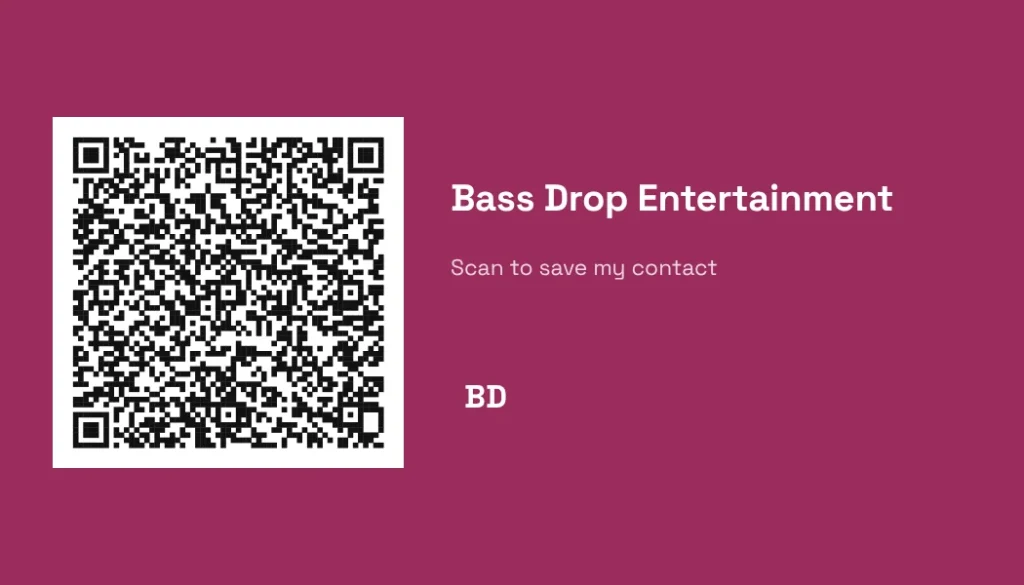
- A QR code to your latest mix, Instagram reels or YouTube set. Label it "Hear my sets" so people know why to scan. Print it at least 0.8 x 0.8 in, with a light quiet zone around it so it scans on a dark card.
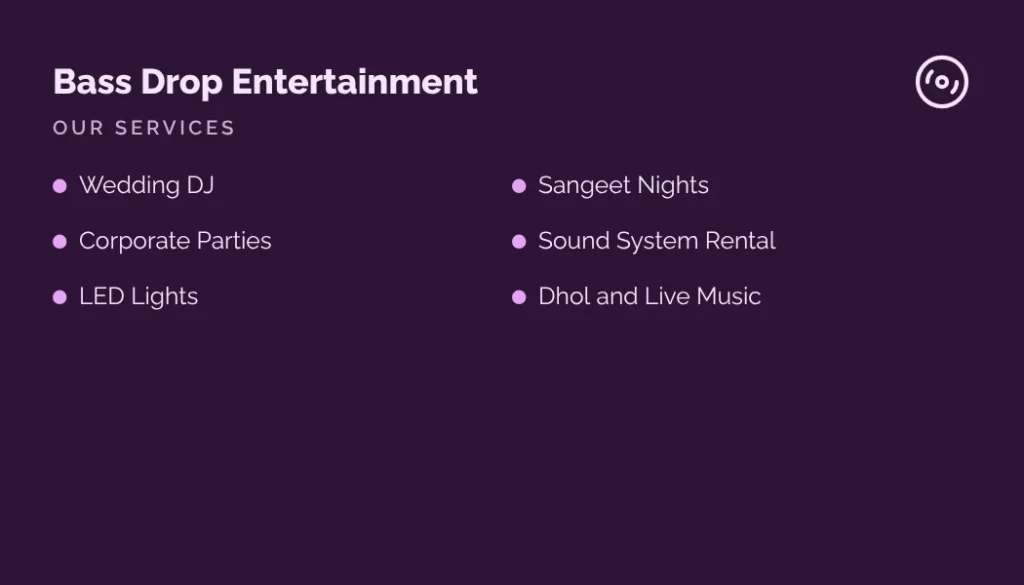
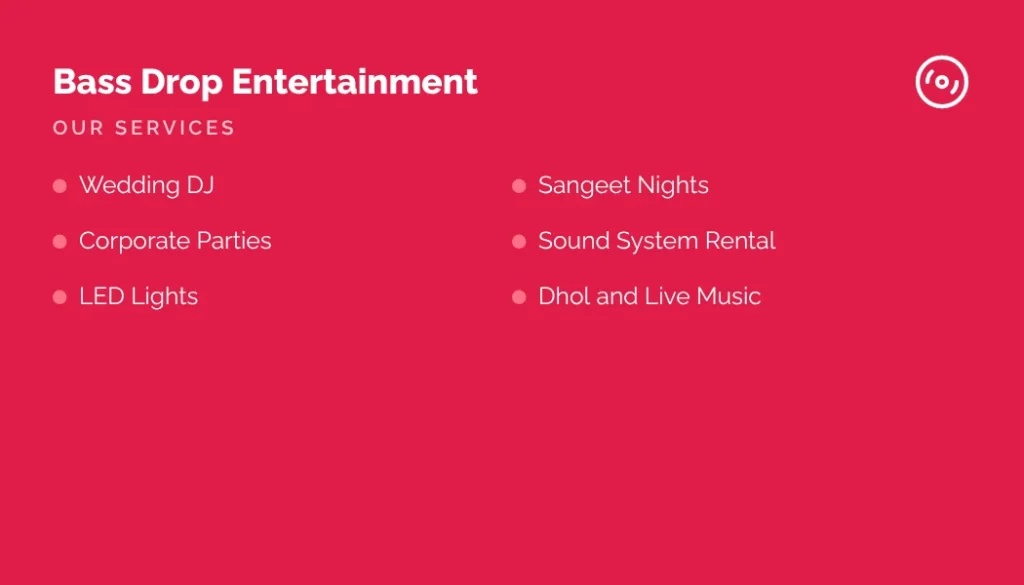
- A services grid: Wedding DJ, Sangeet Nights, Corporate Parties, Sound System Rental, LED Lights, Dhol and Live Music.
- A short list of venues or events you have played, if you have permission to name them.
- Booking details in Hindi or Gujarati for family clients; both scripts are supported in the maker.
For more on scanning reliability, see the QR code business card page.
Sample DJ visiting card text layout
Front, black background:
- DJ ARYAN (neon blue, largest)
- Wedding and Party DJ
- Bass Drop Entertainment | Sound, Lights and DJ
- Bookings: 00000 00000 (WhatsApp)
- Instagram: @yourhandle
- Your City and nearby
Back: equalizer bars along the bottom, services in two columns, "Hear my sets" QR at top right.
Printing tips for dark DJ cards
Dark, full-bleed designs show every cutting error, so extend the background into the bleed area (0.125 in on each side for US-size files) and keep text well inside the trim. Matte or soft-touch lamination looks good on black and hides fingerprints; spot UV on the DJ name adds a shine that catches light at events. Keep small white text at 8 pt or larger, since thin light text on black can fill in. In India, 3.5 x 2 inches is the most common size; check the visiting card size guide before you send files to a printer.
Frequently asked questions
What should a DJ write on a visiting card?
Write your DJ or stage name, your real name if clients book you directly, the events you play such as weddings, sangeet and corporate parties, the equipment you supply, a booking phone or WhatsApp number, your Instagram or mix link and the city you serve. Put a QR code to your sets on the back.
Which background is best for a DJ visiting card design?
Dark backgrounds with neon or metallic accents suit DJs best: black with electric blue, purple with gold, or a gradient with waveform graphics. Keep the area behind the name and phone number plain enough to read. Neon screen colors usually print duller, so ask for a printed proof before a large order.
Should a DJ put a QR code on the business card?
Yes. Clients want to hear you before they book, so a QR to a mix, YouTube set or Instagram reels is very useful. Label it clearly, print it at least 0.8 inches square and keep a light margin around it so phones can read it on a dark card.
Can sound and light rental businesses use these DJ templates?
Yes. Swap the DJ name for your business name and list your equipment instead: speakers, LED walls, truss, smoke machines and generators. Add an event planner contact line and keep a services grid on the back so planners can see everything you rent at a glance.
Are these DJ business card templates free?
Yes. All DJ templates here are free to edit in your browser. Replace the placeholder details, choose a dark background, and download a print-ready PDF with bleed, a PNG to share on WhatsApp or Instagram, or a 10-up print sheet for US Letter or A4.
Sources
More templates
 Event Management Visiting CardBuild an event management visiting card that looks like one of your own celebrations: festive, organised and...
- Photography Visiting Card DesignMinimal photographer visiting card designs that let one image and a portfolio QR code do the selling. Edit...
- Creative Visiting Card Design TemplatesA creative visiting card design uses bold colour, unusual layouts and graphic shapes so people remember you....
- Visiting Card Background HDDownload free HD visiting card backgrounds: 48 designs in 12 styles, each in light and dark versions, sized...