General Store Visiting Card Design: Free Kirana and Grocery Store Card Templates
Bright, easy-to-read general store visiting card templates for kirana shops, grocery stores and provision stores. Show your WhatsApp order number, delivery area and timings, then download free.
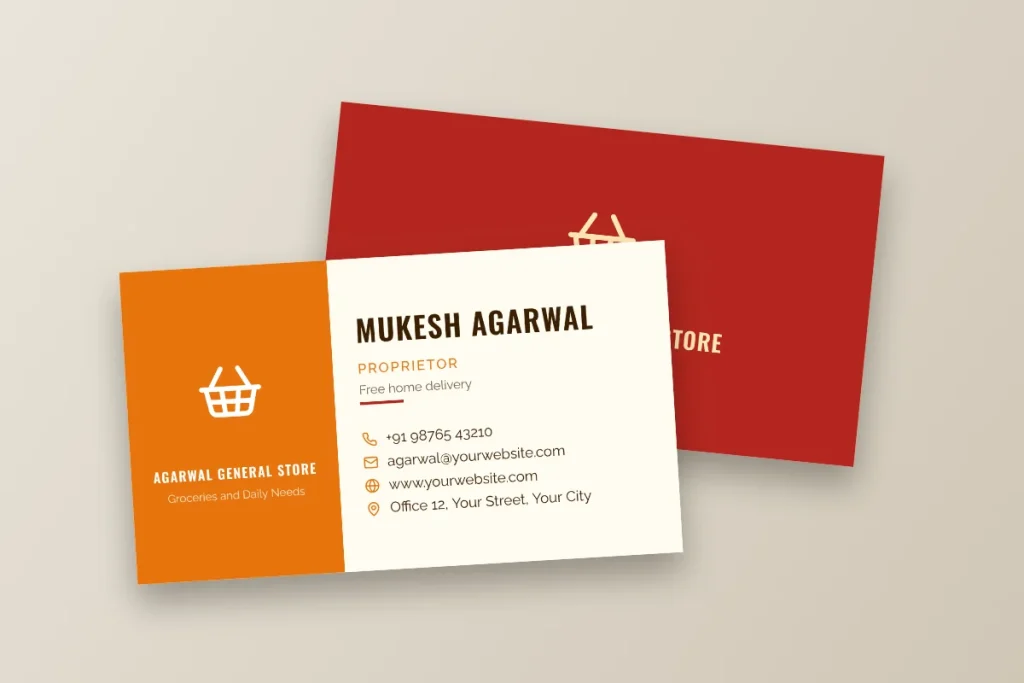
A general store visiting card is really an order card: it sits on a customer's fridge or in a kitchen drawer, and its main job is to make the next WhatsApp order or phone call effortless. The templates on this page are designed for kirana stores, grocery and provision shops, dairy and daily needs stores, and small supermarkets. Each template uses placeholder details that you replace in the visiting card maker.
Hand a card with every home delivery and keep a stack at the billing counter. Regular customers will pass them to neighbors when they move into the society.
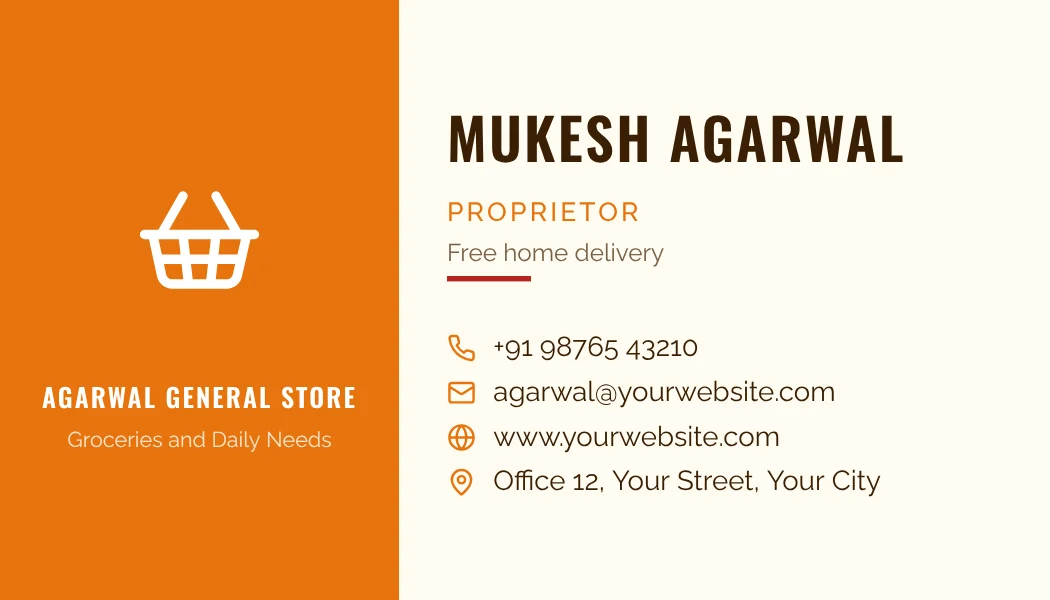
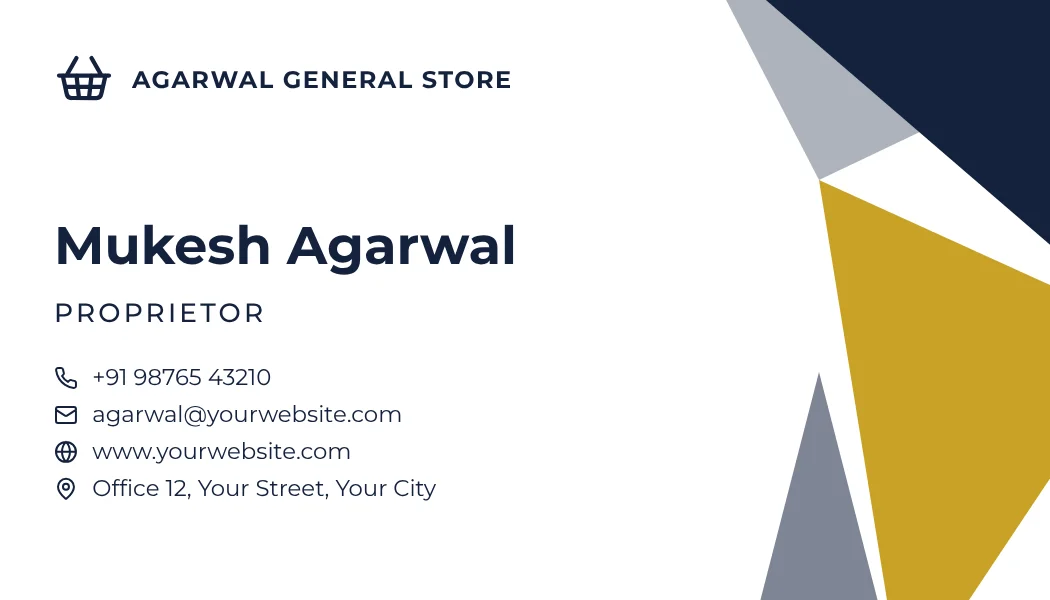
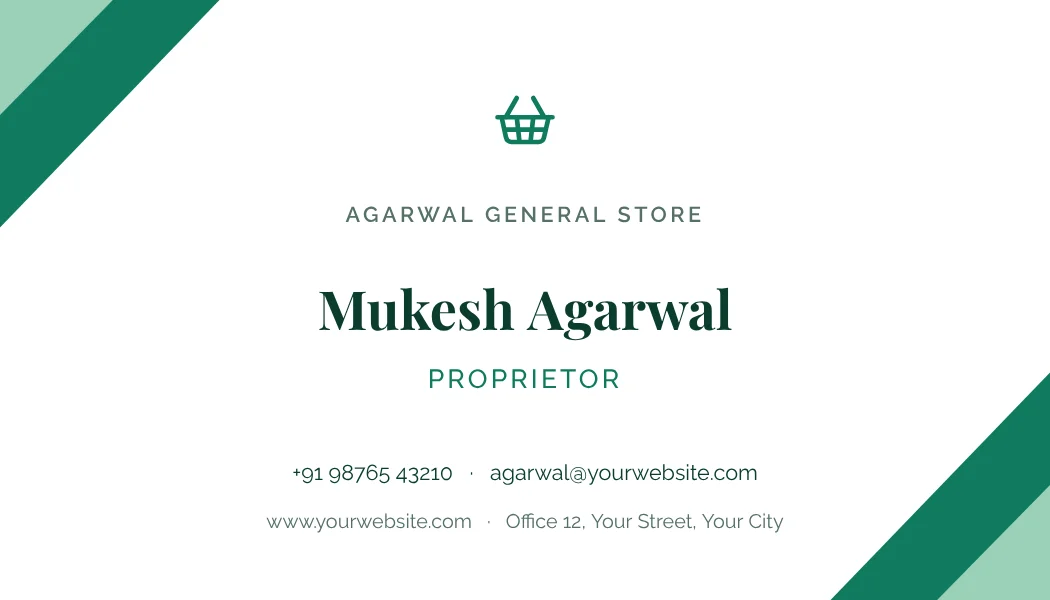
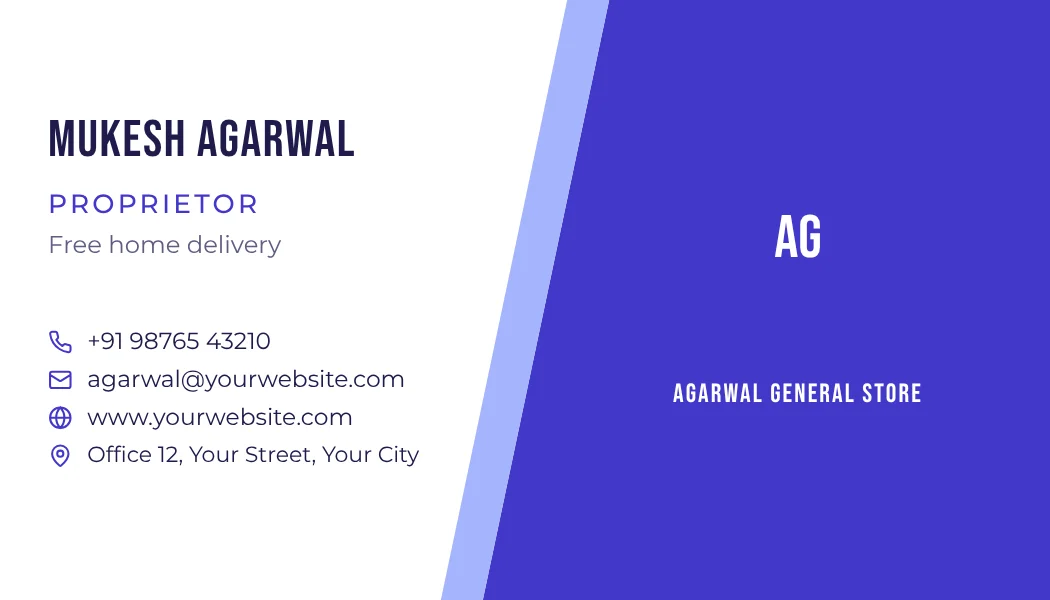
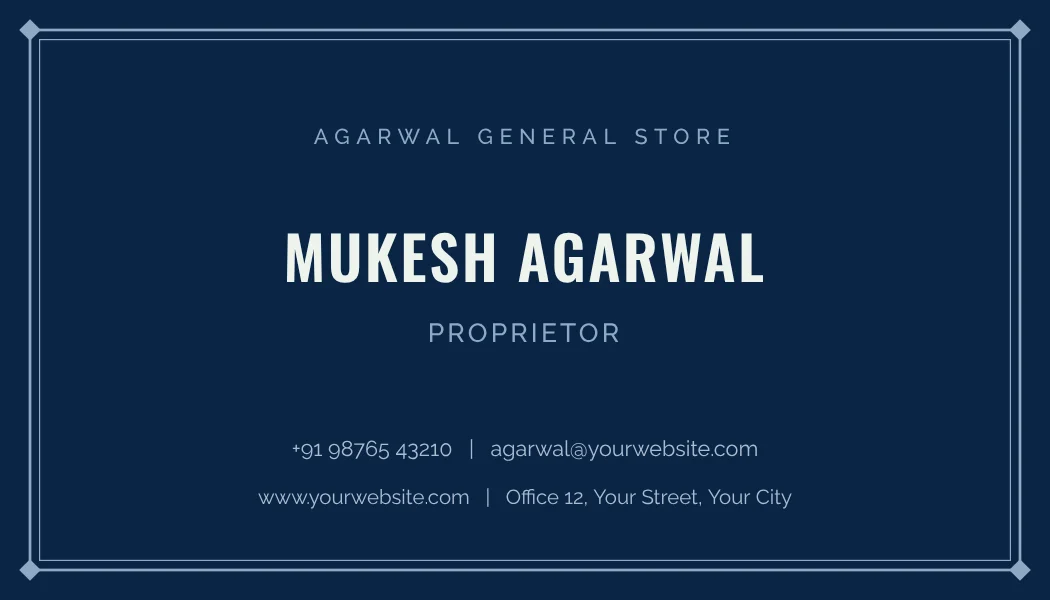
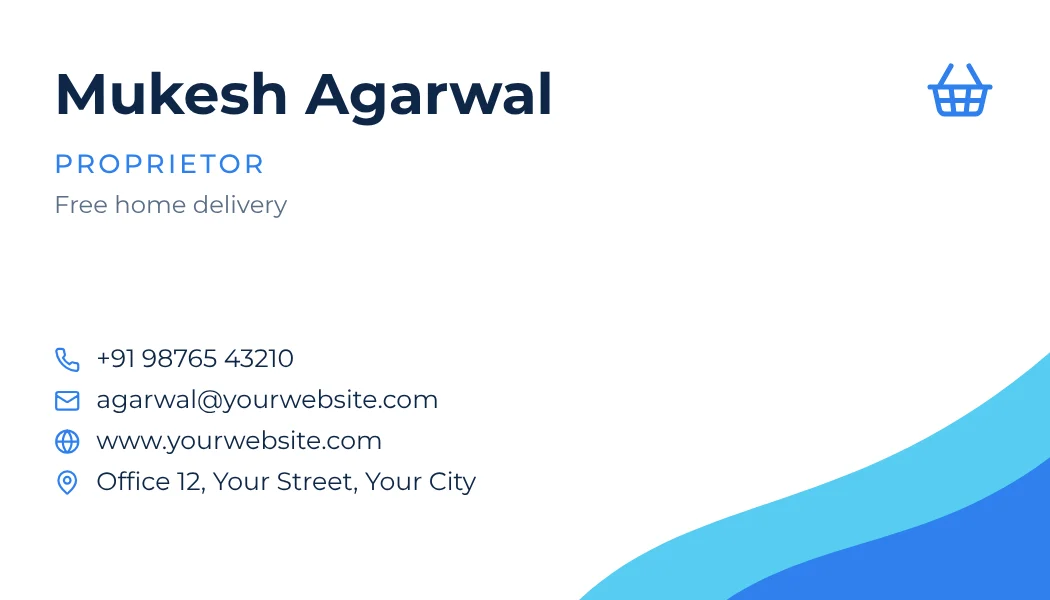
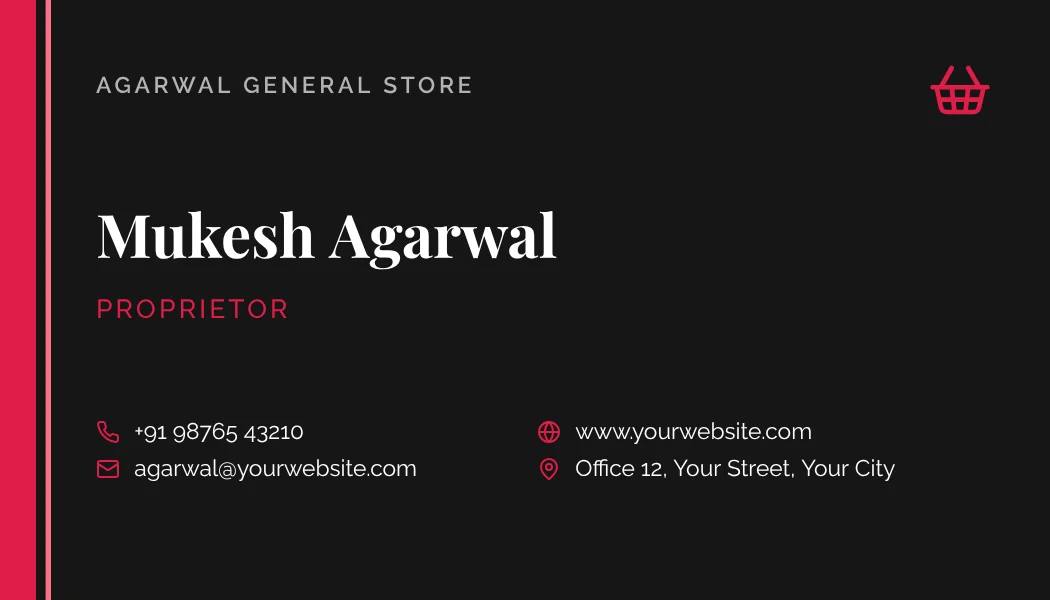
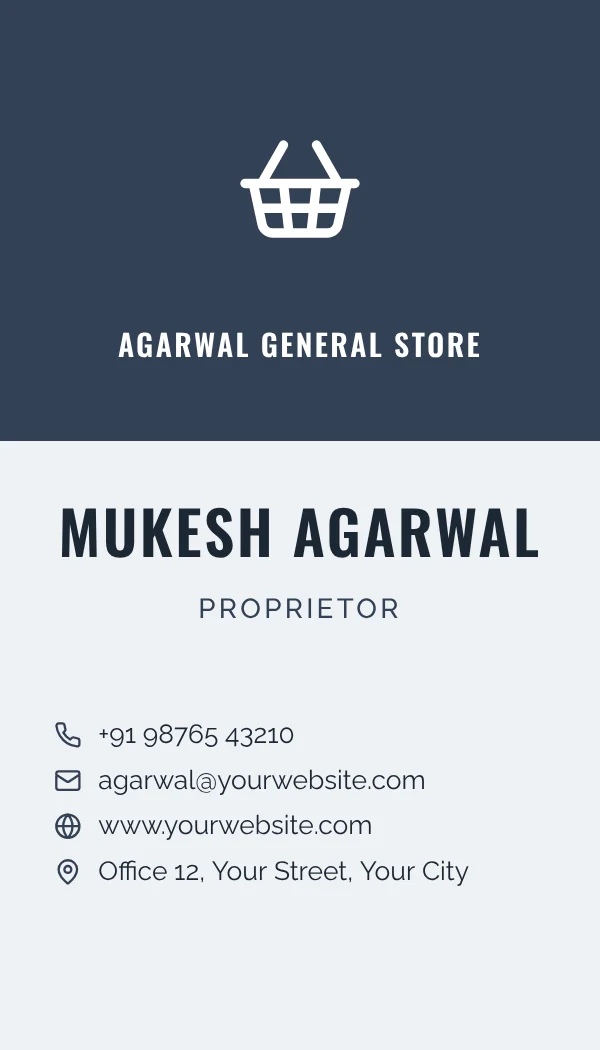
8 free general store visiting card templates
Hover or tap a card to see the back. Customize to edit and download.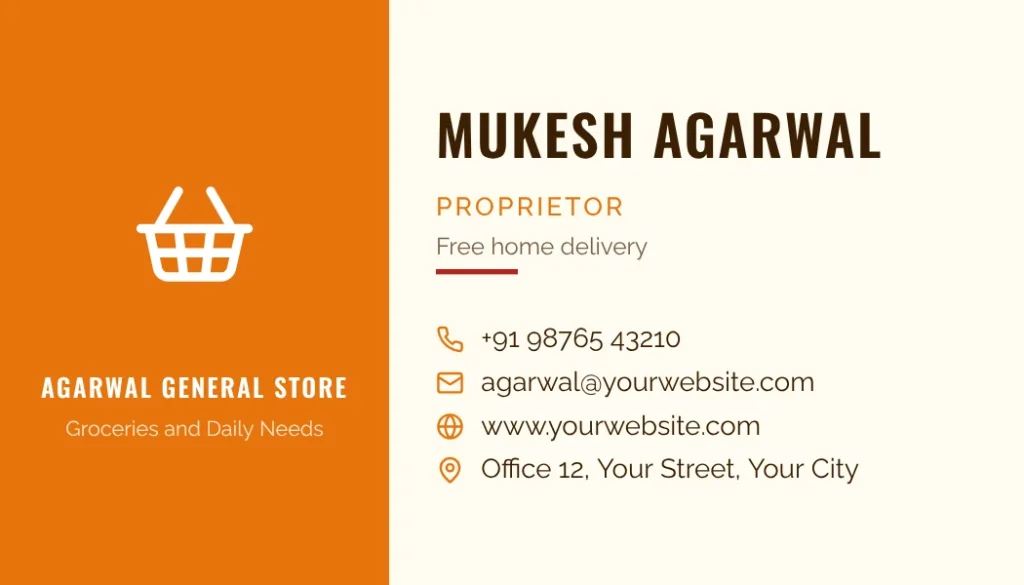
What to put on a kirana or general store card
- Store name in large bold type, in English and Hindi or Gujarati if your customers read it. The maker supports both scripts.
- WhatsApp order number as the biggest number on the card, with a WhatsApp label.
- Owner name and a second phone number for the counter.
- Home delivery details: "Free home delivery" with the societies, sectors or radius you cover, and any minimum order you apply.
- Timings and weekly off day.
- Address with the nearest landmark.
If you are GST registered and want to show it, the GSTIN is a 15-character alphanumeric number, so check every character. Businesses that sell packaged or loose food have an FSSAI licence or registration with a 14-digit number; it must appear on bills, but printing it on the card is optional.
UPI QR on the card: use your own, and test it
Many stores print a UPI QR code so customers can pay for delivered orders without cash. Only print a QR generated from your own bank or UPI app for your own account; never copy a QR from another business, a supplier or a sample design, because payments would go to someone else. Before you order a full batch, print one test card and scan it with two or three different UPI apps to confirm it shows your store name. Print the QR at least 0.8 x 0.8 in with a blank margin around it.
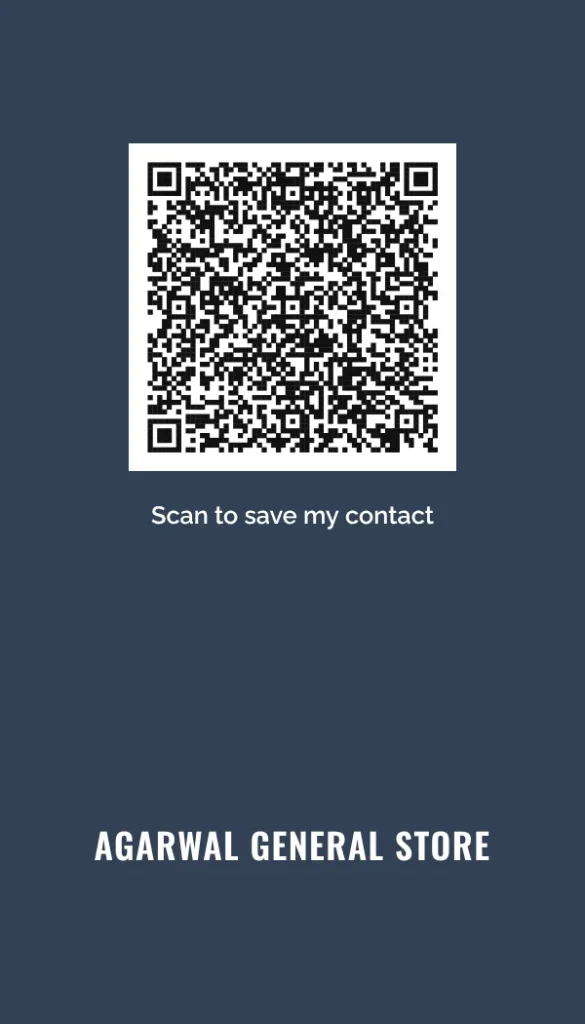
The maker's own QR feature makes a contact (vCard) code that saves your number to the customer's phone. Some stores put the contact QR on the front and the UPI QR on the back, clearly labelled so customers scan the right one. See QR code business cards for layout tips.
Colors and design that work for grocery stores
- Red and yellow: loud, cheerful and readable from a distance.
- Fresh green and orange: suggests vegetables, fruit and freshness.
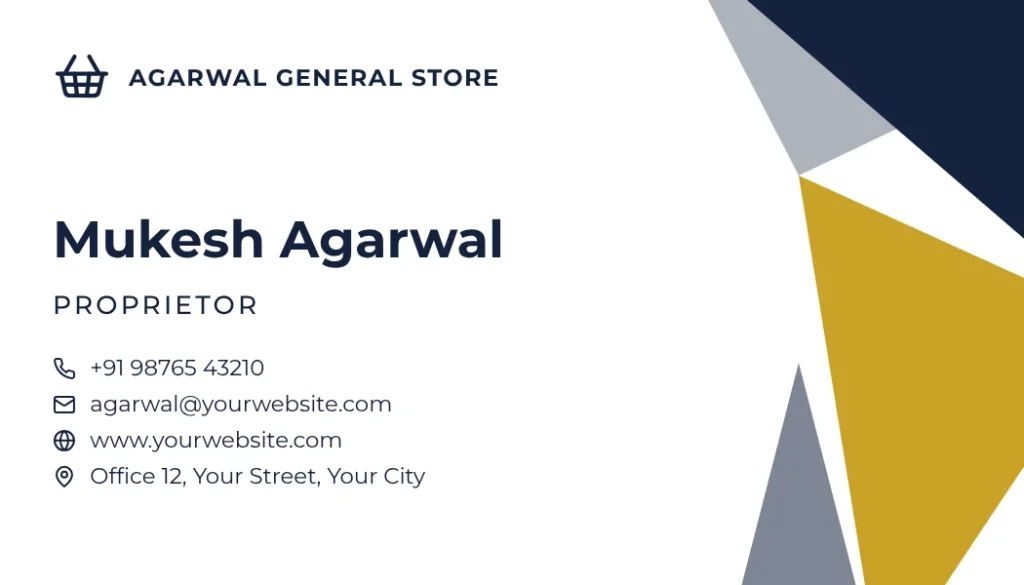
- Navy and white: a cleaner look for modern mini marts.
Small icons for groceries, dairy, snacks and household items make the product range clear without a long list. More pairings are in the visiting card colour combinations guide. Avoid printing brand logos of products you stock; describe categories in words instead.
Back side ideas
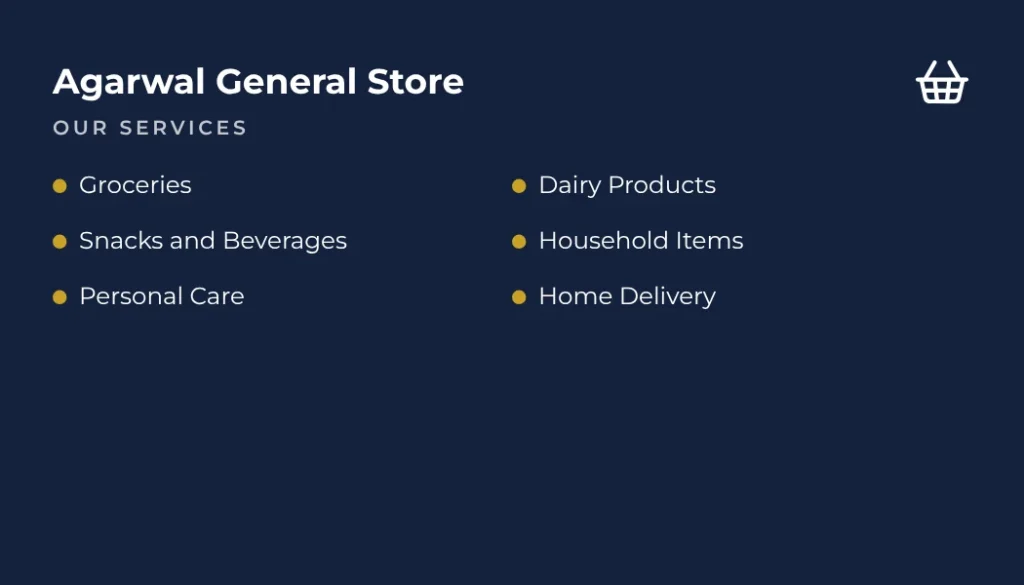
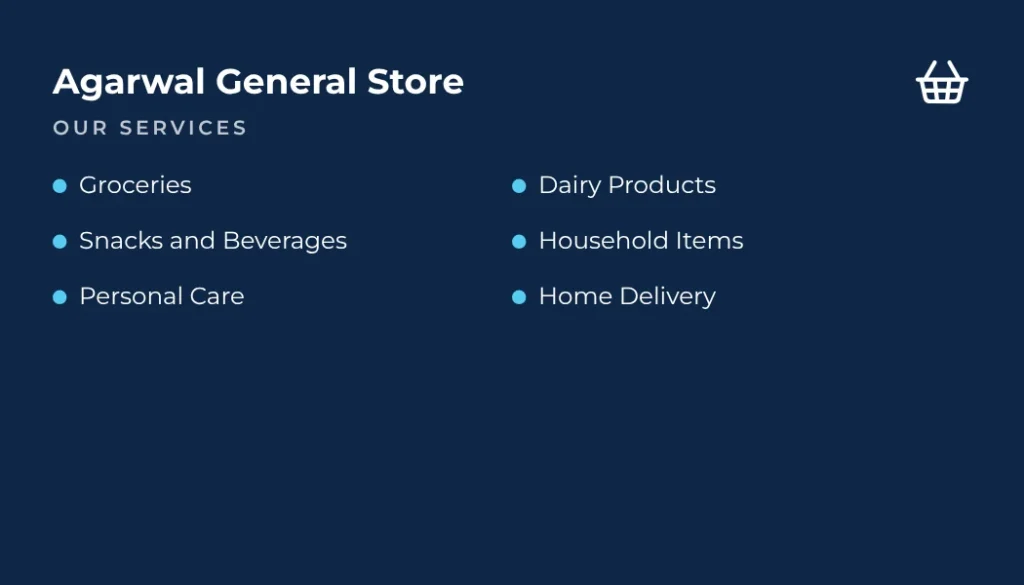
- Product categories: Groceries, Dairy Products, Snacks and Beverages, Household Items, Personal Care.
- "How to order" in three steps: send your list on WhatsApp, we confirm, we deliver.
- Delivery areas and the delivery time window.
- Your own UPI QR, labelled "Scan to pay".
Sample general store visiting card layout
Front:
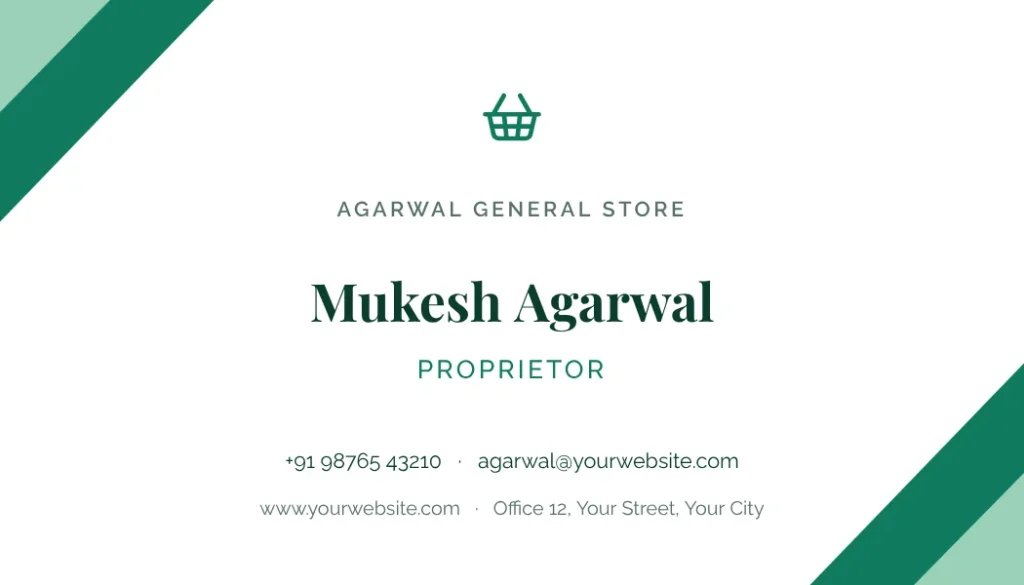
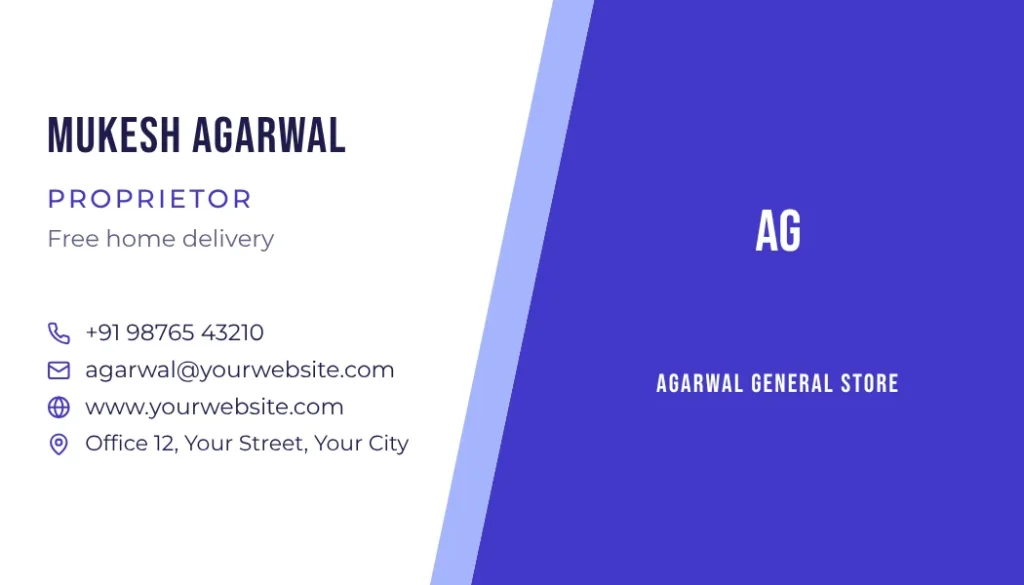
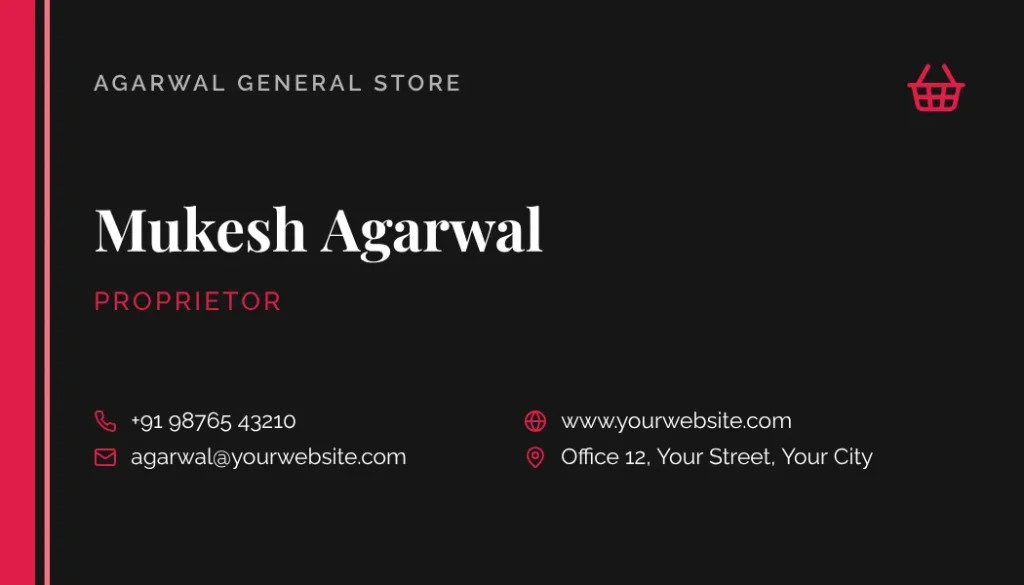
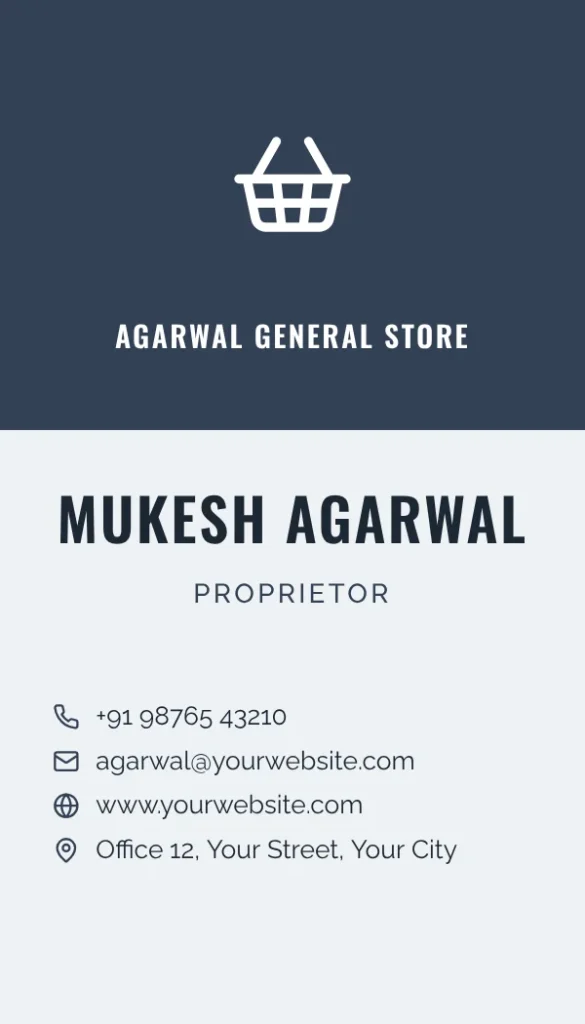
- Agarwal General Store
- Groceries and Daily Needs
- Mukesh Agarwal, Proprietor
- WhatsApp order number (largest line)
- Free home delivery
- Address with landmark
Back:
- Groceries, Dairy Products, Snacks and Beverages, Household Items, Personal Care
- Open 7 am to 10 pm
- Your own UPI QR code
Printing tips
In India, 3.5 x 2 inches is the most common visiting card size, and some printers use 91 x 55 mm, so ask your printer (see the visiting card size guide). Grocery cards are printed in larger quantities and handled in kitchens, so a laminated card resists stains. Keep the QR on a white patch, not over a colored pattern, so it scans reliably. Bright red and yellow look different on paper than on screen, so check a printed proof before ordering a big lot. Shop owners in related trades can compare layouts on the medical store visiting card and mobile shop visiting card pages.
Frequently asked questions
What should be written on a general store visiting card?
Write the store name, owner name, a WhatsApp order number in large type, a second phone number, home delivery areas, store timings, weekly off day and address with a landmark. On the back, list product categories, simple ordering steps and your own UPI QR code for payments.
Can I print a UPI QR code on my kirana store visiting card?
Yes, as long as it is generated from your own UPI or bank app for your own account. Never copy someone else's QR. Print one test card, scan it with a few UPI apps to confirm your store name appears, and keep it on a white area at least 0.8 inches square.
Which colors suit a grocery store visiting card?
Red and yellow is popular because it is bright and visible. Green with orange suggests fresh produce, and navy with white gives a modern supermarket feel. Whatever you choose, keep the WhatsApp number on a plain, high-contrast area so it can be read quickly.
Can I make a kirana store visiting card in Hindi or Gujarati?
Yes. The maker supports Hindi and Gujarati text. Many shops print the store name in the local language with English contact details, or make the back fully in the local language. Proofread the printed sample to catch any broken or misplaced characters.
Should a general store card show the GST or FSSAI number?
It is optional. FSSAI numbers must appear on bills, invoices and cash memos, but they are not required on visiting cards. Some shops print them to build trust with bulk buyers. If you do, copy the 15-character GSTIN or 14-digit FSSAI number carefully.
More templates
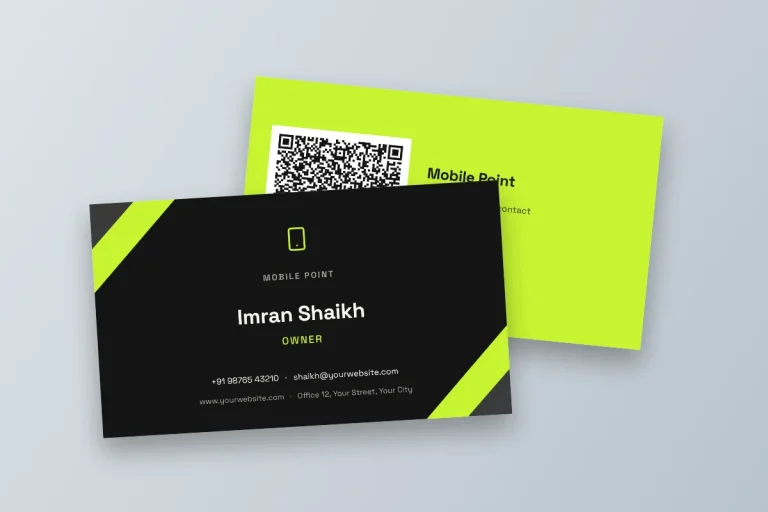
 Mobile Shop Visiting Card DesignMake a mobile shop visiting card that brings customers back for the next screen guard, repair or upgrade,...
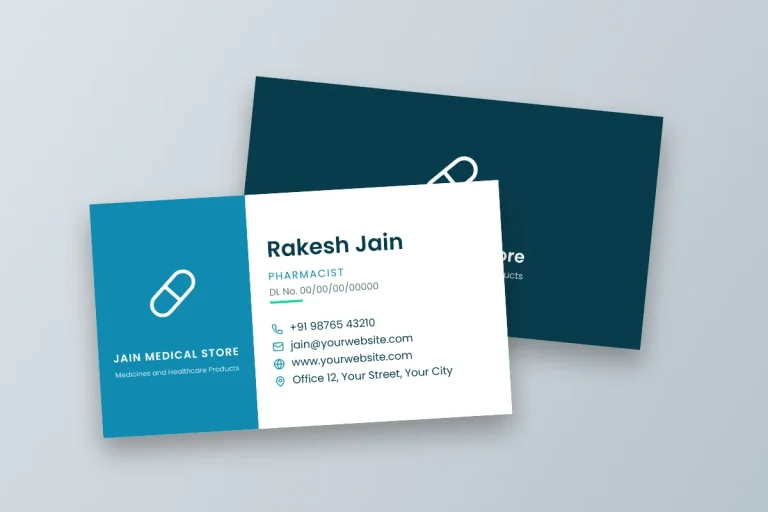
- Medical Store Visiting Card DesignMedical store visiting card templates for chemists, pharmacies and surgical shops, with clear space for drug...
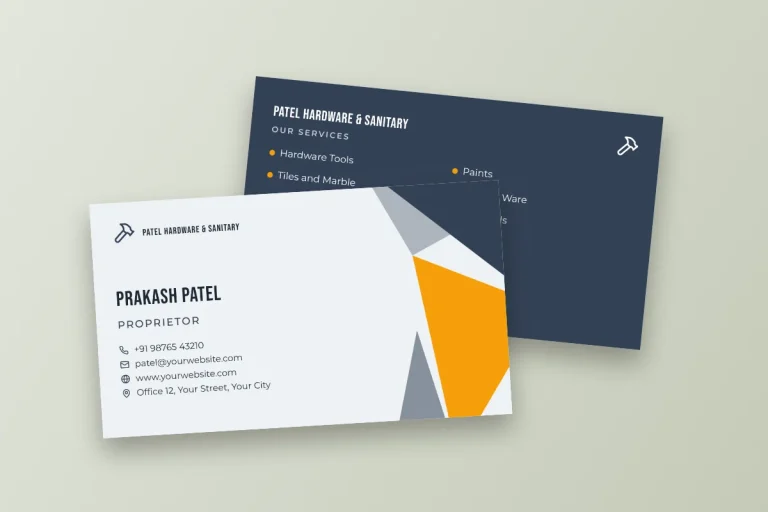
- Hardware Visiting Card DesignHardware visiting card templates for hardware stores, paint dealers, sanitary and plumbing shops, and tiles...
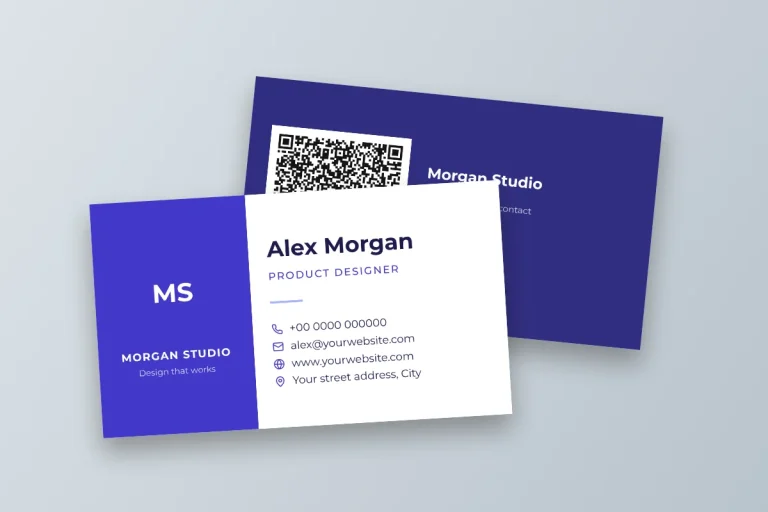
- QR Code Business Card TemplatesA QR code business card lets people scan the back of your card and save your name, phone and email straight...