Mobile Shop Visiting Card Design: Free Mobile Repairing and Accessories Card Templates
Make a mobile shop visiting card that brings customers back for the next screen guard, repair or upgrade, with services, timings and a WhatsApp link that works in one scan.
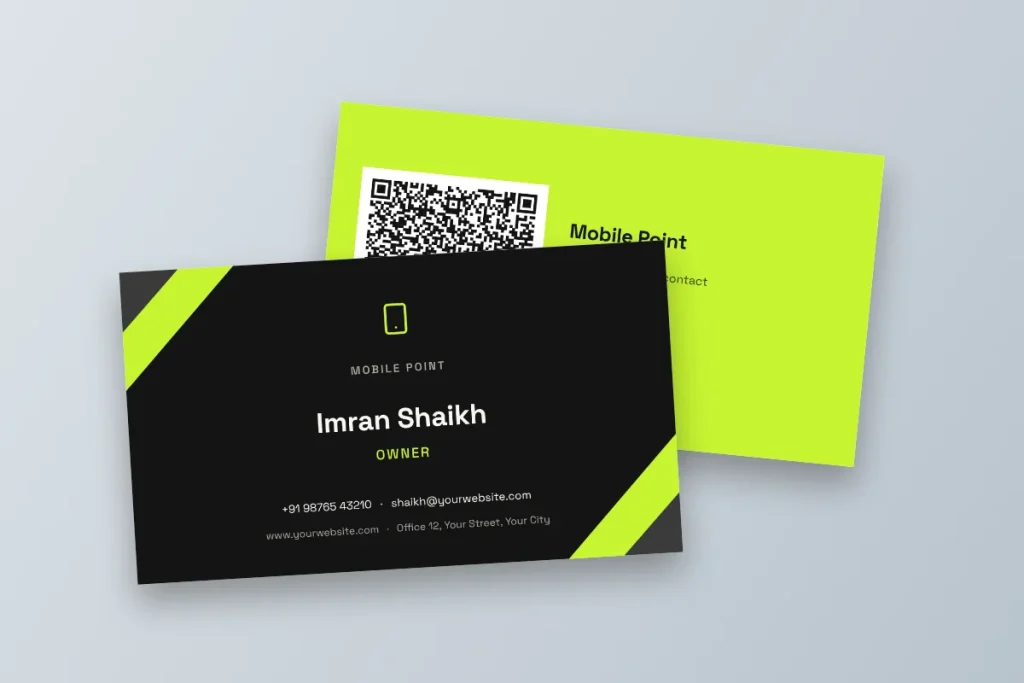
A mobile shop visiting card usually goes into the box with a new phone or gets handed over with a repaired handset. Its job is simple: when the screen cracks or the battery fades, the customer should find your number and remember that you fix it. So the card needs your shop name, the services you offer (sales, repair, accessories, recharge) and a WhatsApp number, all in a layout that feels modern, because customers judge a tech shop by its look.
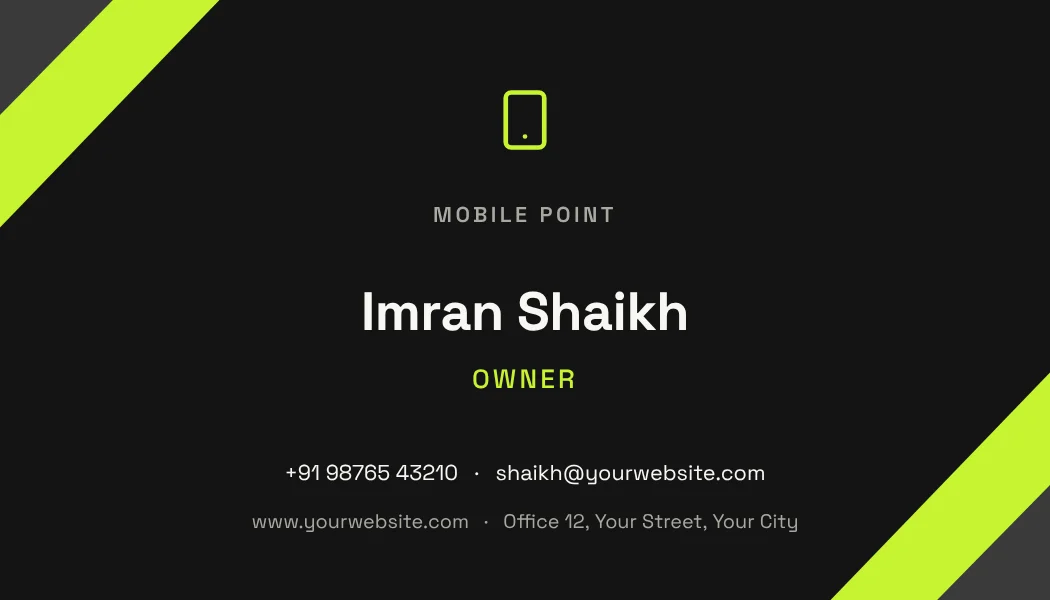
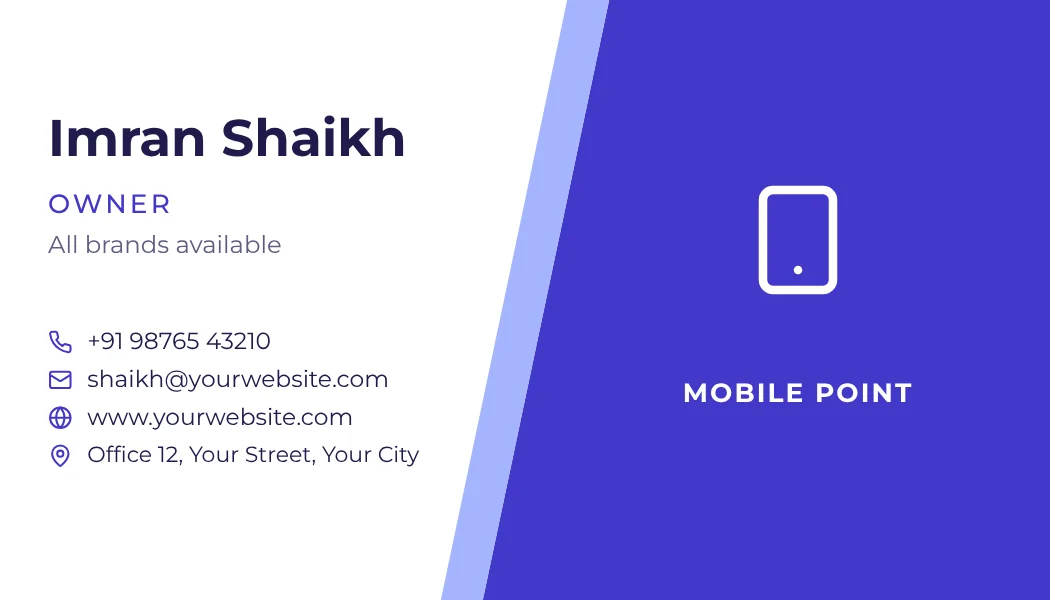
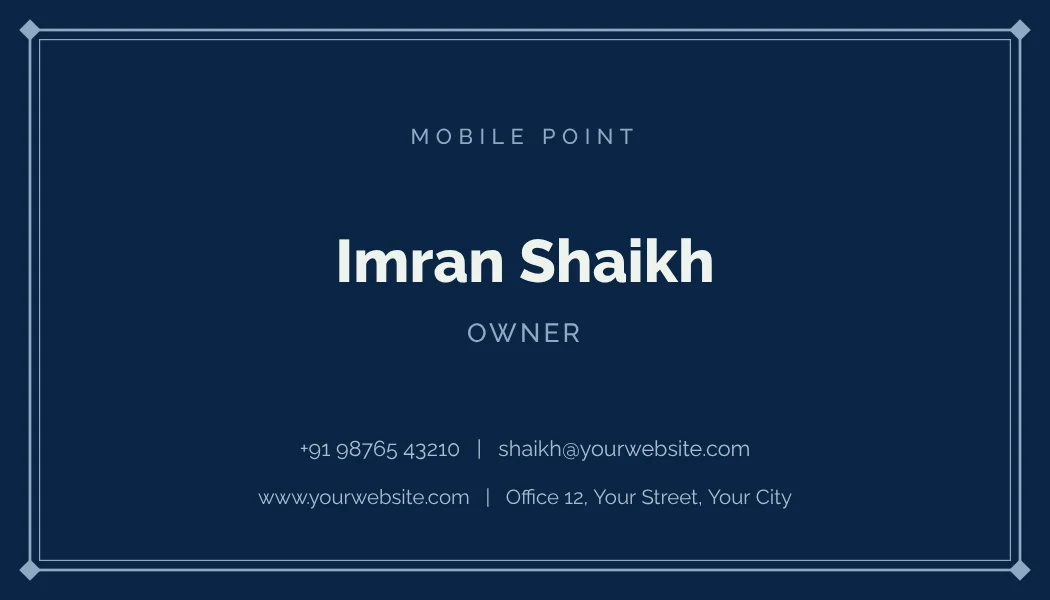
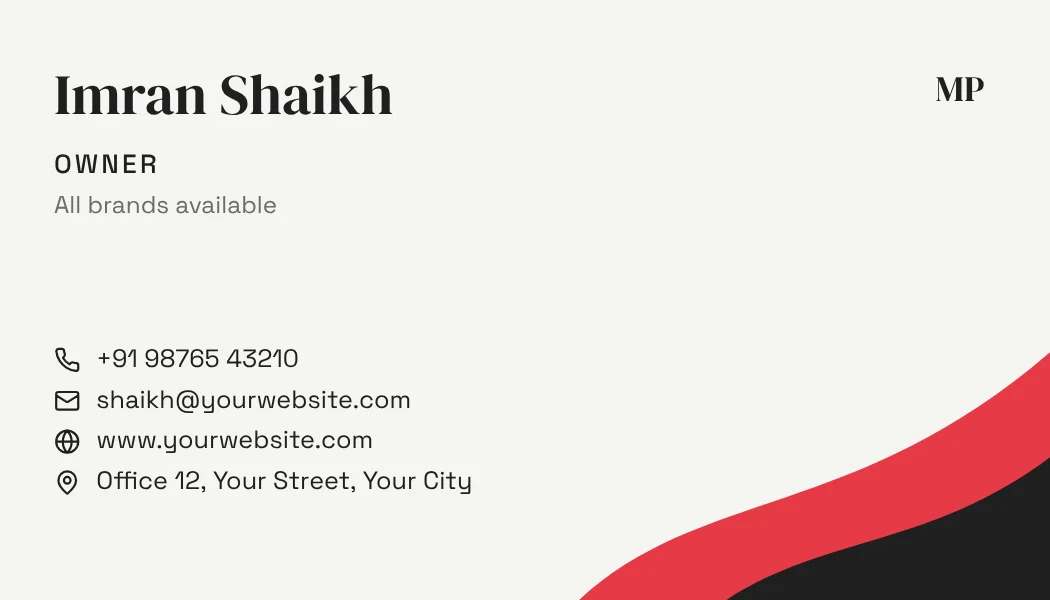
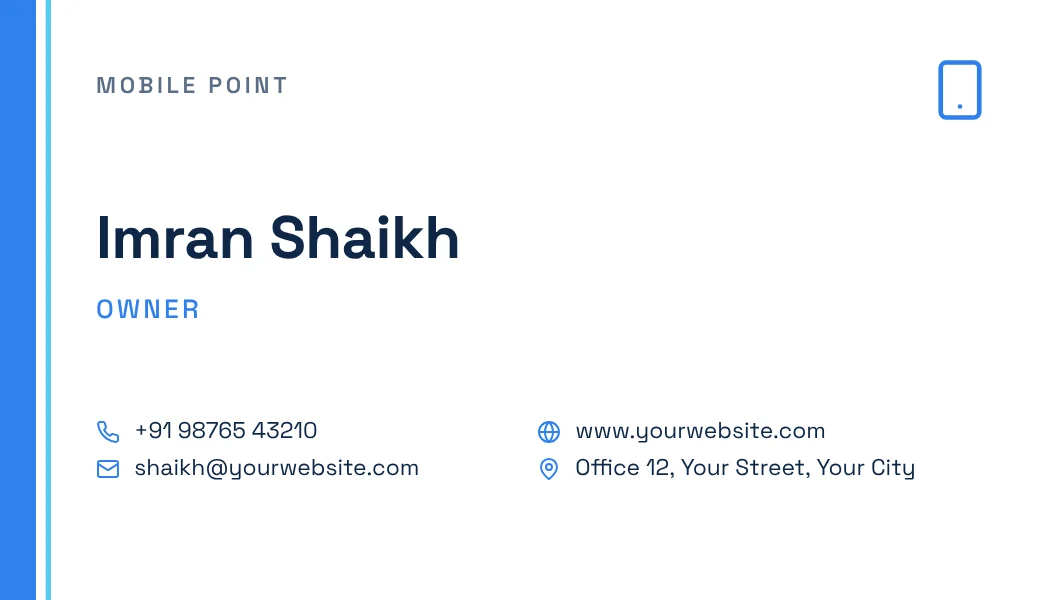
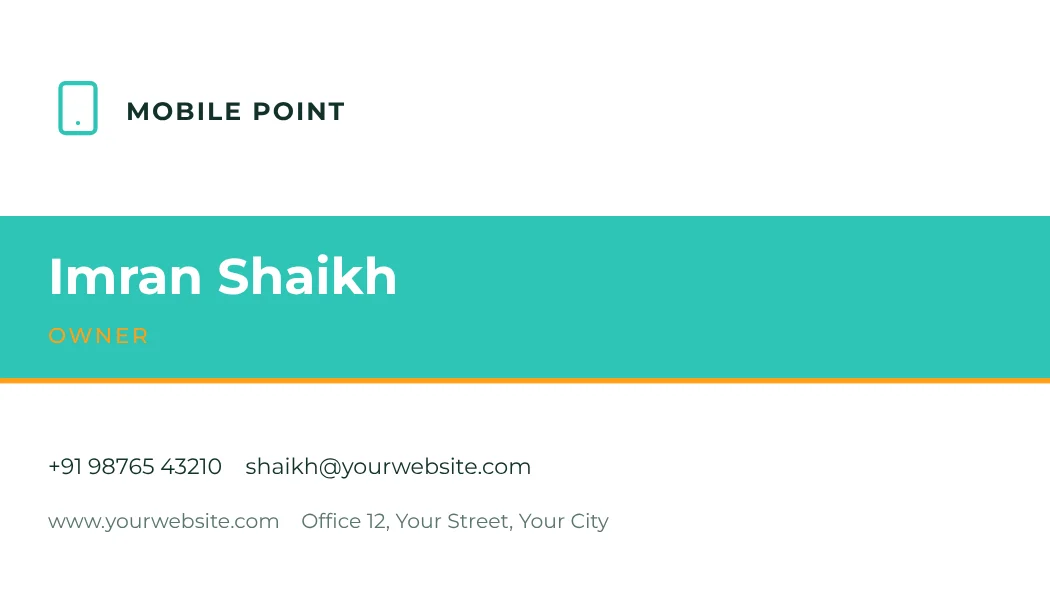
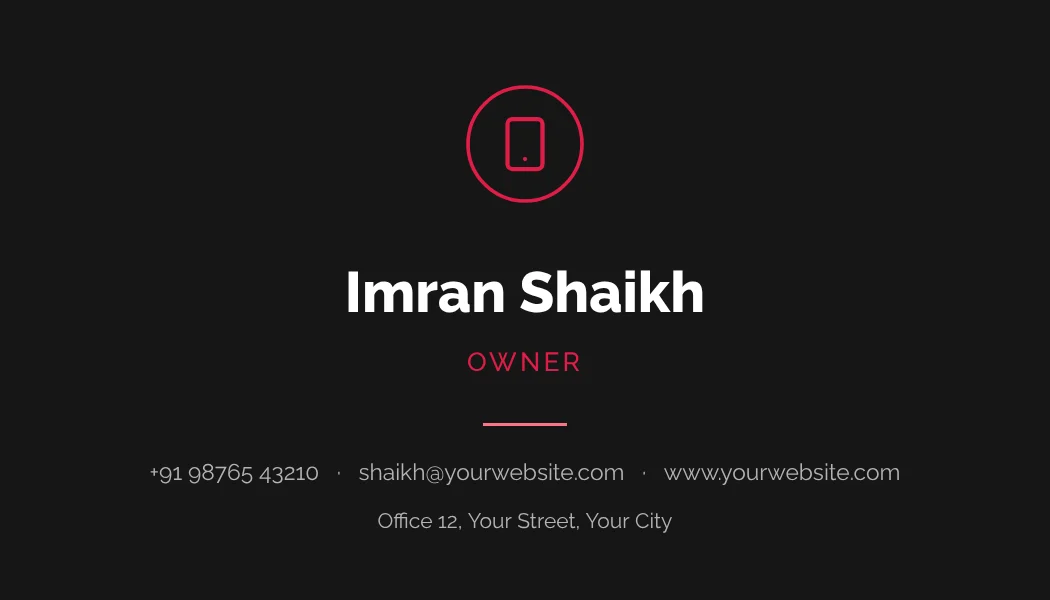
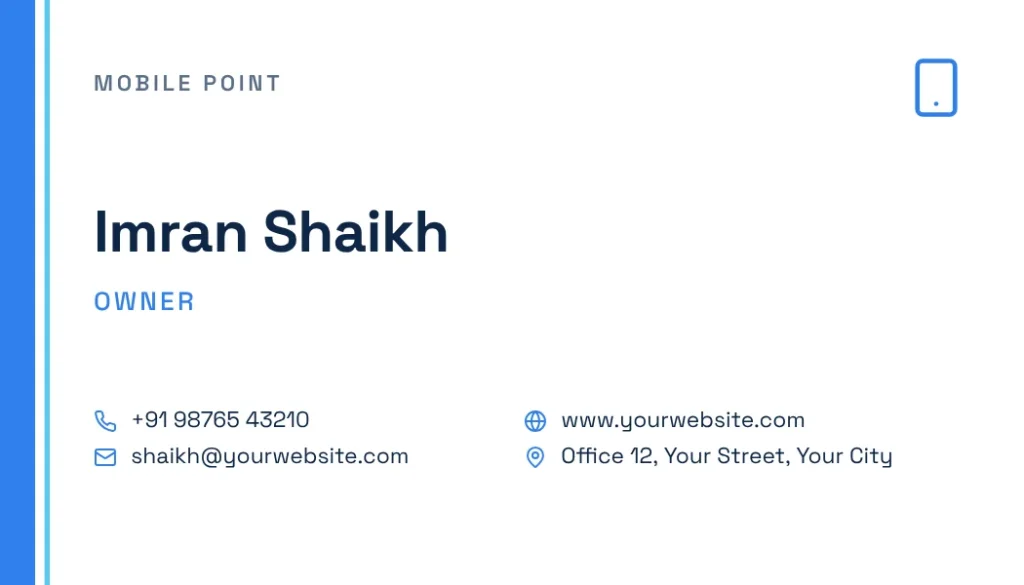
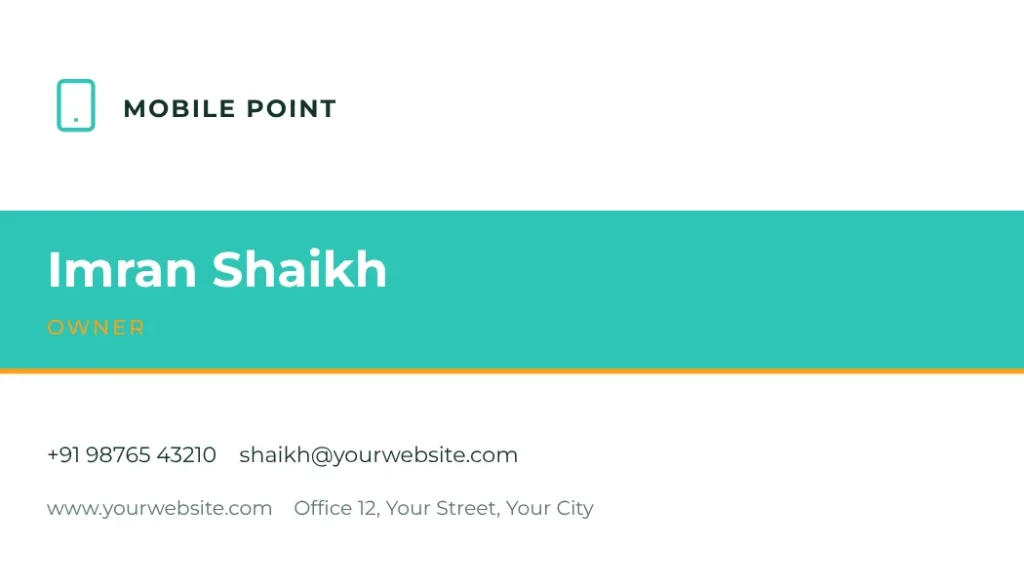
These templates suit mobile retailers, repair shops and accessory stores. They use placeholder details such as "Mobile Point" and "Imran Shaikh"; replace them in the business card maker.
8 free mobile shop visiting card templates
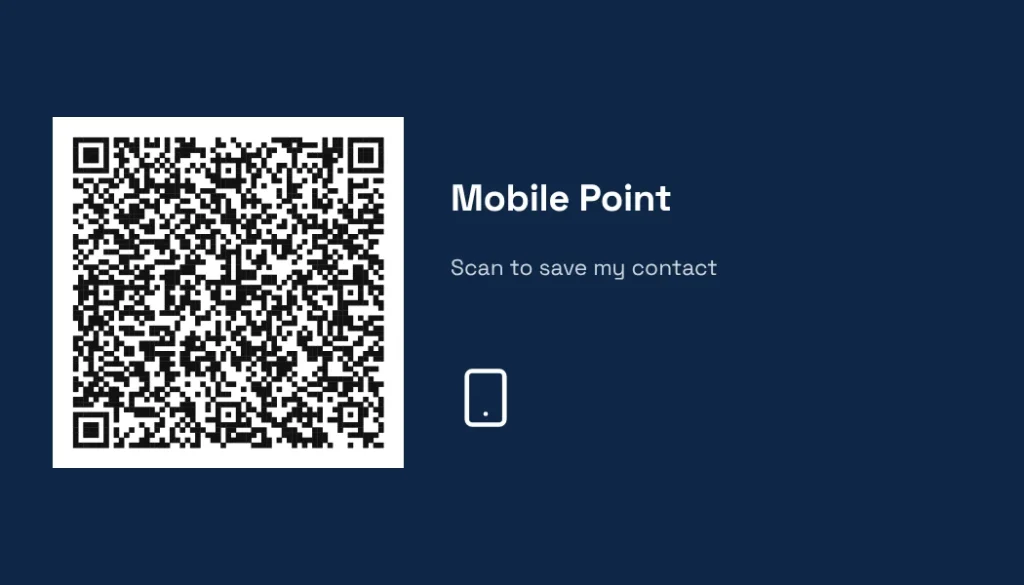
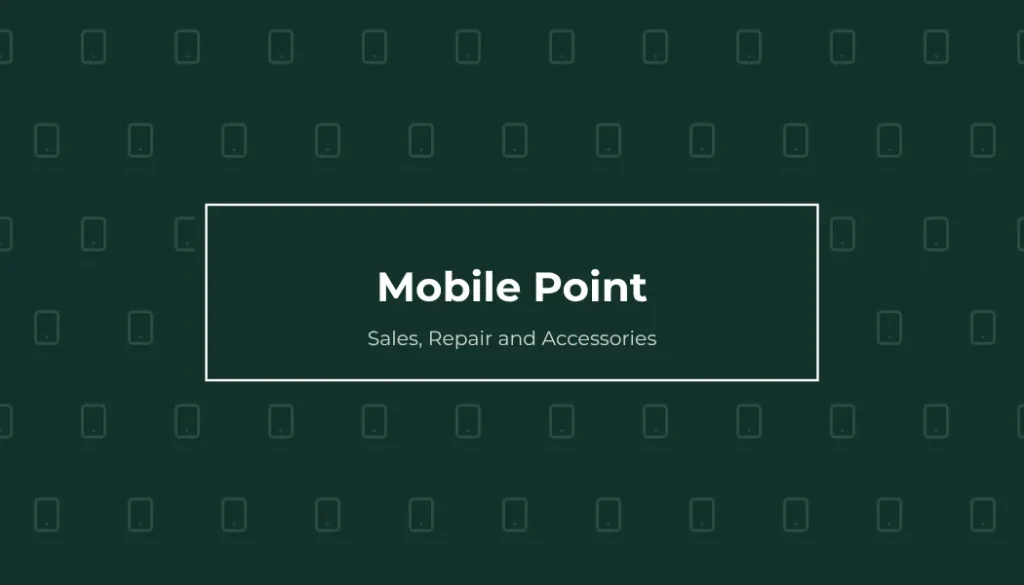
Hover or tap a card to see the back. Customize to edit and download.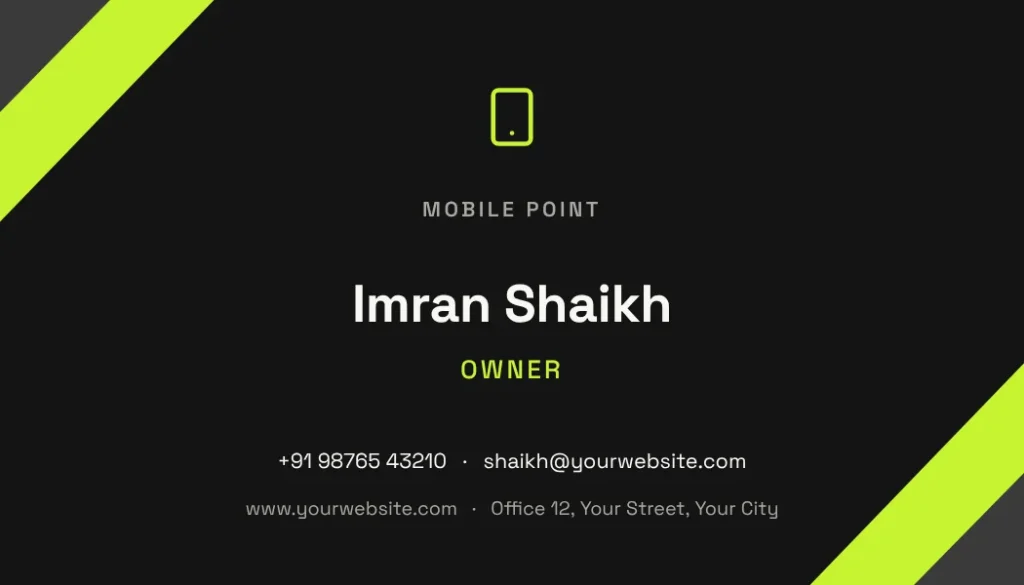
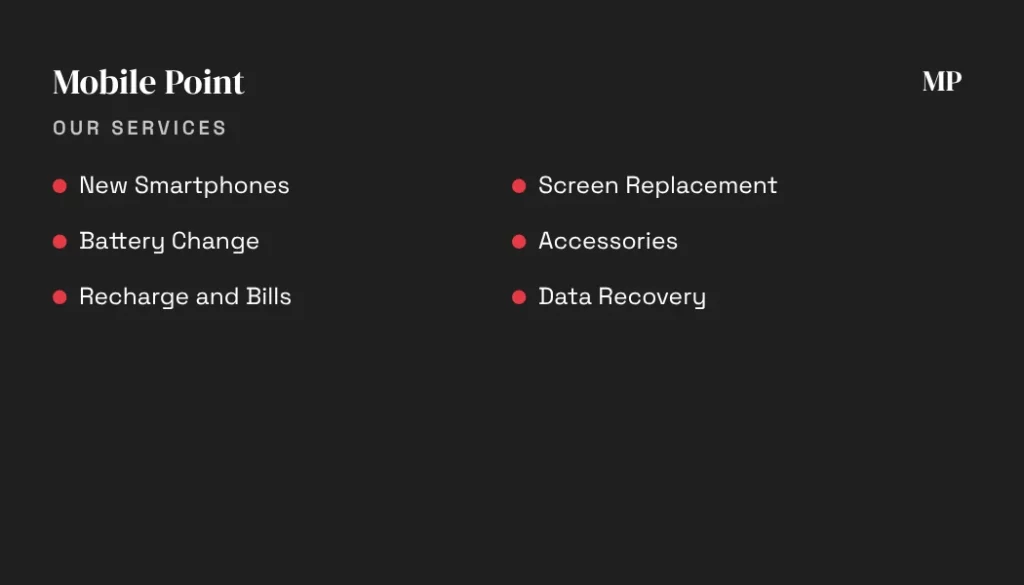
Brand logos: write "all brands" instead
Many mobile shop cards are covered in phone manufacturer logos. Unless you are an authorized dealer or service centre with written permission to use a brand's logo, avoid them: logos are trademarks, and using them can suggest an official relationship you do not have. Our templates use generic phone and tool icons instead.
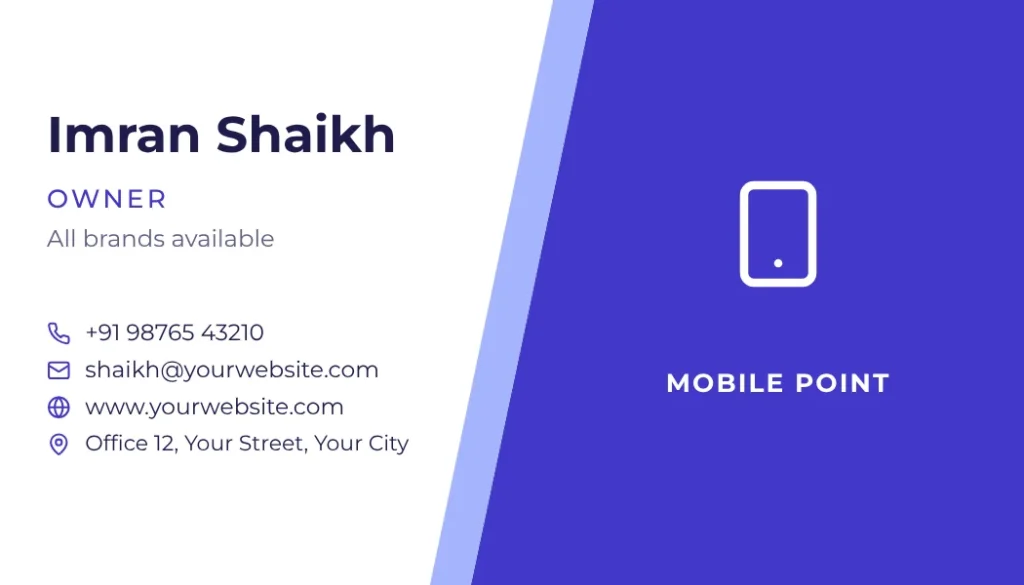
- Write "All brands available" or "Repair for all major brands".
- If you are genuinely authorized, follow the brand's own guidelines for how the logo and the words "authorized" may appear.
- Do not imitate a brand's colors and typefaces so closely that your card looks like theirs.
Details to include
- Shop name and tagline: "Sales, Repair and Accessories".
- Owner name: customers like asking for a person, not just a shop.
- Mobile and WhatsApp: repair customers send photos of damage for a quick estimate.
- Shop timings and weekly off day.
- Address with landmark: "Opposite bus stand" helps more than a plot number.
- GSTIN: if you sell phones with GST invoices, the 15-character GSTIN on the back adds confidence.
Mobile repairing shops can add a short line about turnaround ("Same-day screen replacement for many models") only if you can deliver it.
Design ideas for phone and repair shops
- Dark background with neon blue or green: techy and modern, popular with young customers.
- White with bright red or orange: high visibility, works for busy market shops.
- Gradient purple and blue: feels like a phone wallpaper; keep text on a solid panel.
- Icons: smartphone outline, screwdriver, battery, charger, headphones.
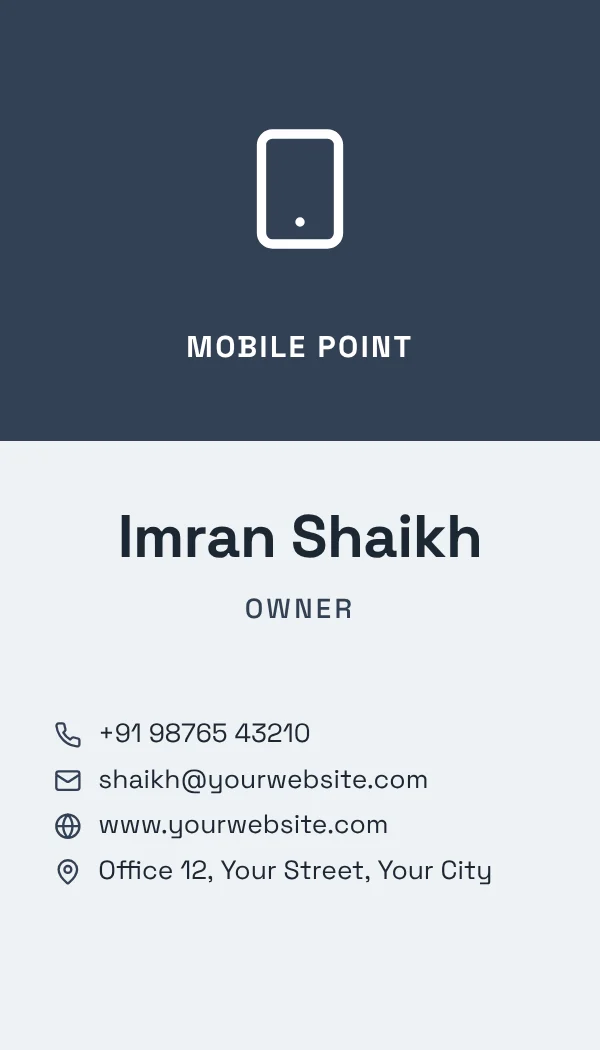
- Vertical layout: echoes a phone screen and stands out; try our vertical business card templates.
Avoid cramming every service on the front; the back has room.
Back side ideas
- Service icons grid: New Smartphones, Screen Replacement, Battery Change, Accessories, Recharge and Bills, Data Recovery.
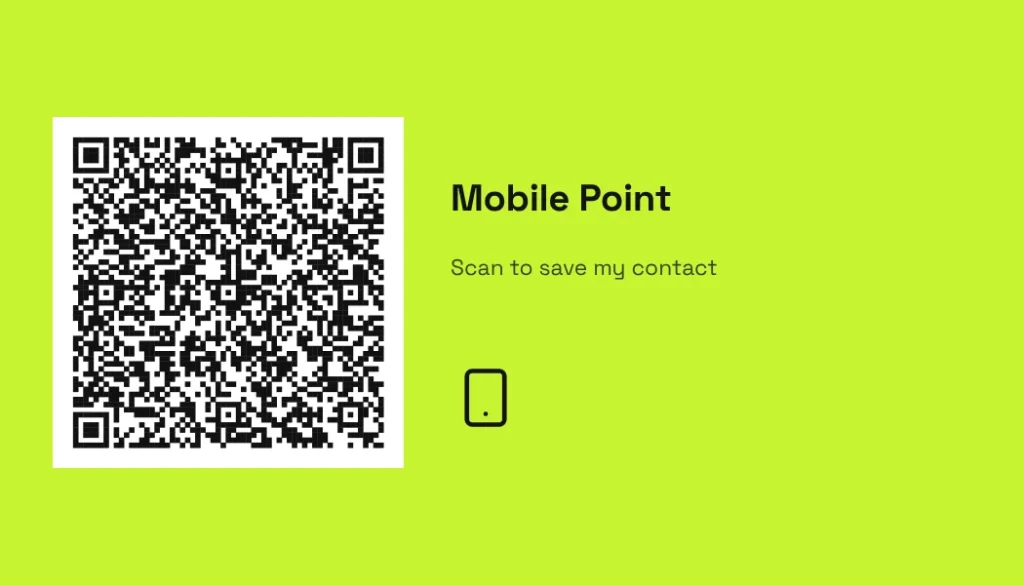
- WhatsApp QR code that opens a chat with your shop, or a vCard QR so your number is saved. Print it at least 0.8 x 0.8 in (about 2 x 2 cm) with a quiet zone of at least 4 modules.
- Repair slip: lines for job number, model and delivery date, useful if you hand the card back with the receipt.
- Hindi line such as a short tagline; the maker supports Hindi and Gujarati, and searches like "mobile repairing visiting card hindi" show customers want it.
Sample mobile shop visiting card layout
- Mobile Point
- Sales, Repair and Accessories
- Imran Shaikh, Owner
- Mobile and WhatsApp
- All brands available
- Shop address, landmark, timings
- Back: six service icons, WhatsApp QR code
Printing tips
In India, 3.5 x 2 inches is the most common size and some printers use 91 x 55 mm; check the visiting card size guide and ask your printer. Neon colors that glow on a phone screen are RGB; they print duller in CMYK, so choose slightly deeper shades and check a proof. Gloss lamination makes dark tech designs pop, while a matte back is better if you write repair job numbers on it. To print a quick batch in the shop, use the A4 10-up sheet with crop marks; our guide to printing business cards at home explains alignment.
Frequently asked questions
Can I use phone brand logos on my mobile shop visiting card?
Avoid them unless you are an authorized dealer or service centre with permission. Brand logos are trademarks and can imply an official tie-up. Write All brands available instead, and use generic phone and tool icons.
What should be written on a mobile repairing visiting card?
Shop name, owner name, phone and WhatsApp, address with landmark, timings and the repairs you do, such as screen replacement, battery change and data recovery. A WhatsApp QR code on the back lets customers send photos of the damage.
Which design is best for a mobile shop visiting card?
Dark backgrounds with neon blue or green feel modern and techy, while white with red or orange is highly visible. Vertical cards echo a phone screen. Keep the phone number in a large, high-contrast font.
Can I make a mobile shop visiting card in Hindi?
Yes. The maker supports Hindi and Gujarati, so you can write your shop name, tagline or services in Hindi. Keep numbers in large digits so they are easy to read for every customer. A bilingual card helps in markets where customers read different scripts.
How can I make a visiting card for my mobile shop for free?
Pick a template on this page, open it in the maker, replace the placeholder shop name and contact details, change colours and icons, and download a print-ready PDF, PNG or an A4 sheet of ten cards with crop marks.
More templates
 IT Business Card TemplatesPick an IT business card that looks as clean as good code: your name, stack and contact, plus a QR code to...
- General Store Visiting Card DesignBright, easy-to-read general store visiting card templates for kirana shops, grocery stores and provision...
- Electrician Visiting Card DesignMake an electrician visiting card that customers can find in a hurry: big emergency number, clear list of...
- Digital Visiting CardA digital visiting card shares your contact details on a phone instead of (or as well as) on paper. Here is...