Restaurant Visiting Card Design: Free Templates for Restaurants, Hotels and Cafes
Appetising visiting card designs for restaurants, hotels, cafes and bakeries. Show your hours, add a map or online ordering QR code, and download a print-ready card or 10-up sheet free.
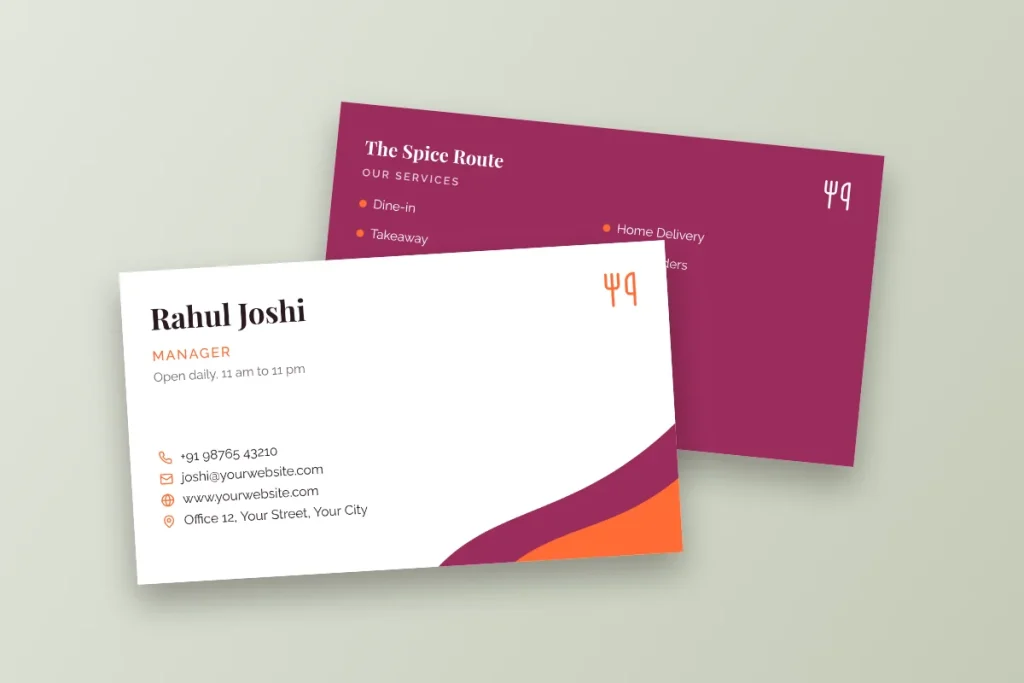
A restaurant visiting card should give the restaurant name, cuisine or concept, address with a landmark, opening hours, a number for reservations and home delivery, and a QR code for directions or online ordering. Unlike most visiting cards, restaurant cards are mostly picked up from a bowl at the billing counter, so they work as a takeaway reminder: a guest who liked the meal should be able to order again or book a party from the card alone. The templates here range from warm spice colours for Indian kitchens to chalkboard cafe looks and gold-on-navy hotel cards.
All templates use placeholder details. Replace them in the business card maker and download.
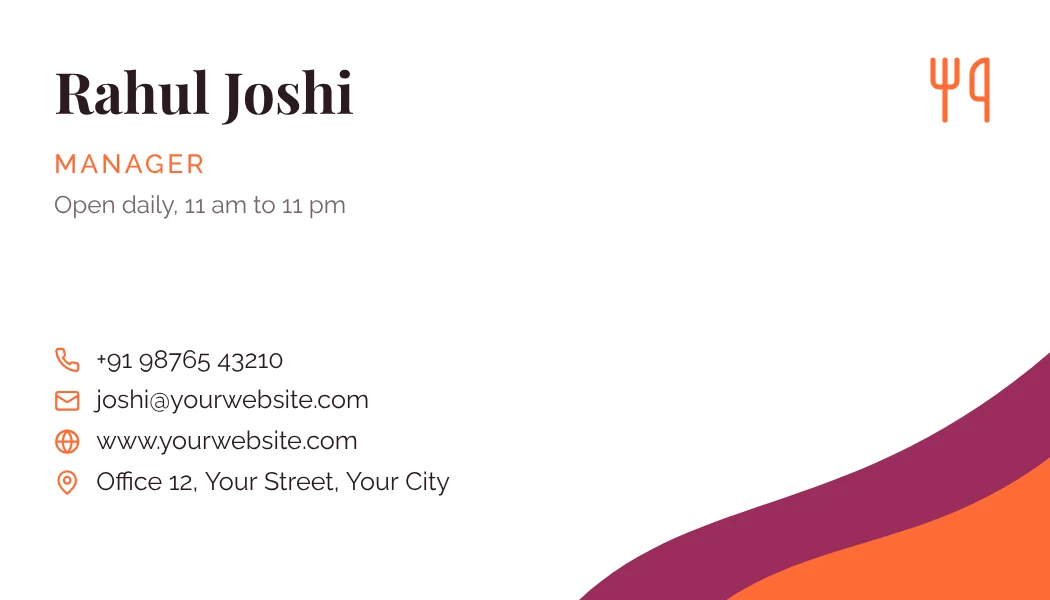
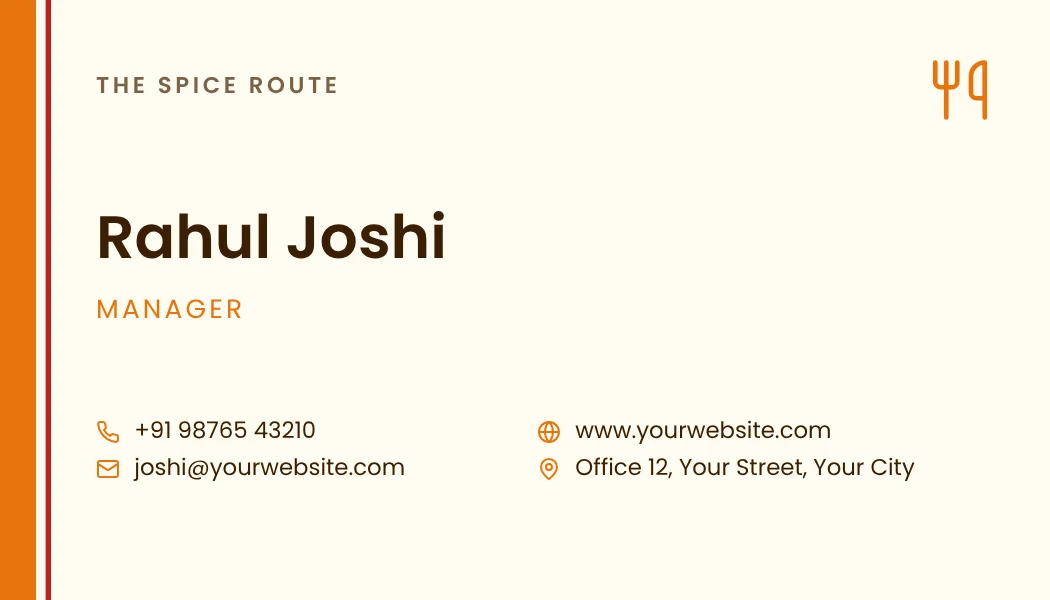
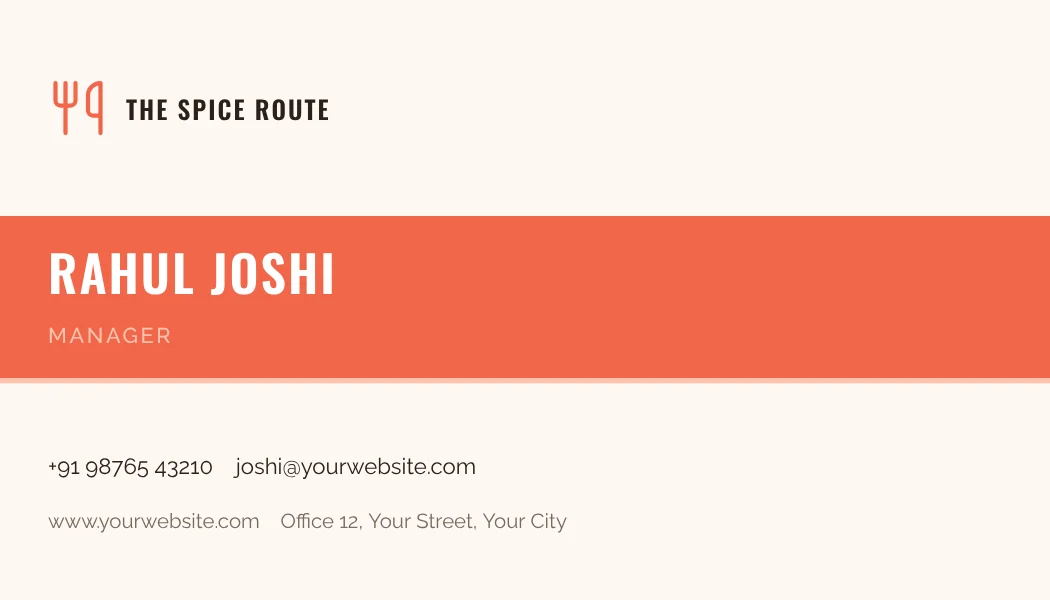
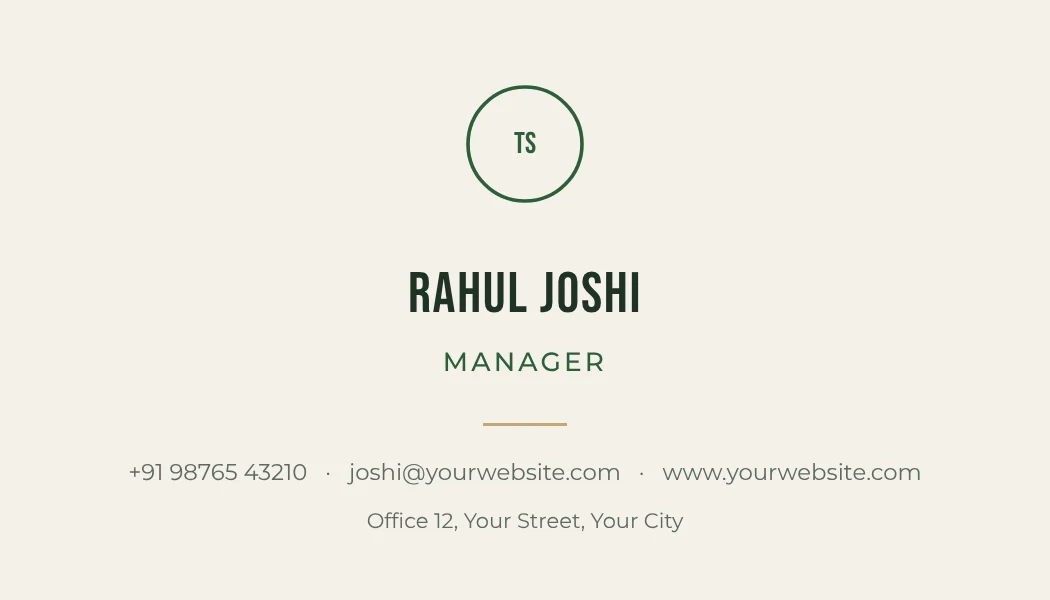
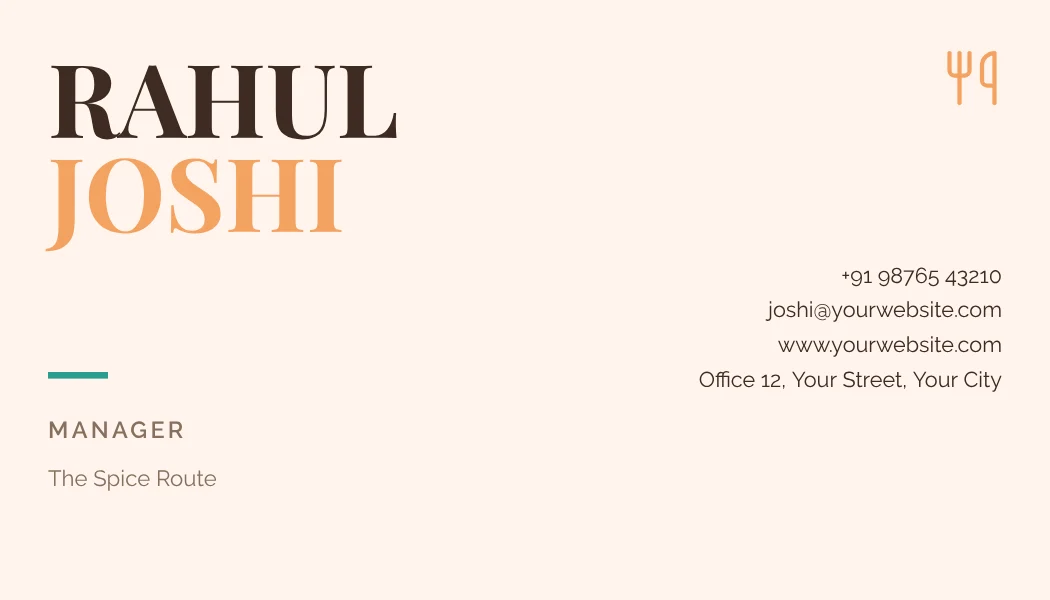
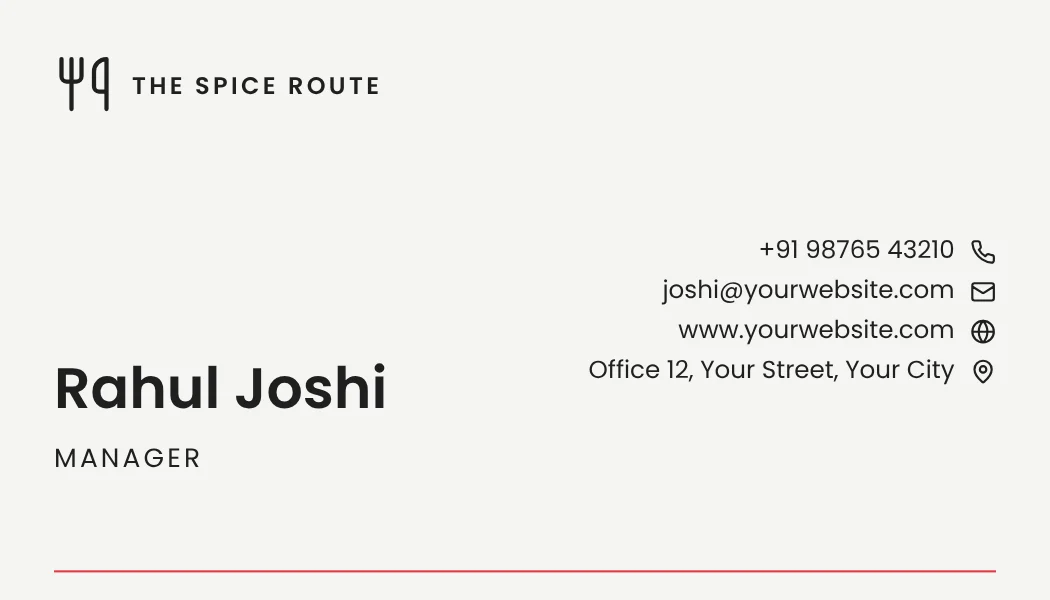
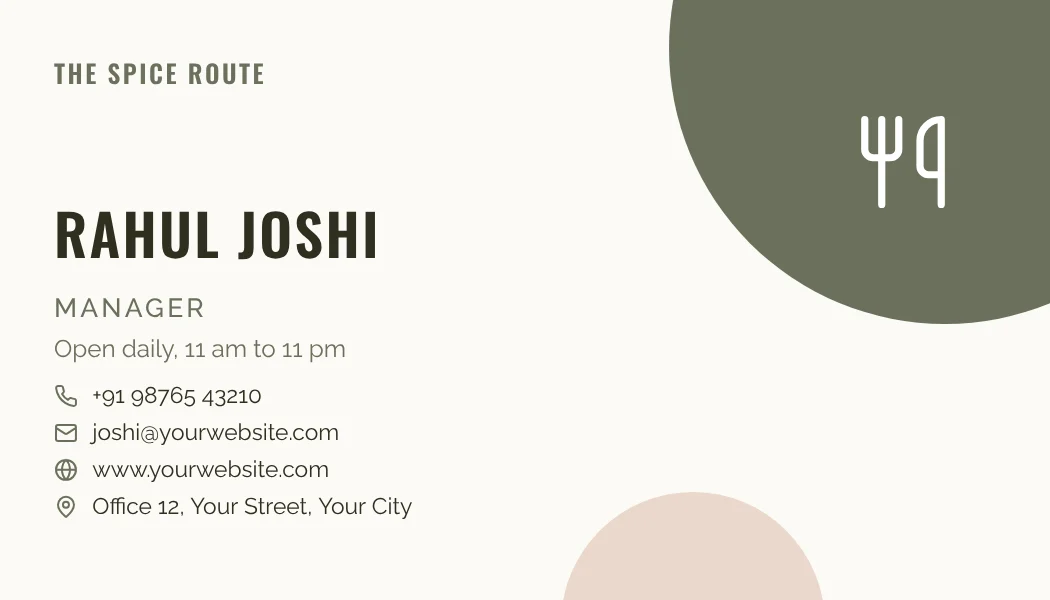
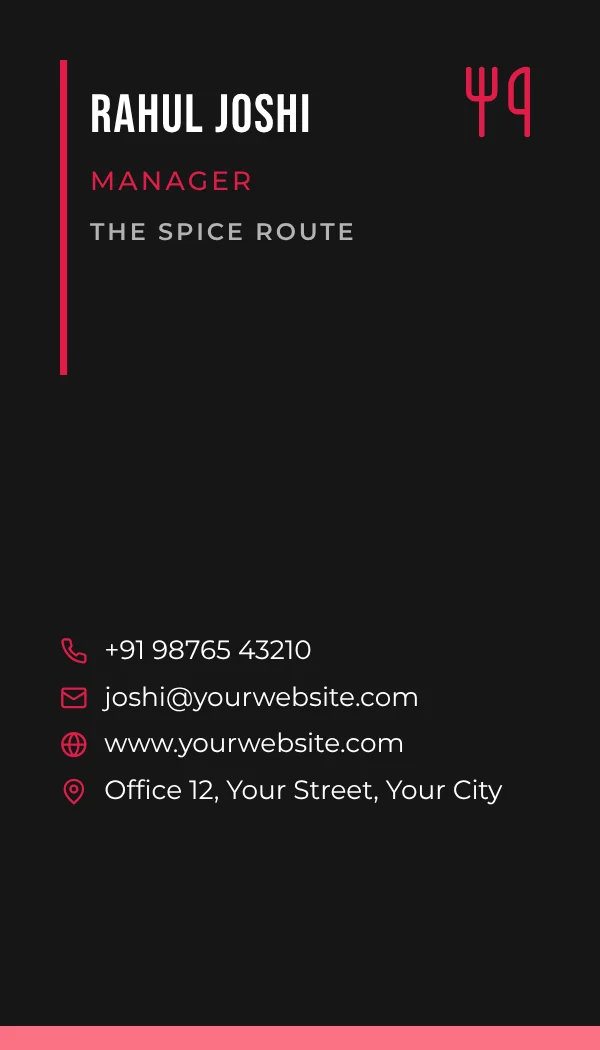
8 free restaurant visiting card templates
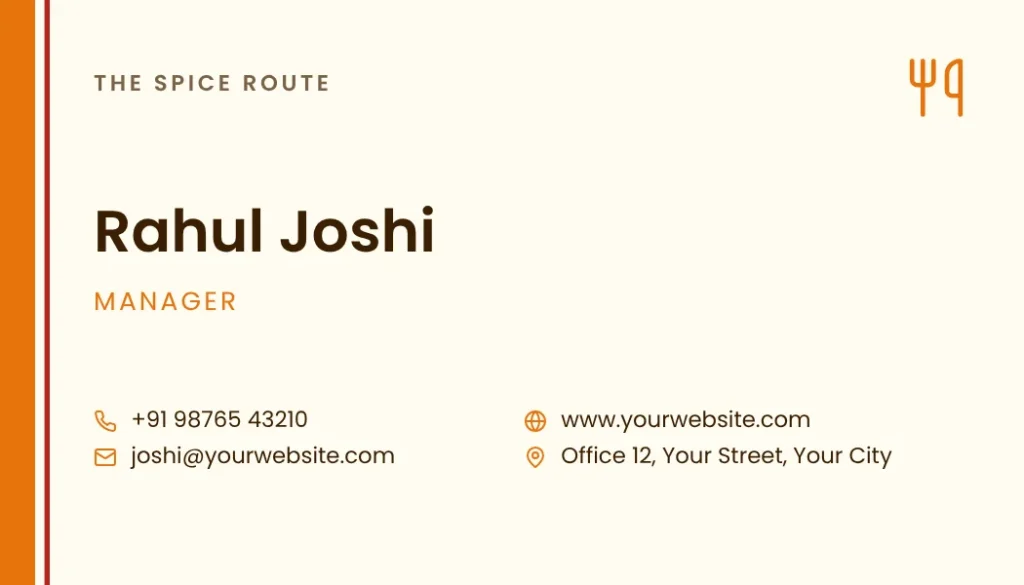
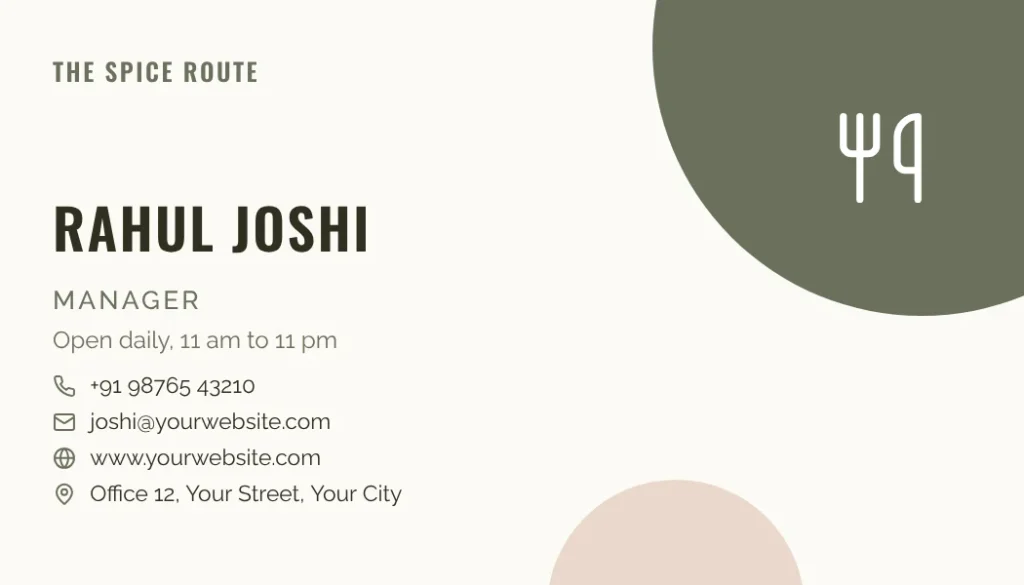
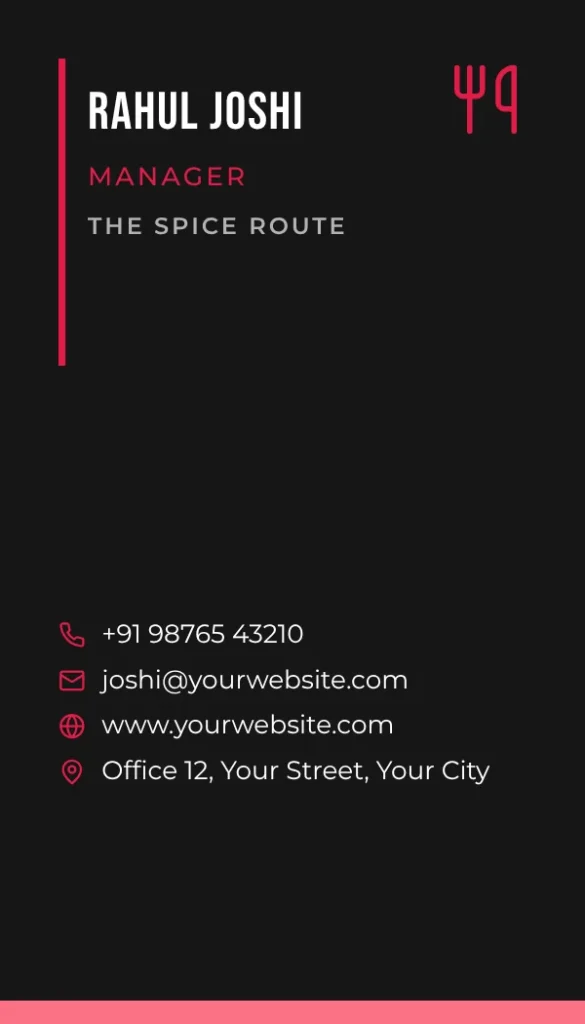
Hover or tap a card to see the back. Customize to edit and download.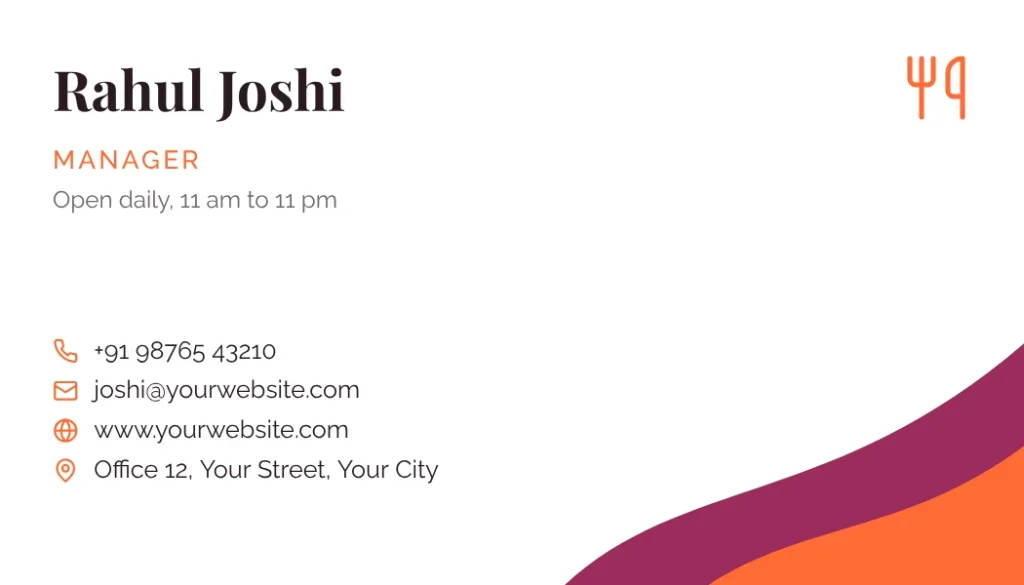
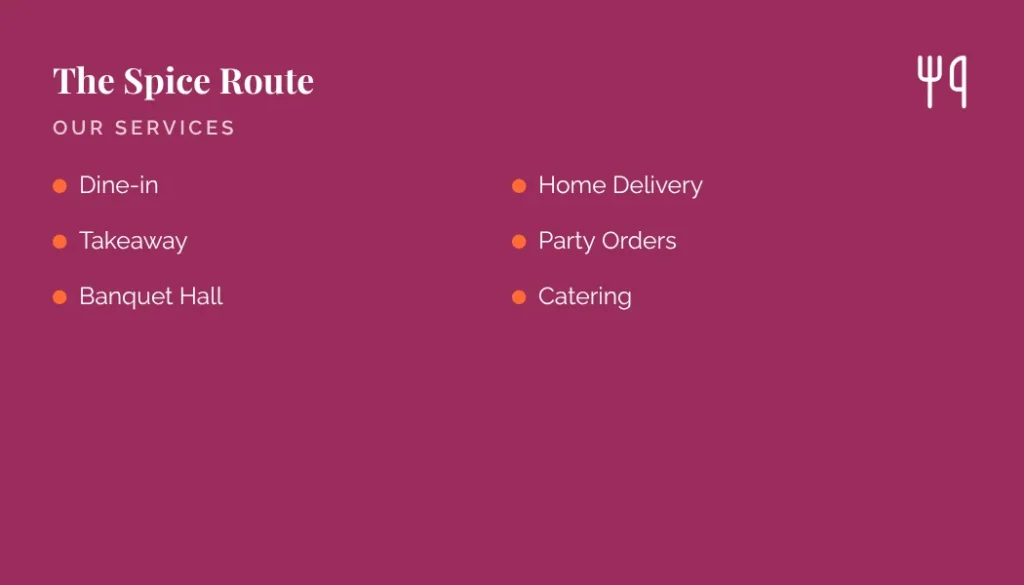
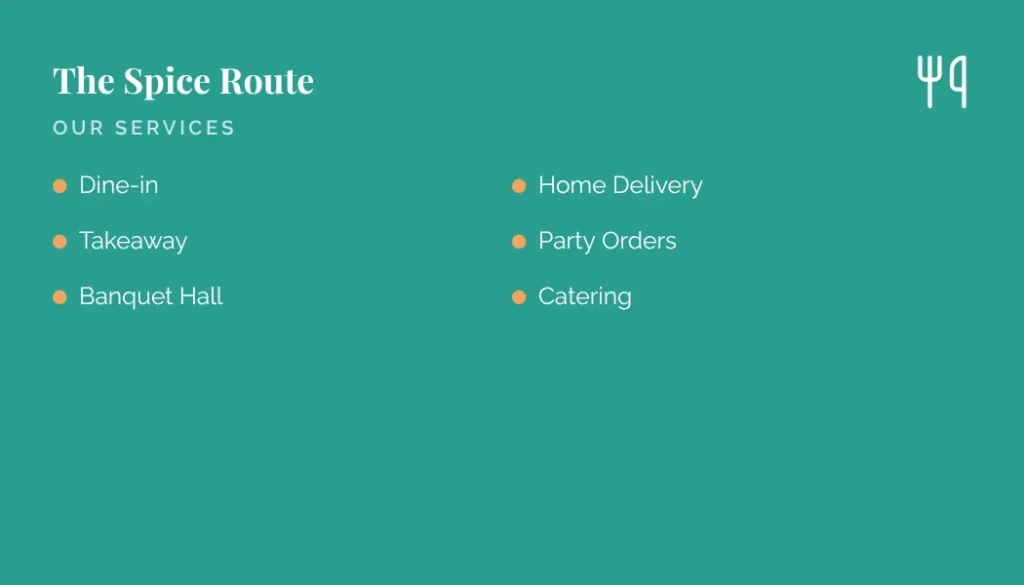
What to put on a restaurant, hotel or cafe card
- Name and concept: "The Spice Route: Family Restaurant and Banquet", "Pure Veg" or "Jain food available" if relevant.
- Hours: "Open daily, 11 am to 11 pm", or lunch and dinner slots separately.
- Phone numbers: separate lines for table reservations, home delivery and banquet enquiries if different people answer them.
- Address: with a landmark and parking note.
- Services: dine-in, takeaway, home delivery, party orders, catering, banquet hall.
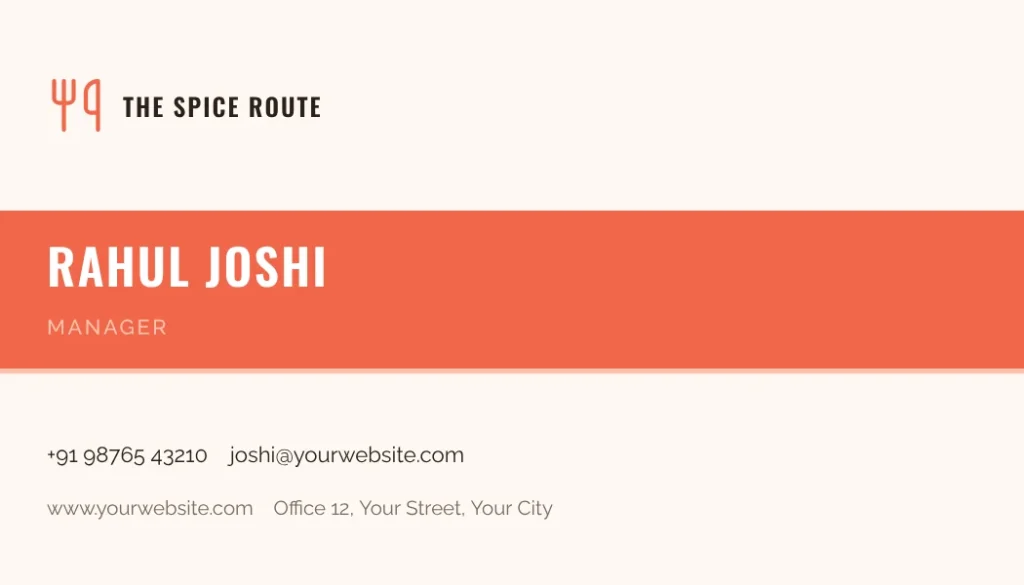
- Manager or owner: a name such as "Rahul Joshi, Manager" on cards used for corporate bookings.
- Hotels: room types, check-in time, front desk and reservation numbers, email.
FSSAI number: optional but common
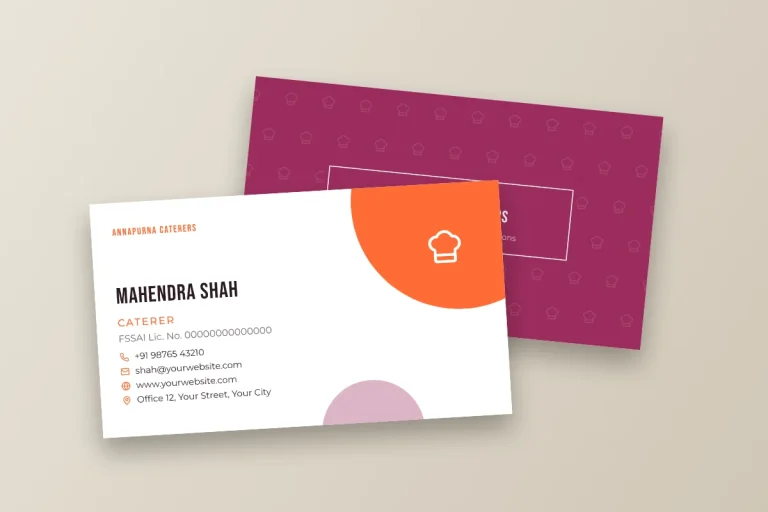
FSSAI licence and registration numbers are 14 digits. Since late 2021 they must appear on bills, invoices and cash memos, as well as on labels and premises. They are not required on visiting cards, but many restaurants, caterers and bakeries print them anyway because it signals a licensed kitchen. If you add it, write it plainly: "FSSAI Lic. No. 00000000000000". If you are GST-registered, the 15-character GSTIN can sit beside it on the back for corporate clients. Caterers who take outdoor orders will find a fuller layout on the catering visiting card page.
Design moods by type of place
- Indian family restaurant: turmeric yellow, chilli red and deep green, with a thali or spice motif.
- Cafe: kraft brown, chalkboard black or pastel mint, hand-drawn coffee cup, playful font.
- Bakery: cream and pink with a whisk, cupcake or bread loaf line icon.
- Hotel and banquet: navy, maroon or black with gold, serif type, a building or crest-free monogram.
- Fast food and street food: bright red and yellow, bold sans-serif, a large delivery number.
Food photos can look stunning but print darker than on screen; use them only at 300 DPI and proof first. For palette ideas see visiting card colour combinations.
Back-side ideas
- Map QR: opens directions. Print it at least 0.8 x 0.8 in (about 2 x 2 cm) with a clear margin.
- Order QR: links to your own ordering page or delivery listing.
- Signature dishes: three or four names, no prices, since menus change.
- Banquet panel: "Birthday, kitty and corporate parties, capacity on request".
- Loyalty stamps: for cafes, a "buy 9 coffees, the 10th is on us" grid.
Templates with QR panels are in the QR code business card collection.
Sample text layout
Front:
- The Spice Route
- Family Restaurant and Banquet
- Pure Veg | Dine-in, Takeaway, Home Delivery
- Open daily, 11 am to 11 pm
- Reservations: +91 00000 00000
- Home delivery: +91 00000 00000
- Sample Road, opposite City Mall
Back: map QR, order QR, "Rahul Joshi, Manager" and FSSAI number.
Printing tips
Counter cards get picked up by the hundreds, so order a larger quantity on standard 300 gsm stock; save heavier stock and foil for hotel and banquet managers' cards. Avoid dark ink floods on uncoated stock, which can look muddy for food colours. In India 3.5 x 2 inches is the most common size; some printers use 91 x 55 mm (see the visiting card size guide). Test both QR codes after printing a single sheet, before the full run.
Frequently asked questions
What should be written on a restaurant visiting card?
Write the restaurant name, cuisine or concept (pure veg, multi-cuisine), address with a landmark, opening hours, reservation and home delivery numbers, and services like takeaway, party orders and banquet. A QR code for directions or online ordering on the back makes the card much more useful for repeat orders.
Is the FSSAI number required on a visiting card?
No. FSSAI licence or registration numbers, which are 14 digits, must appear on bills, invoices, cash memos, labels and premises, but visiting cards are not on that list. Many restaurants and caterers still print the number because it reassures customers that the kitchen is licensed.
What should a hotel visiting card include?
A hotel card should show the hotel name, address, front desk and reservation numbers, email, website, check-in and check-out times, and facilities such as restaurant, banquet and parking. Manager cards add the person's name and role. Navy, maroon and black with gold accents suit most hotels.
How do I design a cafe visiting card?
Pick a look that matches your interior, such as kraft brown, chalkboard black or pastels, with a hand-drawn coffee cup or pastry icon. Show hours, location and Instagram, and use the back for a loyalty stamp grid. Keep the font playful for the name but plain for details.
Can I put food photos on a restaurant visiting card?
Yes, if the photos are your own, sharp at 300 DPI and colour-proofed. Food often prints darker and less vivid than on screen because printing uses CMYK. A single hero dish on the back works better than a collage, and keep text off the busy parts of the image.
More templates
 Catering Visiting Card DesignDesign a catering visiting card that answers a host's first questions: what food you serve, for how many...
- General Store Visiting Card DesignBright, easy-to-read general store visiting card templates for kirana shops, grocery stores and provision...
- Event Management Visiting CardBuild an event management visiting card that looks like one of your own celebrations: festive, organised and...
- QR Code Business Card TemplatesA QR code business card lets people scan the back of your card and save your name, phone and email straight...